🎨 Exploring the Top Free Cloud Storage Solutions for Artists and Designers in 2025
As we step into 2025, the creative landscape has become increasingly digital, and artists and designers are producing larger, more complex files than ever before. Whether you’re working on high-resolution digital paintings, 3D models, or multi-layered design projects, having reliable cloud storage isn’t just convenient—it’s essential for protecting your creative work and maintaining seamless workflows across devices.
I’ve spent countless hours testing various cloud storage solutions, and I understand the unique challenges creatives face. You need platforms that can handle massive PSD files, support version control for iterative designs, and offer collaboration features for client feedback. Most importantly, when you’re starting out or working on personal projects, you need solutions that won’t break the bank. 💰
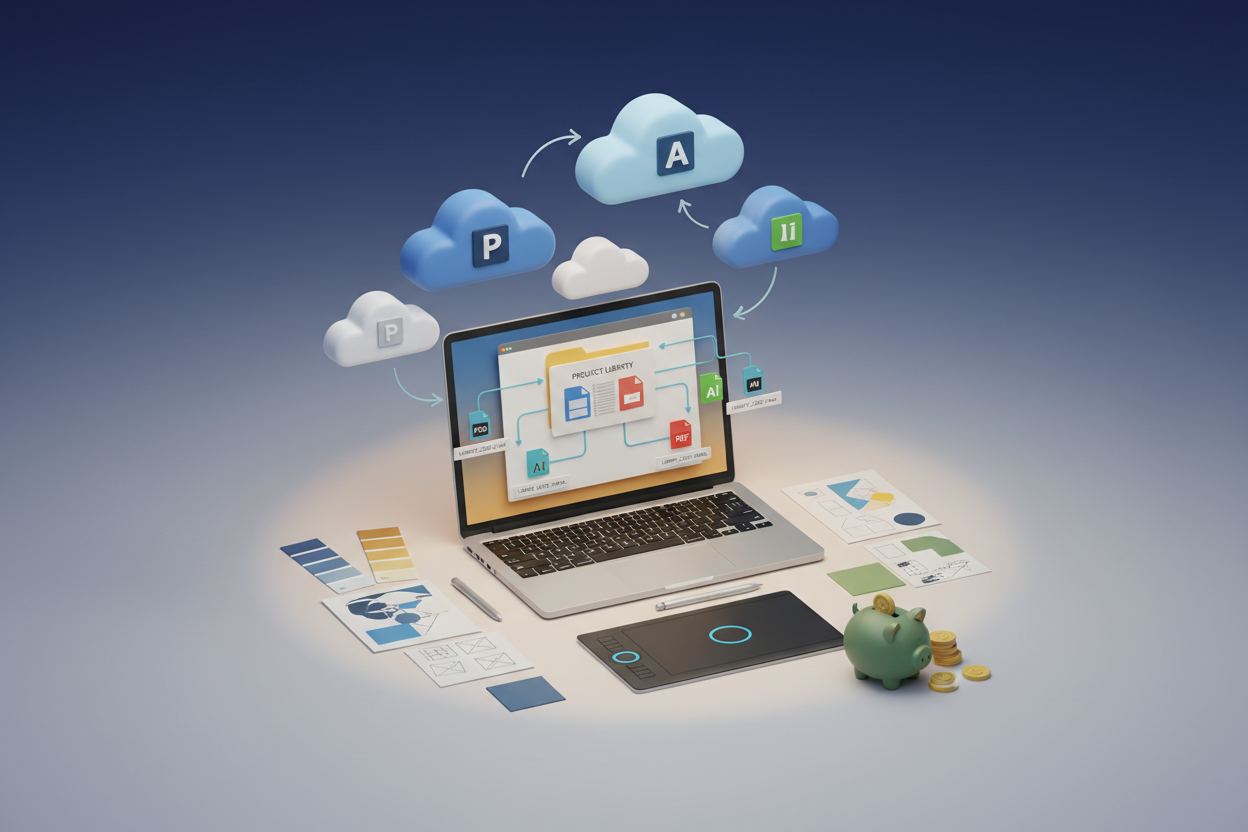
In this comprehensive guide, we’ll explore the best free cloud storage options specifically tailored for artists and designers in 2025, examining their strengths, limitations, and how they can fit into your creative workflow.
📋 Table of Contents
• Why Cloud Storage Matters for Creatives
• Google Drive: The Versatile All-Rounder
• Dropbox: Professional-Grade File Syncing
• OneDrive: Microsoft’s Creative-Friendly Platform
• iCloud: Perfect for Apple Ecosystem Users
• pCloud: European Privacy with Generous Storage
• Mega: Security-First Storage with Massive Free Space
• Box: Business-Oriented with Creative Features
• Comparison Table: At-a-Glance Features
• Tips for Maximizing Your Free Storage
• Frequently Asked Questions
🎯 Why Cloud Storage Matters for Creatives in 2025
The creative industry has evolved dramatically, and remote collaboration has become the norm rather than the exception. As someone who’s worked with designers across different time zones, I can tell you that cloud storage has transformed how creative projects are managed and delivered.

Modern design files are enormous. A single Photoshop file with multiple artboards can easily exceed 1GB, and don’t get me started on 4K video projects or complex 3D renders. Local storage fills up quickly, and external drives can fail at the worst possible moments. Cloud storage provides that crucial safety net while enabling seamless access from any device. 🔄
Beyond storage, these platforms offer version history, collaborative commenting, and integration with creative software that can streamline your entire workflow. The key is finding the right balance of features, storage capacity, and reliability within your budget constraints.
☁️ Google Drive: The Versatile All-Rounder
Google Drive remains one of the most popular choices among creatives, and for good reason. With 15GB of free storage shared across Gmail, Google Photos, and Drive, it offers excellent integration with Google’s suite of productivity tools.
What makes Google Drive particularly appealing for artists is its robust file preview capabilities. You can preview PSD files, AI files, and even some 3D formats directly in the browser without downloading them. The commenting system is intuitive, making client feedback loops much smoother than traditional email chains. 📝
The platform’s strength lies in collaboration. Real-time editing in Google Docs and Sheets makes project planning and client communication effortless. However, the 15GB limit can feel restrictive when dealing with large creative files, and the shared storage across Google services means your Gmail attachments eat into your design file storage.
For designers who frequently collaborate and need reliable document sharing, Google Drive’s ecosystem integration makes it an excellent primary or secondary storage solution.
📦 Dropbox: Professional-Grade File Syncing
Dropbox pioneered cloud storage and continues to excel in areas that matter most to creatives. While the free tier offers only 2GB initially, the platform’s referral program and various promotional activities can boost this significantly.
What sets Dropbox apart is its exceptional sync reliability and speed. Files sync almost instantaneously across devices, which is crucial when you’re switching between your studio workstation and laptop for client meetings. The desktop integration feels native, and the Smart Sync feature allows you to see all your files without taking up local storage space. ⚡
Dropbox also offers excellent third-party integrations with creative software. Adobe Creative Cloud users will appreciate the seamless integration that allows direct saving and opening of files from within Photoshop, Illustrator, and other Adobe applications.
The main drawback is the limited free storage, but for professional workflows where reliability trumps storage capacity, Dropbox remains unmatched.
🖥️ OneDrive: Microsoft’s Creative-Friendly Platform
Microsoft OneDrive provides 5GB of free storage and has significantly improved its appeal to creatives over recent years. The integration with Microsoft 365 apps is seamless, and the platform offers solid performance for design workflows.
OneDrive’s standout feature for artists is its integration with Microsoft’s ecosystem, including the Surface line of devices popular among digital artists. If you’re using a Surface Pro or Surface Studio, OneDrive feels like a natural extension of your creative setup. The platform also offers decent file versioning and sharing capabilities. 🎨
The web interface has become more intuitive, and the mobile apps provide good functionality for reviewing and sharing work on the go. However, OneDrive can be slower than competitors when syncing large files, and the free storage limit feels modest compared to some alternatives.
For creatives already invested in the Microsoft ecosystem or those who frequently collaborate with clients using Microsoft tools, OneDrive offers solid value despite its limitations.
🍎 iCloud: Perfect for Apple Ecosystem Users
iCloud provides 5GB of free storage and shines brightest when you’re fully committed to Apple’s ecosystem. For designers using Mac, iPad Pro, and iPhone in their creative workflow, iCloud offers unparalleled integration and convenience.
The platform excels at keeping your creative work synchronized across Apple devices. Starting a design on your iPad Pro during your commute and seamlessly continuing on your Mac Studio at the office feels magical when it works properly. iCloud also integrates beautifully with creative apps like Procreate, Affinity Designer, and even Adobe’s mobile apps. 📱
However, iCloud’s limitations become apparent quickly. The 5GB free tier is shared with device backups, photos, and app data, leaving little room for large design files. The web interface, while improved, still feels less robust than dedicated cloud storage platforms.
iCloud works best as a supplementary storage solution for Apple users rather than a primary creative storage platform.
🌍 pCloud: European Privacy with Generous Storage
pCloud, based in Switzerland, offers 10GB of free storage and positions itself as a privacy-focused alternative to mainstream cloud providers. For creatives concerned about intellectual property protection, pCloud’s strong privacy stance and European data protection laws provide additional peace of mind.
The platform offers solid performance and a clean, intuitive interface. File sharing is straightforward, and the platform provides good mobile apps for reviewing work on the go. pCloud also offers unique features like pCloud Crypto for client-side encryption, though this requires a paid upgrade. 🔐
What makes pCloud particularly interesting for creatives is its media streaming capabilities. You can stream video and audio files directly from the cloud without downloading, which is useful for reviewing multimedia projects or sharing work-in-progress videos with clients.
The main limitation is the lack of deep integration with creative software compared to more established platforms, but for privacy-conscious creatives, pCloud offers an compelling alternative.
🔒 Mega: Security-First Storage with Massive Free Space
Mega stands out by offering an impressive 20GB of free storage, making it one of the most generous free tiers available. Founded by Kim Dotcom, the platform emphasizes security and privacy, with end-to-end encryption as a core feature.
For artists and designers handling sensitive client work or proprietary designs, Mega’s security-first approach provides valuable protection. The platform performs well with large file uploads and downloads, making it suitable for high-resolution artwork and video projects. 🛡️
The user interface is clean and functional, though it lacks some of the collaborative features found in mainstream platforms. File sharing is secure but can feel less intuitive for clients unfamiliar with the platform.
Mega works best as a secure backup solution or for storing completed projects that don’t require frequent collaboration. The generous free storage makes it an excellent complement to other cloud services.
💼 Box: Business-Oriented with Creative Features
Box offers 10GB of free storage and targets business users, but its features align well with professional creative workflows. The platform emphasizes collaboration and workflow management, making it suitable for design teams and agencies.
Box’s strength lies in its robust permission system and audit trails. You can control exactly who has access to specific files and track all interactions, which is valuable when working with sensitive client projects. The platform also offers good integration with various business tools that creative agencies commonly use. 📊
The file preview capabilities are solid, supporting many creative file formats. However, Box can feel overly complex for individual artists or small creative teams who don’t need enterprise-level features.
Box is best suited for established creative businesses or freelancers who work with large corporate clients requiring strict access controls and audit capabilities.
📊 Comparison Table: At-a-Glance Features
Platform | Free Storage | Best For | Key Strength
Google Drive | 15GB* | Collaboration | Ecosystem Integration
Dropbox | 2GB+ | Professionals | Sync Reliability
OneDrive | 5GB | Microsoft Users | Surface Integration
iCloud | 5GB | Apple Ecosystem | Device Sync
pCloud | 10GB | Privacy-Conscious | European Data Laws
Mega | 20GB | Security-First | End-to-End Encryption
Box | 10GB | Business Users | Access Controls
*Shared across Google services
💡 Tips for Maximizing Your Free Storage
After years of managing creative projects across multiple platforms, I’ve learned several strategies to make the most of free cloud storage:
Archive Completed Projects: Move finished work to long-term storage solutions and keep only active projects in your primary cloud storage. This simple practice can free up significant space for current work. 📁
Use Multiple Platforms Strategically: Don’t limit yourself to one service. Use Google Drive for collaboration, Mega for secure backups, and Dropbox for active project syncing. This approach maximizes your total free storage while leveraging each platform’s strengths.
Optimize File Formats: Save working files in compressed formats when possible, and maintain uncompressed masters in archive storage. This balance preserves quality while managing storage efficiently.
Regular Cleanup: Schedule monthly reviews of your cloud storage to delete unnecessary files, outdated versions, and duplicate uploads. It’s amazing how much space accumulates from forgotten test files and iterations.
🔮 Looking Ahead: The Future of Creative Cloud Storage
As we progress through 2025, cloud storage platforms are increasingly incorporating AI-powered features that benefit creatives. Automated tagging, smart organization, and even AI-assisted file compression are becoming standard features that help manage growing creative libraries more efficiently.
The trend toward larger free storage tiers continues as platforms compete for users, but the real value lies in finding services that integrate seamlessly with your creative workflow and provide the reliability your work demands.
🎯 Conclusion: Choose Your Creative Cloud Strategy
The best cloud storage solution for artists and designers in 2025 isn’t necessarily the one with the most free storage—it’s the one that fits seamlessly into your creative workflow and provides the features you actually use.
For most creatives, I recommend a multi-platform approach: use Google Drive or Dropbox as your primary collaborative workspace, supplement with Mega or pCloud for additional storage and backups, and leverage specialized platforms like iCloud or OneDrive if you’re committed to specific ecosystems.
Remember, your creative work is irreplaceable. While free storage solutions can handle much of your needs, consider them as part of a broader backup strategy that includes local backups and, eventually, paid storage as your creative business grows. 🚀
The creative industry will continue evolving, and having flexible, reliable storage solutions will remain crucial for success. Start with these free options, understand your workflow needs, and scale up strategically as your creative practice grows.
❓ Frequently Asked Questions
Q: Can I use multiple cloud storage services simultaneously?
A: Absolutely! Many creatives use multiple services to maximize free storage and leverage different platform strengths. Just be mindful of file organization to avoid confusion.
Q: Which platform is best for large video files?
A: Mega and pCloud tend to handle large files well due to their generous storage limits and good upload performance. Google Drive also works well if you have available storage space.
Q: Are free cloud storage services secure enough for client work?
A: Most reputable platforms offer adequate security for general creative work. For highly sensitive projects, consider platforms like Mega or pCloud that emphasize encryption and privacy.
Q: How can I increase my free storage limits?
A: Most platforms offer referral bonuses, promotional campaigns, and achievement-based storage increases. Dropbox, in particular, has an active referral program that can significantly boost your free storage.
Q: What happens to my files if a free service shuts down?
A: This is why diversification and regular backups are crucial. Maintain copies of important work across multiple platforms and consider local backups for irreplaceable creative assets.