A Step-by-Step Guide to Setting Up a Secure Multi-Cloud Environment for Small Businesses in 2025 🚀
Table of Contents
1. Why Multi-Cloud is the Future for Small Businesses
2. Understanding Multi-Cloud Architecture Basics
3. Choosing the Right Cloud Providers
4. Planning Your Multi-Cloud Security Strategy
5. Step-by-Step Implementation Guide
6. Managing Costs and Resources Effectively
7. Monitoring and Maintenance Best Practices
8. Common Pitfalls to Avoid
9. Future-Proofing Your Multi-Cloud Setup
Introduction: Embracing the Multi-Cloud Revolution 🌟
Remember when having one cloud provider felt revolutionary? Well, welcome to 2025, where savvy small business owners are discovering that putting all their digital eggs in one basket isn’t just risky—it’s potentially business-limiting. I’ve watched countless entrepreneurs transform their operations by embracing multi-cloud environments, and honestly, the results have been nothing short of impressive.
Setting up a secure multi-cloud environment might sound like something only tech giants can handle, but that’s simply not true anymore. Today’s small businesses are leveraging multiple cloud providers to boost reliability, reduce costs, and gain competitive advantages that were unimaginable just a few years ago. Whether you’re running a local marketing agency or an e-commerce startup, this comprehensive guide will walk you through creating a robust, secure multi-cloud infrastructure that grows with your business.
Why Multi-Cloud is the Future for Small Businesses 💡
Let’s be real—depending on a single cloud provider is like having only one supplier for your entire business. What happens when they experience downtime? Or when their pricing suddenly changes? I’ve seen businesses scramble when their sole cloud provider had extended outages, and it’s not pretty.
Multi-cloud environments offer small businesses unprecedented flexibility. You can use AWS for your compute-heavy applications, Google Cloud for machine learning capabilities, and Microsoft Azure for seamless Office 365 integration. This approach isn’t just about redundancy; it’s about choosing the best tool for each specific job.
The cost benefits alone make multi-cloud worth considering. By 2025, businesses using multi-cloud strategies report average cost savings of 20-35% compared to single-cloud deployments. You’re no longer locked into one provider’s pricing model, and you can take advantage of competitive pricing across different platforms.
Understanding Multi-Cloud Architecture Basics 🏗️
Before diving into implementation, let’s establish what we’re actually building. A multi-cloud environment means using two or more cloud computing services from different providers simultaneously. Think of it as creating a symphony where each cloud provider plays their strongest instruments.
The key components include workload distribution, data synchronization, network connectivity, and centralized management. Your applications might run on different clouds, but they need to communicate seamlessly. This requires careful planning of your network architecture, security protocols, and data flow patterns.
Security becomes more complex but also more robust in multi-cloud setups. You’re not just protecting one environment—you’re creating multiple security layers across different platforms. This distributed approach actually enhances your overall security posture when implemented correctly.
Choosing the Right Cloud Providers 🎯
Selecting your cloud providers isn’t a decision to take lightly. I always recommend starting with a thorough assessment of your business needs. Are you data-heavy? Processing-intensive? Customer-facing? Each requirement points toward different provider strengths.
Amazon Web Services remains the market leader with the most comprehensive service catalog. It’s particularly strong for startups needing rapid scaling and extensive third-party integrations. Microsoft Azure excels when you’re already invested in the Microsoft ecosystem—the integration with Office 365, Teams, and other Microsoft services is seamless.
Google Cloud Platform shines in data analytics and machine learning applications. If your business relies on data-driven insights or you’re planning to implement AI features, Google’s offerings are hard to beat. For smaller, specialized needs, consider providers like DigitalOcean for simple web applications or Vultr for cost-effective compute resources.
Planning Your Multi-Cloud Security Strategy 🔐
Security in a multi-cloud environment requires a shift in thinking. You’re no longer managing security for one platform—you’re orchestrating security across multiple environments while maintaining consistent policies and controls.
Start with identity and access management (IAM). Implement single sign-on (SSO) solutions that work across all your chosen platforms. Tools like Okta or Azure Active Directory can provide centralized authentication, ensuring your team has appropriate access regardless of which cloud they’re working in.
Data encryption becomes critical when information moves between different cloud environments. Implement encryption at rest and in transit, and consider using cloud-agnostic encryption tools that maintain security standards across all platforms. Don’t forget about compliance requirements—ensure each provider meets your industry’s regulatory standards.
Network security requires special attention in multi-cloud setups. Use virtual private networks (VPNs) or dedicated connections between clouds, and implement zero-trust security models that verify every connection attempt, regardless of location or previous authentication.
Step-by-Step Implementation Guide 📋
Step 1: Inventory and Assessment
Begin by cataloging your current applications, data, and workflows. Identify which components are cloud-ready and which might need modification. This assessment phase typically takes 2-4 weeks but saves countless hours during implementation.
Step 2: Design Your Architecture
Create a detailed architecture diagram showing how different clouds will interact. Plan your data flows, identify integration points, and design your network topology. Consider using infrastructure-as-code tools like Terraform to manage configurations across multiple platforms.
Step 3: Set Up Core Infrastructure
Start with your primary cloud provider—usually the one hosting your most critical applications. Establish your virtual networks, security groups, and basic compute resources. Then gradually add secondary providers, ensuring connectivity between environments.
Step 4: Implement Security Controls
Deploy your IAM solutions, configure encryption, and establish monitoring tools. Set up centralized logging that aggregates information from all cloud environments. This step is crucial—don’t rush it.
Step 5: Migrate Applications Gradually
Start with non-critical applications to test your setup. Use this phase to refine your processes and identify any connectivity or performance issues. Once you’re confident in your configuration, migrate more critical workloads.
Step 6: Test and Validate
Conduct thorough testing of all systems, including disaster recovery scenarios. Verify that data synchronization works correctly and that security controls are functioning as expected across all platforms.
Managing Costs and Resources Effectively 💰
Multi-cloud environments can quickly become expensive if not managed properly. I’ve seen small businesses accidentally rack up huge bills by leaving resources running across multiple platforms. The key is implementing robust cost monitoring and resource optimization strategies from day one.
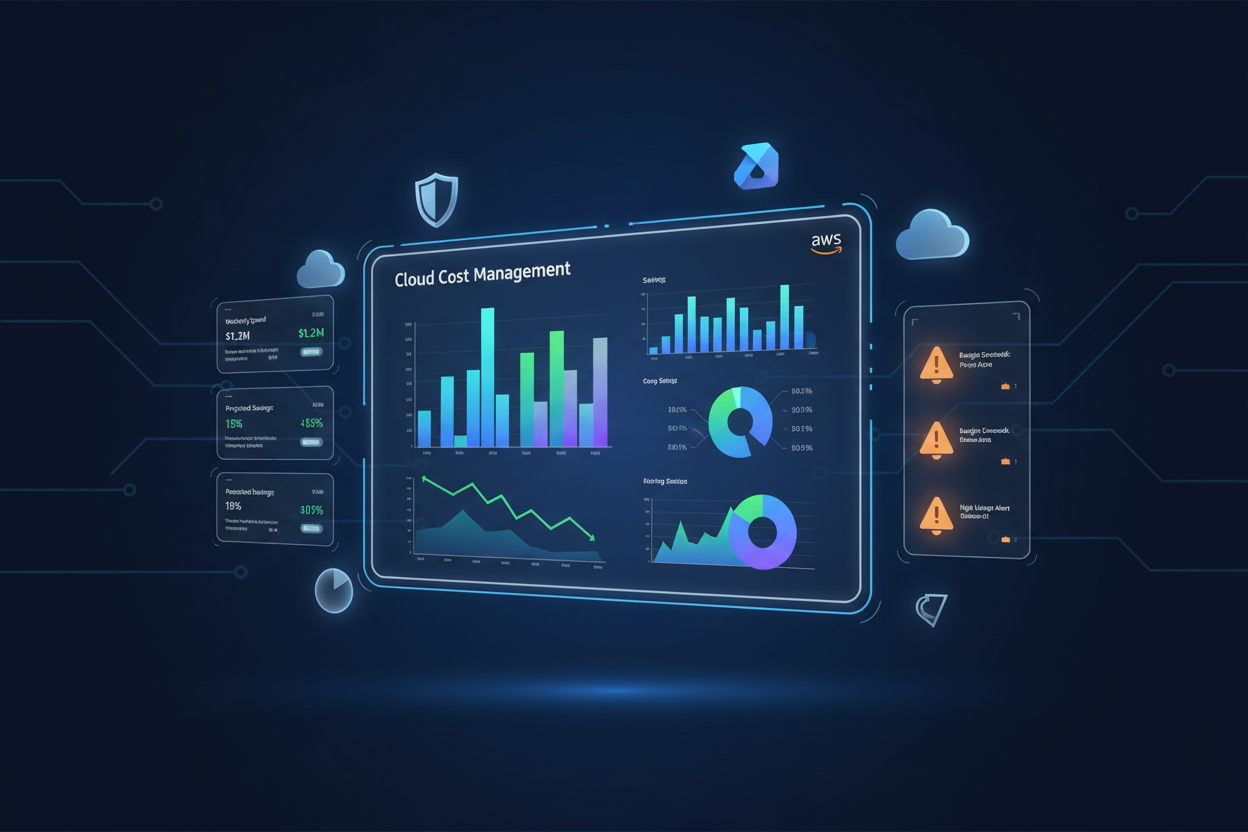
Use cloud cost management tools that provide visibility across all your providers. Services like CloudHealth or native tools like AWS Cost Explorer can help you track spending patterns and identify optimization opportunities. Set up billing alerts to catch unexpected cost spikes before they become problems.
Implement automated resource management wherever possible. Use auto-scaling groups to adjust capacity based on demand, and schedule non-production environments to shut down outside business hours. These simple steps can reduce costs by 30-50% without impacting performance.
Consider using reserved instances or committed use discounts for predictable workloads. Most providers offer significant discounts (20-70%) for longer-term commitments. However, be strategic—only commit to resources you’re confident you’ll use consistently.
Monitoring and Maintenance Best Practices 📊
Effective monitoring in a multi-cloud environment requires tools that can provide unified visibility across all platforms. You can’t rely on each provider’s native monitoring—you need a centralized approach that gives you a complete picture of your infrastructure health.
Implement comprehensive logging and monitoring solutions like Datadog, New Relic, or open-source alternatives like Prometheus and Grafana. These tools can aggregate metrics from multiple cloud providers, giving you a single dashboard to monitor performance, security, and costs.
Establish clear maintenance procedures and schedules. Regular updates, security patches, and configuration reviews should be coordinated across all platforms. Create runbooks for common scenarios and ensure your team understands procedures for each cloud environment.
Don’t forget about backup and disaster recovery planning. Your multi-cloud setup should include automated backups across different providers and regions. Test your disaster recovery procedures regularly—a plan that hasn’t been tested is just wishful thinking.
Common Pitfalls to Avoid ⚠️
One of the biggest mistakes I see is treating multi-cloud like multiple single-cloud deployments. This approach misses the integration benefits and often creates more complexity than value. Instead, design your architecture to leverage the strengths of each platform while maintaining seamless integration.
Vendor lock-in can still occur in multi-cloud environments, just in more subtle ways. Avoid using too many provider-specific services that can’t be easily migrated. Focus on portable solutions and standard APIs whenever possible.
Security complexity often catches businesses off guard. Each additional cloud provider introduces new security considerations, and maintaining consistent policies across platforms requires careful planning and ongoing attention. Don’t underestimate the operational overhead of managing security across multiple environments.
Cost management becomes more challenging with multiple providers. Without proper monitoring and governance, costs can spiral quickly. Implement strict tagging policies and regular cost reviews to maintain control over your multi-cloud spending.
Future-Proofing Your Multi-Cloud Setup 🔮
The cloud landscape continues evolving rapidly, and your multi-cloud strategy should be flexible enough to adapt to new technologies and changing business needs. Focus on building modular, loosely coupled architectures that can easily incorporate new services or providers.
Stay informed about emerging technologies like edge computing, serverless architectures, and containerization platforms. These technologies are becoming increasingly important in multi-cloud strategies and can provide significant competitive advantages when implemented thoughtfully.
Consider the growing importance of sustainability in cloud computing. Many providers are investing heavily in renewable energy and carbon-neutral operations. As environmental concerns become more prominent, choosing providers with strong sustainability commitments may become a business requirement.
Frequently Asked Questions 🤔
Q: How much does it cost to set up a multi-cloud environment for a small business?
A: Costs vary significantly based on your requirements, but small businesses typically spend $500-$5,000 monthly across multiple providers. The key is starting small and scaling gradually as you prove value and optimize costs.
Q: Do I need dedicated IT staff to manage a multi-cloud environment?
A: Not necessarily. Many small businesses successfully manage multi-cloud environments with existing staff and managed service providers. However, someone on your team should develop cloud expertise or consider partnering with a managed service provider.
Q: How long does it take to implement a multi-cloud setup?
A: Implementation timelines range from 4-12 weeks depending on complexity. Simple setups can be operational in a month, while complex environments with extensive integrations may take several months.
Q: What’s the minimum number of applications needed to justify multi-cloud?
A: There’s no strict minimum, but multi-cloud typically makes sense when you have at least 3-5 distinct workloads or when you need specific capabilities from different providers.
Q: How do I ensure data consistency across multiple cloud providers?
A: Implement robust data synchronization strategies using tools like database replication, message queues, or data integration platforms. Regular testing and monitoring are essential to maintain consistency.
Conclusion: Your Multi-Cloud Journey Starts Now 🎉
Setting up a secure multi-cloud environment for your small business in 2025 isn’t just about staying current with technology trends—it’s about positioning your company for sustainable growth and competitive advantage. The flexibility, resilience, and cost optimization opportunities that multi-cloud provides can transform how your business operates and serves customers.
Remember, you don’t need to implement everything at once. Start with a simple two-provider setup, focus on security from the beginning, and gradually expand your multi-cloud capabilities as your team gains experience and confidence. The key is taking that first step and learning as you go.
The multi-cloud landscape will continue evolving, but the fundamental principles of good architecture, strong security, and careful cost management will remain constant. By following the steps outlined in this guide and avoiding common pitfalls, you’re well-positioned to build a multi-cloud environment that serves your business for years to come.
Your journey to multi-cloud success starts with a single decision to move beyond the limitations of single-provider dependency. The tools, knowledge, and support systems are available—now it’s time to take action and give your business the technological foundation it deserves. 🚀