
Why LibreOffice is the Best Open Source Office Suite in 2025 📊
Table of Contents
🔍 Introduction: The Open Source Revolution
💪 Powerful Features That Rival Premium Suites
💰 Cost-Effectiveness That Makes Sense
🌍 Cross-Platform Compatibility Excellence
🔒 Privacy and Security Advantages
🎨 Customization and Flexibility
👥 Strong Community Support
📈 Recent Updates and Improvements in 2025
🆚 LibreOffice vs. Competitors
💡 Conclusion
❓ Frequently Asked Questions
Introduction: The Open Source Revolution 🚀
In today’s digital landscape, choosing the right office suite can make or break your productivity. While many users automatically gravitate toward expensive proprietary solutions, there’s a powerful alternative that’s been quietly revolutionizing the way we work: LibreOffice. As we navigate through 2025, this open-source powerhouse has evolved into something truly remarkable – a comprehensive office suite that not only matches but often exceeds the capabilities of its paid competitors.
I’ve been using LibreOffice for over five years now, and I can honestly say it’s transformed how I approach document creation, spreadsheet analysis, and presentation design. What started as a curiosity about free alternatives has become a genuine appreciation for what open-source software can achieve when backed by a passionate community of developers and users.
Powerful Features That Rival Premium Suites 💪
Let’s be honest – features are what matter most when you’re trying to get work done. LibreOffice doesn’t just offer basic functionality; it delivers a comprehensive suite of tools that can handle everything from simple letters to complex financial models.
The Writer component has become incredibly sophisticated, offering advanced formatting options, collaborative editing capabilities, and even built-in citation management that rivals dedicated academic software. I recently used it to co-author a 200-page technical manual, and the track changes feature worked flawlessly throughout the entire process.
Calc, LibreOffice’s spreadsheet application, has impressed me time and again with its ability to handle large datasets. The pivot table functionality is intuitive, and the charting capabilities have improved dramatically over the past year. What really sets it apart is the macro support – you can automate complex tasks using either LibreOffice Basic or Python scripting.
Impress, the presentation software, might surprise you with its professional templates and smooth transition effects. The master slide functionality makes it easy to maintain consistent branding across large presentation decks, something I appreciate when preparing client materials.
Cost-Effectiveness That Makes Sense 💰
Here’s where LibreOffice truly shines – it’s completely free. Not “free for 30 days” or “free with limited features,” but genuinely free forever. For small businesses, freelancers, students, and even large organizations looking to reduce software licensing costs, this represents enormous savings.
Consider this: a typical office suite license can cost anywhere from $100 to $400 per user annually. For a small business with ten employees, that’s potentially $4,000 every year just for basic office software. LibreOffice eliminates this expense entirely while providing comparable functionality.
But the cost benefits extend beyond the initial price tag. There are no forced upgrades, no subscription renewals to remember, and no licensing compliance headaches. You can install LibreOffice on as many computers as you need without worrying about violating terms of service.
Cross-Platform Compatibility Excellence 🌍
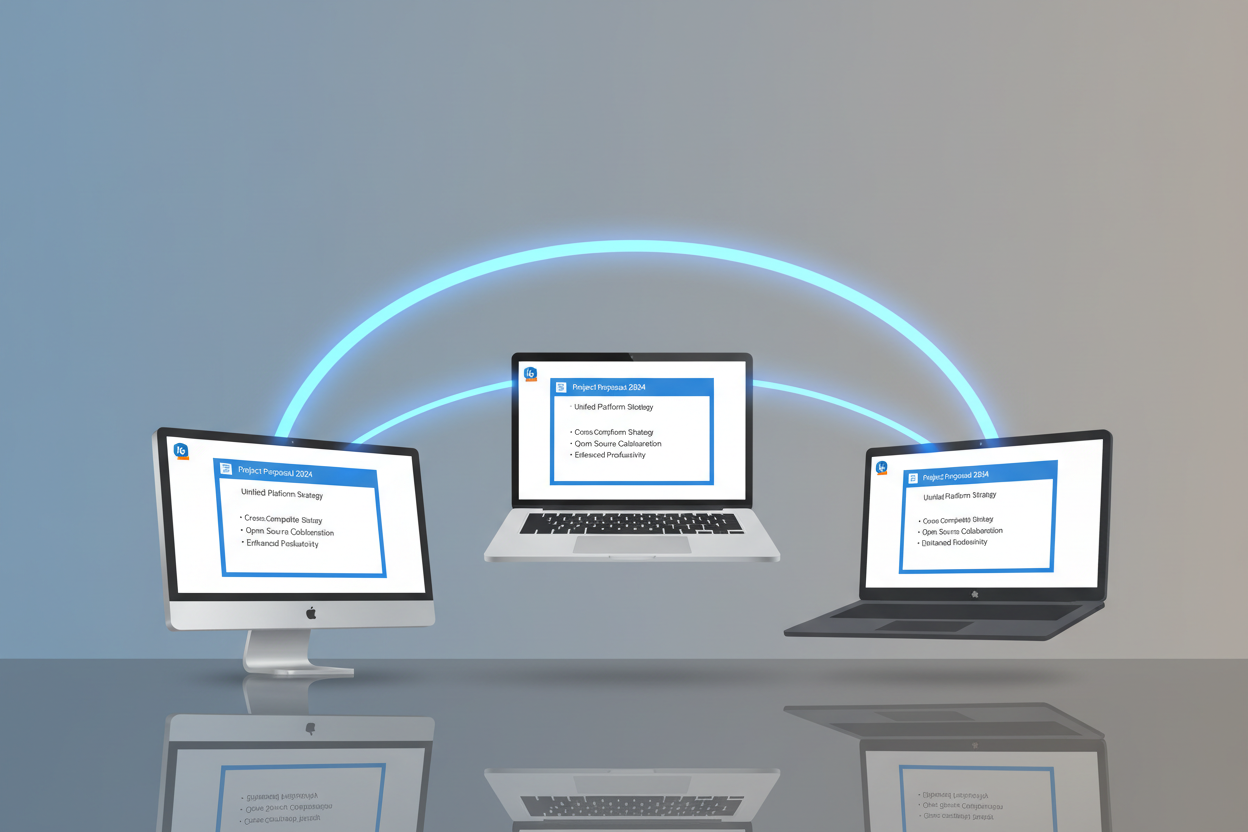
In our increasingly diverse computing environment, cross-platform compatibility isn’t just nice to have – it’s essential. LibreOffice runs natively on Windows, macOS, and Linux, maintaining consistent functionality across all platforms.
I regularly switch between my Windows desktop, MacBook, and Linux laptop, and LibreOffice provides a seamless experience across all three. Documents look the same, features work identically, and keyboard shortcuts are consistent. This level of platform independence is something even expensive proprietary suites struggle to achieve.
The mobile story has also improved significantly in 2025. While LibreOffice doesn’t have dedicated mobile apps, the online version works beautifully on tablets and smartphones, allowing you to view and edit documents on the go.
Privacy and Security Advantages 🔒
In an era where data privacy concerns dominate headlines, LibreOffice offers something increasingly rare: complete control over your documents. Unlike cloud-based office suites that store your files on remote servers, LibreOffice keeps your data exactly where you want it – on your own devices.
There’s no telemetry collecting information about how you use the software, no advertising algorithms analyzing your documents, and no risk of your sensitive business information being accessed by third parties. For organizations handling confidential information, this level of privacy protection is invaluable.
The open-source nature of LibreOffice also means that security vulnerabilities are quickly identified and patched by the global community of developers. Unlike proprietary software where you’re dependent on a single company’s security team, LibreOffice benefits from thousands of eyes reviewing the code.
Customization and Flexibility 🎨
One aspect of LibreOffice that continues to impress me is its incredible customizability. You can modify virtually every aspect of the interface, from toolbar layouts to keyboard shortcuts. This flexibility allows you to create a workspace that matches your specific workflow needs.
The extension ecosystem has grown substantially, offering add-ons for everything from advanced grammar checking to specialized scientific notation. I particularly love the ability to create custom templates and styles that can be shared across teams, ensuring consistent document formatting organization-wide.
For power users, the macro capabilities are exceptional. You can automate repetitive tasks, create custom functions, and even build sophisticated document processing workflows. The scripting support includes not just LibreOffice Basic, but also Python, JavaScript, and BeanShell.
Strong Community Support 👥
Perhaps one of LibreOffice’s greatest strengths is its vibrant, helpful community. The forums are filled with knowledgeable users and developers who are genuinely eager to help solve problems. I’ve posted questions there myself and received detailed, helpful responses within hours.
The documentation has improved tremendously over the years, with comprehensive guides, video tutorials, and step-by-step walkthroughs available in multiple languages. The community also produces regular webinars and training sessions that help users maximize their productivity.
This community-driven support model often provides better assistance than traditional corporate support channels. Instead of being routed through multiple support tiers, you’re often getting help directly from the people who built the features you’re asking about.
Recent Updates and Improvements in 2025 📈
LibreOffice 7.6 and the upcoming 7.7 release have brought significant improvements that address many of the historical criticisms of the suite. The user interface has been refined with better icon consistency and improved dark mode support. Performance optimizations have made large document handling noticeably faster.
The collaboration features have seen major enhancements, with improved real-time editing capabilities and better integration with popular cloud storage services. The PDF export functionality now includes advanced security options and better accessibility compliance.
Perhaps most importantly, Microsoft Office compatibility has reached new heights. Complex documents with embedded objects, advanced formatting, and custom styles now transfer more reliably between LibreOffice and Office formats.
LibreOffice vs. Competitors 🆚
When comparing LibreOffice to Microsoft Office, Google Workspace, or other alternatives, it’s important to be realistic about strengths and limitations. LibreOffice excels in areas like cost, privacy, customization, and offline functionality. Microsoft Office might have slight advantages in advanced collaboration features and third-party integrations, while Google Workspace leads in real-time collaboration simplicity.
However, for the vast majority of users – those who primarily create documents, work with spreadsheets, and build presentations – LibreOffice provides everything needed and more. The feature gap that once existed has largely disappeared, making the choice more about preferences and specific requirements than fundamental capabilities.
The key is understanding your actual needs versus perceived needs. Many organizations pay premium prices for features they rarely or never use, when LibreOffice could handle their entire workflow at zero cost.
Conclusion 💡
As we progress through 2025, LibreOffice stands as a testament to what open-source software can achieve. It’s not just a “good enough” alternative to expensive office suites – it’s a genuinely excellent product that deserves consideration on its own merits.
The combination of powerful features, zero cost, excellent privacy protection, and strong community support makes LibreOffice an compelling choice for individuals, small businesses, educational institutions, and even large enterprises. The recent improvements in user interface design, performance, and compatibility have addressed most of the historical concerns about open-source office software.
If you haven’t tried LibreOffice recently, or if you’re currently paying for office software that you could replace with this free alternative, I encourage you to give it a serious evaluation. Download it, use it for your real work for a few weeks, and see if it meets your needs. You might be surprised at just how capable and polished this open-source solution has become.
Frequently Asked Questions ❓
Is LibreOffice really completely free?
Yes, LibreOffice is completely free to download, use, and distribute. There are no hidden costs, subscription fees, or premium versions. It’s funded by donations and corporate sponsors who believe in open-source software.
Can LibreOffice open and save Microsoft Office files?
Absolutely. LibreOffice can open, edit, and save files in all major Microsoft Office formats including .docx, .xlsx, and .pptx. The compatibility has improved significantly and works well for most documents.
Is LibreOffice suitable for business use?
Yes, many businesses, government organizations, and educational institutions use LibreOffice successfully. It includes enterprise-grade features like document encryption, digital signatures, and advanced formatting capabilities.
How does LibreOffice handle collaboration?
LibreOffice supports track changes, comments, and version control for document collaboration. While it may not have the real-time collaboration features of cloud-based suites, it handles traditional collaborative workflows very well.
Can I get support if I have problems with LibreOffice?
Yes, LibreOffice has extensive documentation, community forums, and volunteer support. Many organizations also offer paid professional support services for businesses that need guaranteed response times.
Will LibreOffice work on my operating system?
LibreOffice runs on Windows, macOS, and Linux. It’s also available as a web-based version that works in any modern browser, and there are mobile viewing options for tablets and smartphones.


