
The Best To-Do List Apps to Keep You on Track in 2025 📝
Table of Contents
1. Introduction: Why Digital To-Do Lists Matter More Than Ever
2. What Makes a Great To-Do List App in 2025
3. Top 7 To-Do List Apps for Maximum Productivity
4. How to Choose the Right App for Your Lifestyle
5. Tips for Making the Most of Your Digital Task Manager
6. Conclusion: Your Path to Better Organization
7. Frequently Asked Questions
Introduction: Why Digital To-Do Lists Matter More Than Ever
Let’s be honest – we’ve all been there. You start your day with the best intentions, mentally noting everything you need to accomplish. But by noon, you’re staring at your phone wondering if you remembered to pay that bill or schedule that important meeting. Sound familiar? 🤔
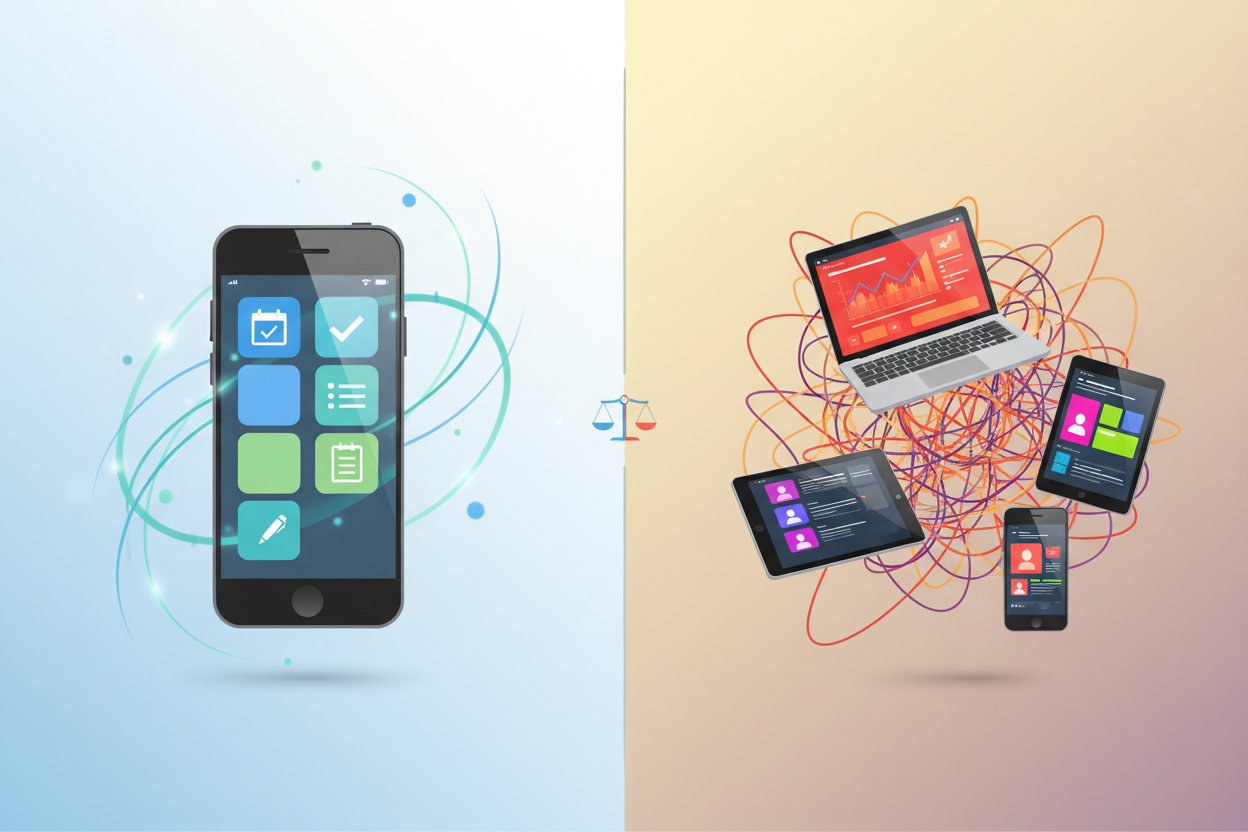
In our increasingly fast-paced world of 2025, keeping track of our daily tasks has become more challenging than ever. Between work deadlines, personal commitments, and the constant stream of notifications competing for our attention, it’s no wonder that many of us feel overwhelmed and scattered.
That’s where the right to-do list app comes in as your digital lifesaver. Gone are the days when a simple notepad could handle our complex, interconnected lives. Today’s best task management apps offer features that would have seemed like science fiction just a few years ago – AI-powered scheduling, smart notifications, seamless collaboration, and integration with virtually every other app you use.
Whether you’re a busy professional juggling multiple projects, a student managing coursework and extracurriculars, or someone simply trying to maintain a better work-life balance, the right digital task manager can transform how you approach your daily routine. Let’s dive into the apps that are leading the charge in 2025.
What Makes a Great To-Do List App in 2025
Before we explore specific apps, it’s crucial to understand what separates the good from the great in today’s competitive landscape. The best to-do list apps of 2025 share several key characteristics that make them indispensable tools for modern productivity.
First and foremost is intelligent automation. The top apps now use AI to predict your scheduling patterns, suggest optimal times for tasks, and even automatically categorize new items based on your historical behavior. This isn’t just convenient – it’s revolutionary for people who struggle with task prioritization.
Cross-platform synchronization has evolved beyond basic cloud storage. Today’s leading apps offer real-time collaboration features that make sharing and delegating tasks as simple as sending a text message. Whether you’re coordinating with family members about household chores or managing a complex work project with colleagues across different time zones, seamless integration is non-negotiable.
User experience design has also reached new heights. The best apps understand that a cluttered interface kills productivity faster than having no system at all. They balance powerful features with intuitive design, ensuring that adding a task takes seconds, not minutes of navigation through complex menus.
Top 7 To-Do List Apps for Maximum Productivity
1. Todoist – The Powerhouse for Power Users 💪
Todoist continues to dominate the productivity space in 2025, and for good reason. This app strikes the perfect balance between simplicity and advanced functionality, making it suitable for everyone from casual users to project management professionals.
What sets Todoist apart is its natural language processing. You can type “Call mom tomorrow at 3pm” and the app automatically sets the reminder for the correct date and time. The karma system gamifies productivity by tracking your completion streaks and task completion rates, which surprisingly motivates many users to stay consistent.
The collaboration features have been significantly enhanced this year, with real-time commenting on shared projects and the ability to assign tasks with custom deadlines. For teams, the workload view provides insights into who’s overwhelmed and who has capacity for additional tasks.
2. Microsoft To Do – The Seamless Office Integration Champion 🏢
If you’re already invested in the Microsoft ecosystem, Microsoft To Do has become incredibly sophisticated in 2025. The integration with Outlook, Teams, and other Office applications creates a unified productivity experience that’s hard to match.
The “My Day” feature uses machine learning to suggest which tasks you should focus on based on your schedule, energy patterns, and historical completion data. The shared lists functionality has been streamlined, making family and work collaboration effortless.
One standout feature is the integration with Microsoft Viva, which provides insights into your productivity patterns and suggests improvements to your task management approach. It’s like having a personal productivity coach built into your to-do list.
3. Things 3 – The Apple Ecosystem’s Crown Jewel 🍎
For Mac and iOS users, Things 3 remains the gold standard for elegant task management. While it doesn’t offer the cross-platform flexibility of some competitors, its deep integration with Apple’s ecosystem is unmatched.
The natural language input has been refined to understand complex scheduling scenarios, and the new Focus integration helps align your tasks with your current mental state. The award-winning design makes task management feel less like work and more like a satisfying ritual.
Things 3’s approach to project organization is particularly noteworthy. The ability to nest projects within areas, and tasks within projects, creates a logical hierarchy that mirrors how most people think about their responsibilities.
4. Notion – The All-in-One Workspace Revolution 🚀
Notion has evolved far beyond its origins as a note-taking app to become a comprehensive productivity platform. While it might seem overwhelming at first, its flexibility makes it incredibly powerful for users who want to customize their task management system.
The database functionality allows you to create complex task tracking systems with custom properties, filters, and views. You can track everything from simple to-dos to complex project timelines with dependencies and resource allocation.
The AI writing assistant now helps with task creation and project planning, suggesting subtasks and identifying potential bottlenecks. For teams, the collaborative features rival dedicated project management platforms while maintaining the simplicity of a personal task manager.
5. TickTick – The Feature-Rich Dark Horse 🌟
TickTick has quietly become one of the most comprehensive task management solutions available. It combines traditional to-do list functionality with calendar integration, time tracking, and even a Pomodoro timer.
The smart scheduling feature analyzes your calendar and suggests optimal times for completing tasks based on their estimated duration and priority. The habit tracking integration helps you build consistent routines alongside managing one-off tasks.
What many users love about TickTick is its flexibility in viewing tasks. Whether you prefer a simple list, calendar view, or Kanban board, the app adapts to your preferred workflow style.
6. Any.do – The Minimalist’s Dream ✨
Sometimes simplicity is the ultimate sophistication, and Any.do proves this point beautifully. The app focuses on the essential features without overwhelming users with options they’ll never use.
The voice input feature has been significantly improved, allowing you to add tasks naturally while driving or exercising. The moment planner helps you organize your day during your morning coffee, creating a mindful approach to task management.
The shared grocery lists and family planning features make Any.do particularly appealing for households looking to coordinate daily activities without complexity.
7. Asana – The Team Collaboration Specialist 👥
While primarily known as a project management platform, Asana’s personal task features have been significantly enhanced in 2025. The My Tasks view provides a personalized dashboard that rivals dedicated to-do list apps.
The workload management features help prevent burnout by visualizing your capacity and automatically suggesting task redistribution. The goals tracking functionality connects daily tasks to larger objectives, providing context for why each item matters.
For individuals who occasionally work on team projects, Asana offers the best of both worlds – personal task management with enterprise-grade collaboration features when needed.
How to Choose the Right App for Your Lifestyle
Selecting the perfect to-do list app isn’t just about features – it’s about finding the tool that aligns with your personality, workflow, and long-term goals. Here’s how to make the right choice for your unique situation.
Start by honestly assessing your current productivity challenges. Are you someone who gets overwhelmed by too many options, or do you thrive with customizable systems? Do you work primarily alone, or do you need robust collaboration features? Understanding your pain points will help narrow down your options significantly.
Consider your existing digital ecosystem. If you’re deeply invested in Google Workspace, an app that integrates seamlessly with Gmail and Google Calendar will provide more value than a standalone solution. Similarly, Apple users might find Things 3’s ecosystem integration worth the platform limitation.
Think about your commitment level to task management. If you’re just starting to build organizational habits, a simple app like Any.do might be perfect. However, if you’re ready to invest time in creating a comprehensive productivity system, Notion’s flexibility could be transformative.
Don’t underestimate the importance of mobile experience. Since most of us add tasks on-the-go, the app’s mobile interface should feel intuitive and fast. A beautiful desktop app is useless if adding a quick task on your phone feels cumbersome.
Tips for Making the Most of Your Digital Task Manager
Having the right app is only half the battle – using it effectively is where the real magic happens. Here are proven strategies to maximize your chosen tool’s impact on your productivity.
Establish a consistent capture habit. The best task management system in the world is useless if you don’t consistently input your tasks. Set up quick capture methods – whether that’s a widget on your phone’s home screen, a keyboard shortcut on your computer, or voice commands for hands-free entry.
Implement the two-minute rule religiously. If a task takes less than two minutes to complete, do it immediately rather than adding it to your list. This prevents your app from becoming cluttered with trivial items that create false urgency.
Use time-blocking in conjunction with your task list. Many people make the mistake of treating their to-do list as a wish list rather than a realistic plan. Block specific time slots in your calendar for important tasks to ensure they actually get completed.
Regular review sessions are crucial for maintaining system effectiveness. Schedule weekly reviews to assess what’s working, what isn’t, and how you can optimize your approach. This is also when you should clean up completed items and adjust priorities based on changing circumstances.
Don’t forget to celebrate completions. Most apps offer some form of completion tracking or streak counting. Use these features to acknowledge your progress and maintain motivation during challenging periods.
Conclusion: Your Path to Better Organization
The landscape of to-do list apps in 2025 offers something for everyone, from the minimalist who wants simple task tracking to the power user who needs comprehensive project management capabilities. The key is finding the tool that not only meets your current needs but can grow with you as your productivity requirements evolve.
Remember that the best app is the one you’ll actually use consistently. Don’t get caught up in feature comparisons if a simpler solution better matches your workflow style. Conversely, don’t settle for basic functionality if you have complex organizational needs that require more sophisticated tools.
The investment you make in choosing and learning a quality task management system will pay dividends in reduced stress, improved focus, and a greater sense of control over your daily life. Whether you choose the collaborative power of Asana, the elegant simplicity of Things 3, or the customizable flexibility of Notion, you’re taking a crucial step toward better personal organization.
Start with one app, commit to using it for at least a month, and then evaluate whether it’s serving your needs effectively. Your future self will thank you for taking control of your task management today! 🎯
Frequently Asked Questions
Q: Can I switch between to-do list apps without losing my data?
A: Most major apps offer export functionality, and many provide import tools for migrating from competitors. However, the process isn’t always seamless, so it’s worth testing apps thoroughly before making a full commitment. Consider starting with free versions or trials to minimize disruption.
Q: Are paid to-do list apps worth the cost?
A: It depends on your needs and usage patterns. Free versions often provide sufficient functionality for basic task management. However, paid features like advanced collaboration, unlimited projects, and premium integrations can be valuable for power users or teams. Consider the time saved and productivity gained when evaluating cost-effectiveness.
Q: How do I prevent my to-do list from becoming overwhelming?
A: Set realistic daily limits (most productivity experts recommend 3-5 major tasks per day), use priority systems to focus on what matters most, and regularly review and purge outdated or irrelevant items. Many apps offer filtering options to show only today’s tasks, which can help reduce visual overwhelm.
Q: Should I use one app for everything or multiple apps for different purposes?
A: Generally, consolidating into one comprehensive app reduces friction and improves consistency. However, some people benefit from separating work and personal tasks, or using specialized apps for specific functions like habit tracking. The key is minimizing the number of systems you need to maintain.
Q: How often should I review and update my task management system?
A: Perform daily reviews to plan your next day, weekly reviews to assess progress and adjust priorities, and monthly reviews to evaluate whether your current system and app choice are still serving your needs effectively. This regular maintenance prevents your system from becoming stale or overwhelming.



