
The Best Password Managers for Keeping Your Information Safe in 2025 🔐
Table of Contents
• Why You Need a Password Manager in 2025
• Top Password Managers for Ultimate Security
• Essential Features to Look For
• How to Choose the Right Password Manager
• Setting Up Your Password Manager
• Common Password Manager Myths Debunked
• Frequently Asked Questions
Let’s be honest – if you’re still using “password123” or your pet’s name for multiple accounts, you’re playing with fire in today’s digital landscape. 🔥 With cyber attacks becoming more sophisticated and data breaches making headlines almost weekly, protecting your online identity has never been more critical.
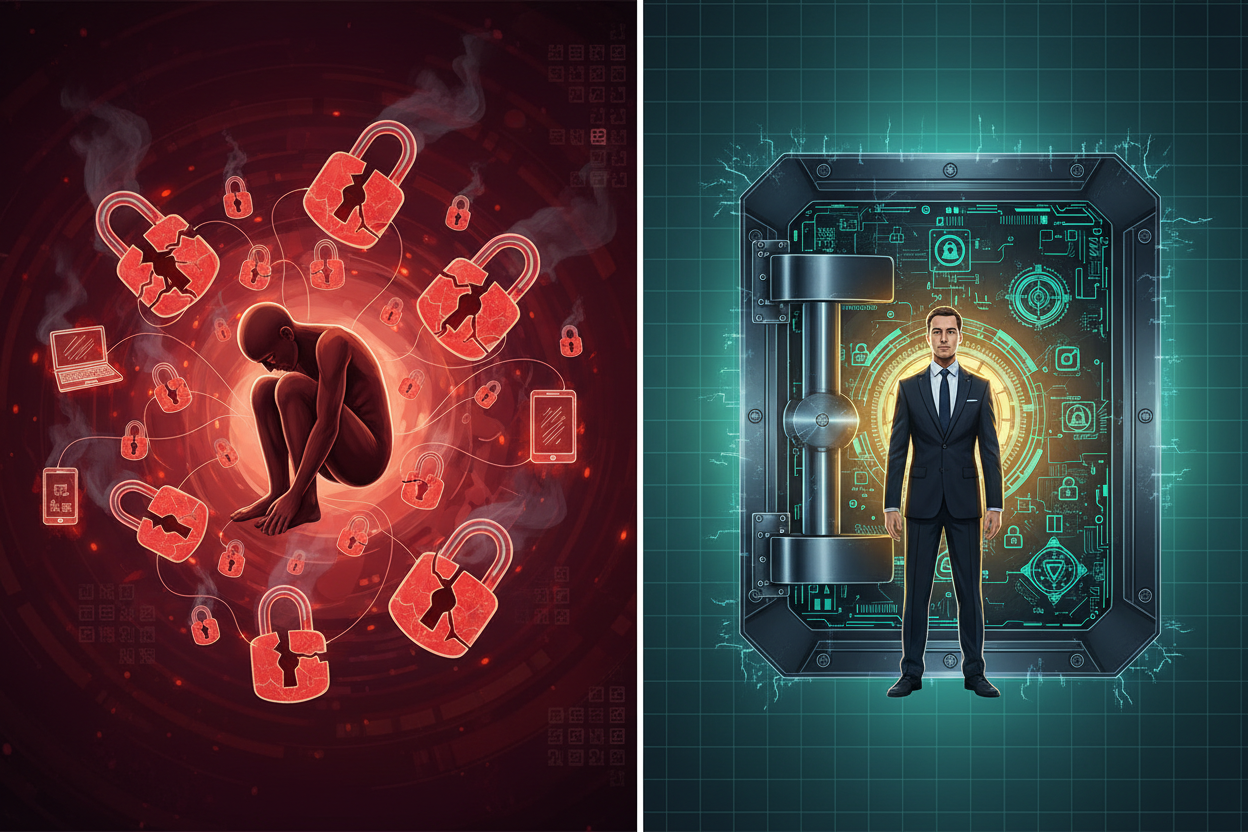
I’ve been in the cybersecurity field for over a decade, and I can’t stress enough how password managers have evolved from a “nice-to-have” tool to an absolute necessity. Whether you’re a tech-savvy professional or someone who just wants to browse the internet safely, finding the right password manager can be the difference between sleeping soundly and dealing with identity theft.
In this comprehensive guide, we’ll explore the best password managers available in 2025, breaking down their features, pricing, and what makes each one unique. By the end of this post, you’ll have all the information you need to make an informed decision about protecting your digital life.
Why You Need a Password Manager in 2025 🛡️
The statistics are staggering – the average person has over 100 online accounts, yet most people use only a handful of passwords across all these platforms. This approach is like using the same key for your house, car, office, and safety deposit box. When one gets compromised, everything becomes vulnerable.
Password managers solve this problem by generating and storing unique, complex passwords for every account you have. They encrypt your data using military-grade encryption, making it virtually impossible for hackers to access your information even if they somehow breach the password manager’s servers.
Beyond security, password managers offer incredible convenience. Imagine never having to remember another password or go through the frustrating “forgot password” process again. Most modern password managers can automatically fill in your login credentials, making your online experience both safer and smoother.
Top Password Managers for Ultimate Security 🏆
1Password: The Premium Choice for Families and Businesses
1Password has consistently ranked as one of the most user-friendly and secure password managers available. What sets it apart is its intuitive design and robust family sharing features. The service uses a unique “Secret Key” in addition to your master password, providing an extra layer of security that even 1Password can’t access.
The standout feature is its Watchtower system, which monitors your passwords for breaches and weak credentials. I particularly appreciate how it integrates seamlessly across all devices – from your smartphone to your desktop browser. The pricing starts at $2.99 per month for individuals and $4.99 for families, making it a reasonable investment for premium security.
Bitwarden: Open-Source Security That Won’t Break the Bank
If you’re looking for enterprise-level security without the enterprise price tag, Bitwarden is your answer. As an open-source solution, its code is publicly audited, which means security experts worldwide can verify its safety. This transparency is something I find incredibly reassuring.
The free tier is genuinely useful, offering unlimited password storage for a single user across all devices. The premium version, at just $10 per year, adds features like encrypted file storage and advanced two-factor authentication options. For small businesses, the pricing remains incredibly competitive compared to other enterprise solutions.
Dashlane: User Experience Meets Advanced Features
Dashlane strikes an excellent balance between powerful features and ease of use. Its dark web monitoring service actively scans for your personal information on illegal marketplaces, alerting you if your data appears anywhere it shouldn’t. The built-in VPN service is an added bonus that provides extra privacy protection while browsing.
The password health score feature gives you a clear picture of your overall security posture, making it easy to identify and update weak passwords. While it’s pricier than some alternatives at $4.99 per month, the comprehensive feature set justifies the cost for users who want an all-in-one security solution.
LastPass: The Veteran with Proven Track Record
Despite facing some security challenges in recent years, LastPass remains a solid choice, especially after implementing significant security improvements. The service offers excellent browser integration and has one of the most comprehensive free tiers available, supporting unlimited passwords across unlimited devices.
The emergency access feature is particularly valuable – it allows trusted contacts to access your vault in case of emergency, which provides peace of mind for families. The premium version at $3 per month adds advanced multifactor authentication and priority customer support.
Keeper Security: Military-Grade Protection
Keeper Security takes a no-nonsense approach to password management, focusing heavily on security and compliance. It’s particularly popular among businesses due to its robust admin controls and detailed reporting features. The zero-knowledge security model ensures that even Keeper can’t access your data.
What I find impressive about Keeper is its BreachWatch feature, which monitors the dark web for compromised credentials and provides immediate alerts. The pricing starts at $2.91 per month for personal use, with comprehensive business plans available for larger organizations.
Essential Features to Look For 🔍
When evaluating password managers, certain features are non-negotiable in 2025. First and foremost, look for AES-256 encryption – this is the same standard used by banks and government agencies. Zero-knowledge architecture is equally important, ensuring that the company cannot access your data even if they wanted to.
Cross-platform compatibility is crucial in our multi-device world. Your password manager should work seamlessly across Windows, Mac, iOS, Android, and all major browsers. Auto-fill and auto-save capabilities should work reliably without compromising security.
Two-factor authentication support is essential, but look for managers that support multiple 2FA methods, including authenticator apps, hardware keys, and biometric authentication. Password generation should offer customizable options for length, complexity, and character types to meet different website requirements.
Secure sharing capabilities allow you to safely share passwords with family members or colleagues without exposing them in plain text. Emergency access features ensure your loved ones can access important accounts if something happens to you.
How to Choose the Right Password Manager 🤔
Selecting the perfect password manager depends on your specific needs and circumstances. If you’re primarily concerned with cost and transparency, Bitwarden’s open-source approach offers excellent value. Families might prefer 1Password’s intuitive sharing features and user-friendly interface.
Business users should consider factors like admin controls, compliance features, and integration with existing security tools. Dashlane excels in this area with its comprehensive business dashboard and detailed reporting capabilities.
Consider your technical comfort level as well. Some password managers require more setup and configuration, while others work almost immediately out of the box. Think about whether you need additional features like VPN services, dark web monitoring, or encrypted file storage.
Don’t forget to factor in customer support quality. When you’re dealing with something as critical as password security, having access to responsive, knowledgeable support can make a significant difference.
Setting Up Your Password Manager 🚀
Once you’ve chosen your password manager, proper setup is crucial for both security and usability. Start by creating a strong, memorable master password – this is the one password you’ll need to remember, so make it count. Consider using a passphrase method, combining random words with numbers and symbols.
Enable two-factor authentication immediately. This adds an extra security layer that protects your password vault even if someone discovers your master password. Most services support various 2FA methods, so choose one that fits your lifestyle and security preferences.
Begin by importing existing passwords from your browser or previous password manager. Most modern password managers offer import tools that make this process straightforward. Once imported, run a security audit to identify weak, reused, or compromised passwords.
Gradually update your weakest passwords first, focusing on critical accounts like banking, email, and social media. Don’t try to update everything at once – this approach often leads to mistakes and frustration.
Common Password Manager Myths Debunked 🚫
One persistent myth is that password managers make you a bigger target for hackers. In reality, the opposite is true. Even if a password manager company experiences a breach, properly encrypted data remains protected. The risk of using weak or reused passwords across multiple sites far outweighs the theoretical risk of using a password manager.
Another common concern is the “single point of failure” argument. While it’s true that your password manager becomes a critical component of your digital security, the alternative – weak passwords or password reuse – creates multiple points of failure across all your accounts.
Some people worry about forgetting their master password and losing access to everything. Modern password managers offer various recovery options, and the risk of forgetting one strong password is much lower than managing dozens of weak ones.
The myth that password managers are too complicated for average users has become increasingly outdated. Today’s password managers are designed with user experience in mind, often requiring less technical knowledge than manually managing passwords across different browsers and devices.
Frequently Asked Questions 💭
Are free password managers safe to use?
Yes, reputable free password managers like Bitwarden use the same encryption standards as their premium counterparts. However, free versions typically have limitations on features like secure sharing, advanced 2FA options, or the number of devices you can sync.
What happens if the password manager company goes out of business?
Most reputable password managers allow you to export your data in standard formats. Additionally, many use open-source encryption methods, meaning other tools can often decrypt your exported data even if the original company disappears.
Can I use a password manager for work accounts?
This depends on your company’s security policies. Many businesses now encourage or require password manager use. Check with your IT department before storing work credentials in a personal password manager, as they may provide enterprise solutions.
How often should I change my master password?
Unlike regular passwords, you don’t need to change your master password regularly unless you suspect it’s been compromised. Focus on making it strong initially rather than changing it frequently.
Do password managers work offline?
Most password managers store an encrypted copy of your data locally, allowing access even without an internet connection. However, changes made offline will sync once you reconnect to the internet.
Is it safe to store other sensitive information besides passwords?
Yes, most password managers offer secure notes and document storage features. These use the same encryption as your passwords, making them safe for storing things like software licenses, security questions, or important account numbers.
Choosing the right password manager in 2025 isn’t just about picking the most popular option – it’s about finding the solution that fits your lifestyle, security needs, and budget. Whether you opt for the premium experience of 1Password, the open-source transparency of Bitwarden, or the feature-rich environment of Dashlane, the most important step is taking action.
Remember, the best password manager is the one you’ll actually use consistently. Start with the free version of your chosen service, get comfortable with the basic features, and upgrade as your needs grow. Your future self will thank you for taking this crucial step toward better digital security.
In our increasingly connected world, password managers have evolved from optional tools to essential security infrastructure. Don’t wait for a security breach to make this change – your digital life is too important to leave to chance. 🔒


