
The Best Password Managers for Keeping Your Information Safe in 2025 🔐
Let’s be honest – we’re all guilty of using “password123” or our pet’s name for multiple accounts. I get it, remembering dozens of complex passwords feels impossible. But here’s the thing: in 2025, cyber threats are more sophisticated than ever, and your simple passwords are basically rolling out the red carpet for hackers.
That’s where password managers come to the rescue. Think of them as your digital bodyguard, creating and storing ultra-secure passwords so you don’t have to. After testing numerous options and diving deep into security features, I’ve compiled this comprehensive guide to help you choose the perfect password manager for your needs.
Table of Contents
• Why You Absolutely Need a Password Manager in 2025
• Top Password Manager Reviews and Recommendations
• Essential Features to Look For
• How to Choose the Right Password Manager
• Setting Up Your Password Manager: A Step-by-Step Guide
• Common Concerns and Myths Debunked
• Frequently Asked Questions
Why You Absolutely Need a Password Manager in 2025 🛡️
The cybersecurity landscape has evolved dramatically. Data breaches happen almost daily, with billions of credentials compromised annually. Using weak or repeated passwords is like leaving your house key under the doormat – convenient for you, but equally convenient for the wrong people.
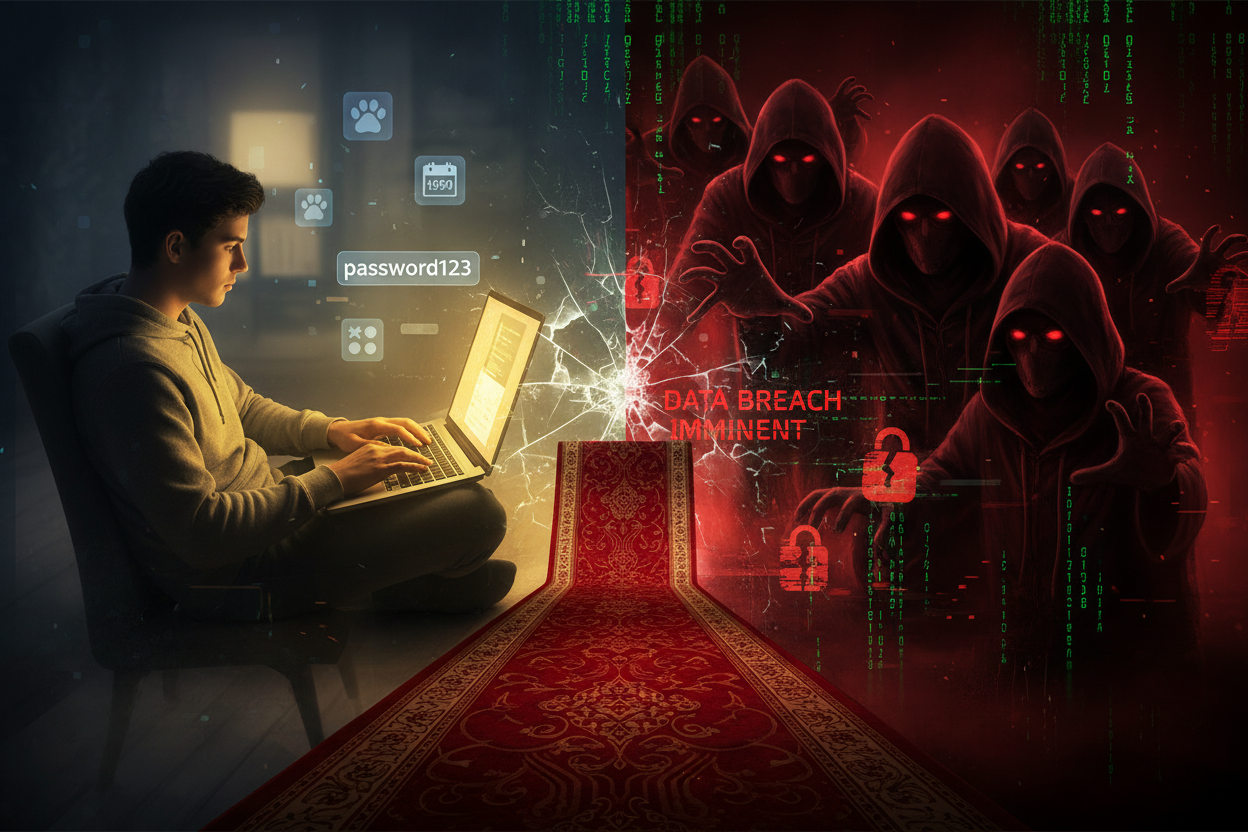
Password managers solve this problem by generating unique, complex passwords for every account. They encrypt your data using military-grade security, meaning even if someone accessed your password vault, they’d see nothing but gibberish. Plus, you only need to remember one master password – the key to your digital kingdom.
Top Password Manager Reviews and Recommendations 🏆
1Password: The Premium Choice for Families and Teams
1Password has earned its reputation as the gold standard of password managers. What sets it apart is its intuitive design and robust family sharing features. The Watchtower feature continuously monitors your passwords for breaches and weak spots, while the travel mode temporarily removes sensitive data when crossing borders.
The pricing starts at $2.99 per month for individuals, with family plans at $4.99 monthly. While it’s pricier than some alternatives, the peace of mind and seamless experience justify the cost for many users.
Bitwarden: Open-Source Excellence on a Budget
Bitwarden proves that excellent security doesn’t require a hefty price tag. This open-source solution offers a genuinely useful free tier, supporting unlimited passwords across unlimited devices – something most competitors charge for.
The premium version costs just $10 annually and includes advanced two-factor authentication, encrypted file storage, and priority support. For budget-conscious users who don’t want to compromise on security, Bitwarden is hard to beat.
LastPass: User-Friendly with Recent Improvements
Despite facing security challenges in recent years, LastPass has made significant improvements to rebuild trust. The interface remains one of the most user-friendly, making it ideal for less tech-savvy users transitioning from manual password management.
However, the free version now limits you to one device type (mobile or desktop), pushing most users toward the $3 monthly premium plan. While functional, there are better value propositions available.
Dashlane: Feature-Rich with VPN Integration
Dashlane goes beyond password management, including a built-in VPN, dark web monitoring, and identity theft protection. The password health score provides clear insights into your security posture, while the auto-fill feature works seamlessly across browsers and apps.
At $4.99 monthly for premium features, Dashlane positions itself as a comprehensive security suite rather than just a password manager.
Keeper Security: Enterprise-Grade Protection
Keeper Security focuses heavily on advanced security features, including encrypted messaging, secure file storage, and detailed access controls. The zero-knowledge architecture ensures even Keeper can’t access your data.
While excellent for security-conscious users and businesses, the interface can feel overwhelming for casual users. Pricing starts at $2.92 monthly for personal use.
Essential Features to Look For in 2025 🔍
Zero-Knowledge Architecture
This fundamental security principle ensures the password manager company cannot access your encrypted data, even if they wanted to. Your master password is the only key, making you the sole guardian of your information.
Cross-Platform Synchronization
Your password manager should work seamlessly across all devices – smartphones, tablets, laptops, and desktops. Look for native apps on iOS, Android, Windows, macOS, and Linux, plus browser extensions for all major browsers.
Advanced Two-Factor Authentication
Beyond basic SMS codes, premium password managers support hardware keys, biometric authentication, and authenticator apps. This additional security layer is crucial for protecting your master password.
Security Monitoring and Alerts
The best password managers actively monitor for data breaches, weak passwords, and reused credentials. They should alert you immediately when action is needed and guide you through updating compromised accounts.
Secure Sharing Capabilities
Whether sharing Netflix credentials with family or work accounts with colleagues, secure sharing features let you grant access without revealing actual passwords. Look for granular permissions and audit trails.
How to Choose the Right Password Manager for Your Needs 🎯
Selecting the perfect password manager depends on your specific situation. Consider these factors:
**Budget considerations**: Free options like Bitwarden offer excellent basic functionality, while premium services provide advanced features and priority support. Evaluate whether features like VPN integration or family sharing justify the additional cost.
**Technical expertise**: If you’re comfortable with technology, open-source solutions like Bitwarden offer transparency and customization. Less technical users might prefer the polished interfaces of 1Password or Dashlane.
**Family vs. individual use**: Family plans often provide better value when sharing with multiple people. Look for easy sharing features and individual vault management.
**Business requirements**: Enterprise users need advanced admin controls, compliance reporting, and integration with existing security infrastructure.
Setting Up Your Password Manager: A Step-by-Step Guide 📱
Getting started with a password manager might seem daunting, but the process is straightforward:
**Step 1**: Create your master password. Make it long, unique, and memorable – consider using a passphrase like “Coffee!Sunrise@Beach2025” rather than random characters.
**Step 2**: Install the browser extension and mobile app. This ensures your passwords are available wherever you need them.
**Step 3**: Import existing passwords. Most password managers can import from browsers and other password managers, making migration painless.
**Step 4**: Enable two-factor authentication on your password manager account. This adds crucial extra security to your digital vault.
**Step 5**: Start updating weak passwords. Use the password generator to create strong, unique passwords for your most important accounts first.
Common Concerns and Myths Debunked 🚫
“What if the password manager gets hacked?”
This concern is understandable but misses the bigger picture. Reputable password managers use zero-knowledge encryption, meaning even if their servers are compromised, your data remains protected. The risk of using weak, repeated passwords across multiple sites far outweighs the theoretical risk of a properly encrypted password manager being compromised.
“I can’t remember another password!”
You only need to remember one master password – that’s the entire point! Make it a strong passphrase that’s meaningful to you, and consider writing it down initially until it becomes muscle memory.
“It’s too complicated for me”
Modern password managers are designed for everyday users, not tech experts. The setup process is typically guided, and daily use often feels more convenient than manual password entry once you’re accustomed to it.
The Future of Password Management 🚀
Looking ahead, password managers are evolving beyond simple credential storage. Expect to see increased integration with passkeys (the password replacement standard), enhanced biometric authentication, and AI-powered security recommendations.
The shift toward passwordless authentication is accelerating, but we’re still years away from completely eliminating passwords. Until then, a robust password manager remains your best defense against cyber threats.
Making Your Decision: Which Password Manager Wins in 2025?
After extensive testing and analysis, here’s my recommendation based on different user profiles:
**Best Overall**: 1Password strikes the perfect balance of security, usability, and features. While pricier, the investment pays off in peace of mind and seamless experience.
**Best Value**: Bitwarden offers premium-level security at an unbeatable price point. The free tier alone surpasses many paid competitors.
**Best for Beginners**: Dashlane’s intuitive interface and comprehensive feature set make it ideal for users new to password managers.
**Best for Security Enthusiasts**: Keeper Security provides enterprise-grade protection with advanced features for users who prioritize maximum security.
Remember, the best password manager is the one you’ll actually use consistently. Don’t let perfect be the enemy of good – any reputable password manager is infinitely better than reusing weak passwords.
Frequently Asked Questions ❓
Q: Can I trust password managers with my sensitive information?
A: Yes, reputable password managers use bank-level encryption and zero-knowledge architecture. They’re significantly more secure than storing passwords in browsers or reusing simple passwords.
Q: What happens if I forget my master password?
A: Most password managers offer account recovery options, though these vary by provider. Some require pre-configured recovery contacts or emergency access codes. This is why choosing a memorable but strong master password is crucial.
Q: Are free password managers safe to use?
A: Yes, free versions from reputable companies like Bitwarden use the same encryption as paid versions. However, they typically have feature limitations rather than security compromises.
Q: How often should I change my passwords?
A: With a password manager generating unique, strong passwords, you only need to change them if there’s a confirmed breach or security concern. Focus on using unique passwords for each account rather than frequent changes.
Q: Can password managers work offline?
A: Most password managers cache your encrypted vault locally, allowing access even without internet connection. However, synchronization across devices requires connectivity.
Your digital security is too important to leave to chance. Whether you choose the premium experience of 1Password, the excellent value of Bitwarden, or another option that fits your needs, taking action today protects your digital life tomorrow. The small investment in a password manager pays dividends in security, convenience, and peace of mind. Don’t wait for a security breach to make the switch – your future self will thank you! 🔒


