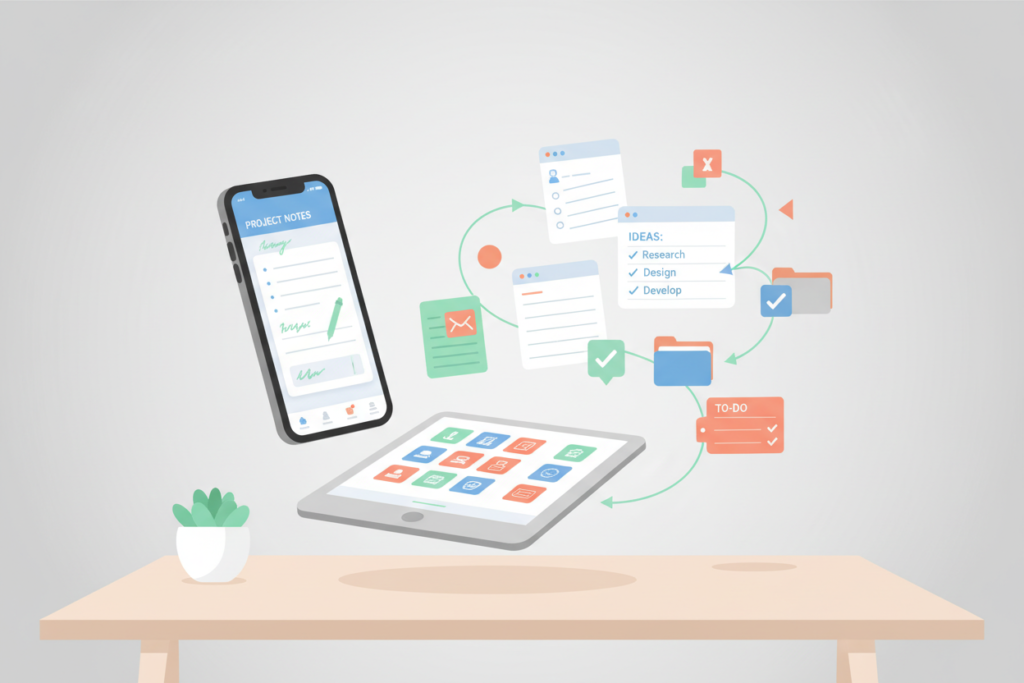
The Best Note-Taking Apps of 2026: Your Ultimate Guide to Digital Organization 📱✍️
In our fast-paced digital world, the need to capture thoughts, ideas, and information efficiently has never been greater. Whether you’re a student juggling lecture notes, a professional managing projects, or someone who loves to jot down their thoughts, having the right note-taking app can make all the difference. As we step into 2026, let’s explore the best note-taking apps that are revolutionizing the way we organize our lives.
Table of Contents
1. Introduction
2. The Evolution of Note-Taking Apps
3. Top Note-Taking Apps of 2026
a. Evernote
b. Microsoft OneNote
c. Notion
d. Google Keep
e. Simplenote
4. FAQs
5. Conclusion
The Evolution of Note-Taking Apps
Gone are the days when note-taking meant scribbling in a notebook or on sticky notes. The digital age has ushered in an era of powerful note-taking apps that offer features like voice recognition, cloud synchronization, and even AI-powered organization. As technology advances, these apps have become indispensable tools, helping us manage information more effectively than ever before.
Top Note-Taking Apps of 2026
Evernote: The Classic Choice with Modern Features 🌟
Evernote has been a staple in the note-taking world for years, and in 2026, it continues to impress. With its robust set of features, Evernote allows users to take notes in various formats—text, images, audio, and even hand-drawn sketches. The app’s integration with third-party services like Google Drive and Slack makes it a perfect choice for professionals. Plus, its AI-driven search functionality ensures you can find your notes in the blink of an eye.
Microsoft OneNote: A Versatile Powerhouse 🗂️
Microsoft OneNote remains a favorite, especially among students and professionals who are already embedded in the Microsoft ecosystem. Its flexibility in organizing notes into notebooks, sections, and pages is unparalleled. OneNote’s collaborative features also make it an excellent choice for team projects. In 2026, the app continues to offer seamless integration with other Microsoft Office applications, enhancing productivity across the board.
Notion: The All-in-One Workspace 🧩
Notion has taken the productivity world by storm, and for a good reason. More than just a note-taking app, Notion serves as an all-in-one workspace that combines notes, tasks, databases, and project management. Its customizable interface allows users to tailor their workspace to their exact needs. Whether you’re planning a personal project or managing a team, Notion’s versatility is unmatched in 2026.
Google Keep: Simplicity Meets Functionality 📋
If you’re looking for something straightforward yet powerful, Google Keep might be your go-to app. Its intuitive interface is perfect for quick notes and lists, and it integrates seamlessly with Google’s suite of applications. The ability to set reminders and collaborate with others makes Google Keep a handy tool for both personal and professional use.
Simplenote: Minimalism at Its Best 📝
For those who prefer a no-frills approach, Simplenote offers a clean and distraction-free experience. As the name suggests, Simplenote focuses on simplicity and speed. With its real-time sync across devices and easy-to-use interface, it’s perfect for users who want to get things down quickly without any fuss.
FAQs
Q: Are these note-taking apps free to use?
A: Most of these apps offer free versions with basic features, while premium versions provide additional functionalities. It’s best to explore each app’s pricing model to see what fits your needs.
Q: Can I use these apps offline?
A: Yes, many of these apps offer offline access, allowing you to take notes even without an internet connection. Just make sure to sync your data once you’re back online.
Q: Which app is best for collaboration?
A: Notion and Microsoft OneNote are excellent choices for collaboration, offering features that allow multiple users to work on the same note or project simultaneously.
Conclusion
As we navigate through 2026, the landscape of note-taking apps continues to evolve, offering more features and integrations than ever before. Whether you’re drawn to the comprehensive capabilities of Evernote, the collaborative nature of Microsoft OneNote, or the minimalist charm of Simplenote, there’s an app out there to meet your specific needs. Embrace these digital tools, and watch your organization and productivity soar! 🚀
Keywords:
best free cloud storage for photos 2026, best cloud storage apps 2026, best cloud backup solutions for small business 2026, best cloud gaming services 2026, hybrid cloud vs multi-cloud setup tutorial, AI-powered cloud operations automation 2026, cloud computing certifications for beginners, cloud migration tools comparison 2026, cloud storage vs NAS for home users, cheap cloud hosting providers 2026, best Slack alternatives 2026, Microsoft Teams vs Slack comparison 2026, Google Chat vs Slack integration 2026, Discord for business chat and collaboration 2026, Zoom chat vs Slack features 2026, best project management software 2026, best free project management software 2026, Asana vs Trello head-to-head 2026, ClickUp project management app 2026, free task management tools 2026 (Trello, Asana, etc.), best to do list apps 2026, Any.do task management app guide 2026, Google Tasks mobile app tutorial 2026, Todoist productivity app review 2026, best note-taking apps 2026, Evernote alternatives (Notion, OneNote) 2026, GIMP vs Photoshop image editing 2026, best code editor apps 2026, Visual Studio Code tutorials 2026, best free VPN apps 2026, best free PDF editor apps 2026, PDFGear vs Adobe Acrobat comparison 2026, best password managers 2026, open source office suite (LibreOffice) 2026, best Microsoft Office alternative 2026, file sharing apps 2026 (Google Drive, WeTransfer, etc.), Google Drive file sharing tips 2026, Lemon8 social media app 2026, Airchat voice-first social app 2026, eToro social trading platform guide 2026, TikTok content creation tips 2026, Instagram reels tutorial 2026, ChatGPT app usage and tips 2026, best AI productivity tools 2026 (Notion, ChatGPT, etc.), best AI transcription apps 2026 (Rev, Sonix, etc.), best photo editing apps for iPhone 2026, best video editing apps 2026 (mobile), best note-taking apps iPad 2026, best chatbots and AI assistants 2026 (Claude, Bard, etc.), Claude AI vs ChatGPT overview 2026, Zapier Agents for workflow automation 2026,