
The Best iPhone Photo Editing Apps You Need in 2025 📸
Let’s be honest – we’ve all been there. You snap what you think is the perfect photo, only to realize later that the lighting is off, the colors look dull, or there’s an unwanted photobomber in the background. Thankfully, we’re living in an age where your iPhone isn’t just a camera; it’s a portable photography studio that fits right in your pocket.
With the App Store flooded with thousands of photo editing applications, finding the right ones can feel overwhelming. After spending countless hours testing various apps and watching my photo editing skills evolve from amateur to somewhat respectable, I’ve compiled this comprehensive guide to the best iPhone photo editing apps that are absolutely crushing it in 2025.
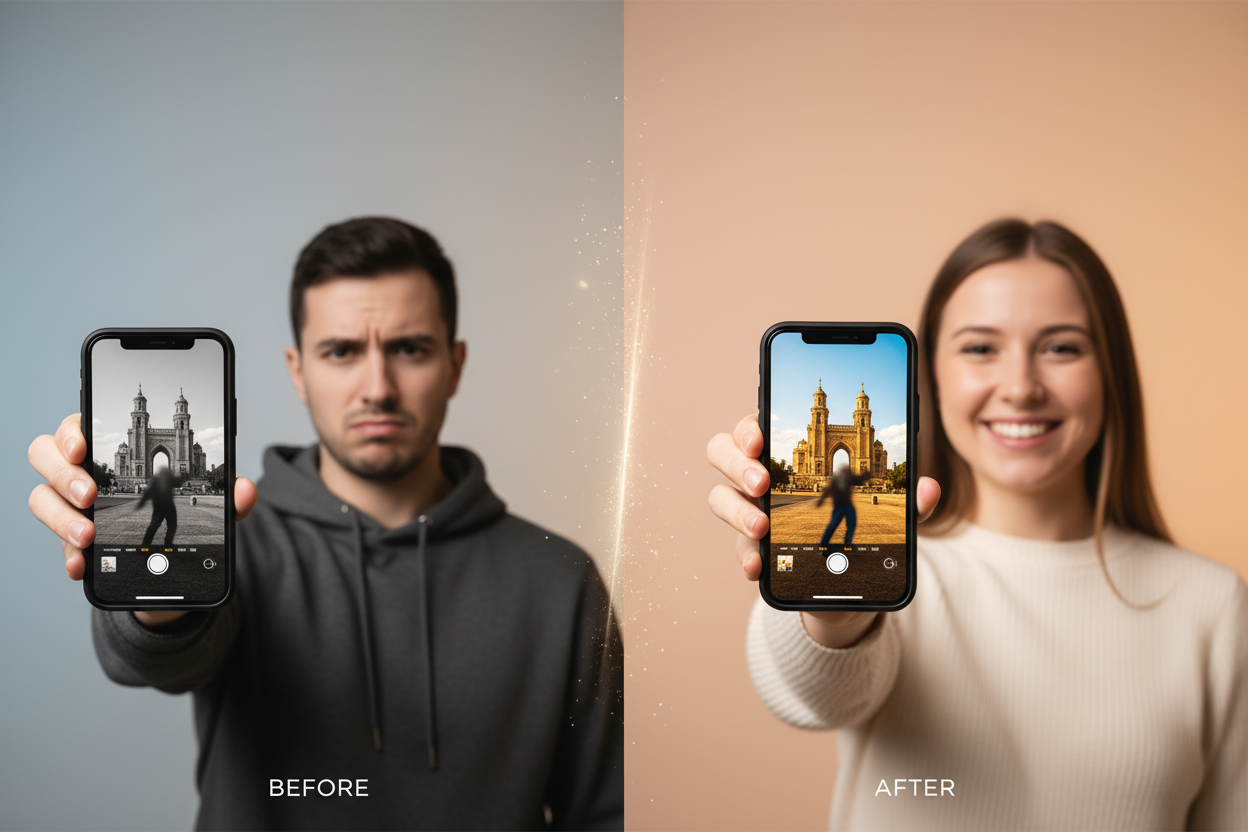
Whether you’re a social media enthusiast looking to make your Instagram feed pop, a budding photographer wanting to enhance your craft, or someone who simply wants their family photos to look their best, this list has something for everyone. Let’s dive into the apps that are revolutionizing mobile photography this year.
Table of Contents
• Professional-Grade Editing Apps
• Social Media-Focused Editors
• AI-Powered Photo Enhancement Tools
• Specialized Editing Applications
• Free vs. Premium: What’s Worth the Investment
• Tips for Choosing the Right App
• Frequently Asked Questions
Professional-Grade iPhone Photo Editing Apps 🎯
Adobe Lightroom Mobile: The Industry Standard
When photographers talk about serious mobile editing, Adobe Lightroom Mobile inevitably comes up in the conversation. This powerhouse app brings desktop-level editing capabilities to your iPhone, and honestly, it’s pretty remarkable what you can accomplish with it.
What sets Lightroom apart is its non-destructive editing approach. You can make dramatic changes to your photos without permanently altering the original file. The app excels in areas like exposure correction, color grading, and detail enhancement. I’ve personally used it to salvage photos that I initially thought were beyond saving.
The free version offers impressive functionality, but the premium subscription unlocks advanced features like selective masking, healing tools, and cloud synchronization across devices. For serious mobile photographers, it’s an investment that pays dividends in creative control and professional results.
VSCO: Where Art Meets Technology
VSCO has evolved far beyond its initial reputation as just a filter app. The 2025 version offers sophisticated editing tools that rival many desktop applications. What I love about VSCO is how it balances powerful functionality with an intuitive interface that doesn’t feel overwhelming.
The app’s strength lies in its film-inspired presets and advanced color tools. The HSL adjustments are particularly impressive, allowing you to fine-tune specific color ranges with surgical precision. VSCO’s community aspect also provides inspiration and learning opportunities from photographers worldwide.
Affinity Photo: Desktop Power in Your Pocket
Affinity Photo represents what happens when a company decides to truly optimize a professional desktop application for mobile use. This isn’t a watered-down version of photo editing software – it’s the real deal, complete with layers, advanced selection tools, and professional-grade filters.
The learning curve is steeper than other apps on this list, but the payoff is substantial. I’ve used Affinity Photo to create composite images and perform complex edits that would typically require a computer. For photographers who want maximum control over their editing process, this app is invaluable.
Social Media-Focused Photo Editors 📱
Snapseed: Google’s Hidden Gem
Don’t let the fact that Snapseed is completely free fool you into thinking it’s basic. Google’s photo editing app punches well above its weight class, offering professional-level tools without any cost barriers. The interface is clean, intuitive, and surprisingly powerful.
What makes Snapseed special is its selective editing capabilities. You can tap on specific areas of your photo and adjust them independently – brightening a face here, enhancing the sky there. The healing tool is particularly effective for removing unwanted objects or blemishes.
Canva: Beyond Basic Photo Editing
While primarily known as a design tool, Canva’s photo editing capabilities have grown significantly in 2025. It’s particularly valuable for creating social media content that goes beyond simple photo enhancement. You can add text overlays, graphics, and create multi-image layouts with ease.
The app shines when you need to create cohesive visual content for brands or personal projects. The template library is extensive, and the ability to maintain consistent styling across multiple posts makes it invaluable for content creators and small business owners.
AI-Powered Photo Enhancement Tools 🤖
Luminar Neo: Artificial Intelligence at Work
Luminar Neo represents the cutting edge of AI-assisted photo editing. The app can automatically enhance skies, remove unwanted objects, and even change the time of day in your photos with startling realism. While some purists might scoff at such automation, the results are often impressive enough to change minds.
The AI sky replacement feature is particularly noteworthy. Instead of simply pasting a new sky onto your image, the app intelligently adjusts lighting and reflections throughout the photo to match the new sky. It’s the kind of technology that feels almost magical when you first experience it.
Prisma: Artistic AI Transformation
Prisma takes a different approach to AI enhancement, focusing on artistic transformation rather than realistic improvement. The app uses neural networks to recreate your photos in the style of famous artists or artistic movements. While it’s more specialized than other apps on this list, the results can be genuinely stunning.
The 2025 version has expanded beyond static filters to include animated effects and video processing capabilities. For users looking to create truly unique visual content, Prisma offers possibilities that traditional editing apps simply can’t match.
Specialized Editing Applications 🎨
TouchRetouch: The Magic Eraser
Sometimes you just need one tool to do one thing exceptionally well. TouchRetouch is that tool for object removal. Whether it’s power lines ruining a landscape shot, unwanted people in the background, or skin blemishes in portraits, this app makes removal surprisingly simple and effective.
The interface is straightforward – you simply brush over what you want to remove, and the app’s algorithms fill in the space intelligently. While it’s not perfect in every situation, the success rate is high enough to make it an essential tool in any mobile photographer’s arsenal.
Facetune 2: Portrait Perfection
Despite some controversy around digital beauty standards, Facetune 2 remains incredibly popular for portrait editing. The app offers tools for everything from subtle skin smoothing to dramatic facial restructuring. When used with restraint, it can help create polished, professional-looking portraits.
The 2025 version includes more natural-looking enhancement options and better detection algorithms that maintain realistic skin textures while removing imperfections. It’s particularly useful for professional headshots or important social media content.
Free vs. Premium: What’s Worth the Investment 💰
The question of whether to invest in premium photo editing apps depends largely on your specific needs and how frequently you edit photos. Free apps like Snapseed and the basic versions of Lightroom and VSCO offer substantial functionality that’s more than adequate for casual users.
However, if you’re creating content professionally, running a business that relies on visual appeal, or simply passionate about photography, premium subscriptions often provide significant value. Advanced features like cloud storage, additional presets, and priority customer support can streamline your workflow considerably.
My recommendation is to start with free versions and upgrade only when you find yourself consistently hitting limitations. This approach ensures you’re investing in features you’ll actually use rather than paying for capabilities that sound impressive but rarely get utilized.
Tips for Choosing the Right Photo Editing App 🎯
Selecting the perfect photo editing app isn’t just about features – it’s about finding the right match for your workflow, skill level, and creative goals. Consider what type of photos you edit most frequently. Portrait photographers will prioritize different tools than landscape enthusiasts or social media content creators.
Think about your technical comfort level as well. Some apps prioritize ease of use with automatic enhancements and simple interfaces, while others offer granular control that requires more learning investment. Neither approach is inherently better; it’s about matching the tool to your preferences and needs.
Don’t overlook the importance of export quality and format options. If you plan to print your photos or use them in professional contexts, ensure your chosen app can output high-resolution files in appropriate formats. Some apps compress images during processing, which might not be suitable for all use cases.
The Future of Mobile Photo Editing 🚀
As we move through 2025, the line between mobile and desktop photo editing continues to blur. AI-powered features are becoming more sophisticated, offering capabilities that would have seemed impossible just a few years ago. Real-time collaboration features are emerging, allowing multiple users to work on the same project simultaneously.
The integration between photo editing apps and social media platforms is also deepening. We’re seeing more seamless workflows that allow for editing and publishing without leaving a single ecosystem. This trend is particularly valuable for content creators and businesses that need to maintain consistent posting schedules.
Conclusion: Your Perfect Photo Editing Toolkit
The best iPhone photo editing app for you ultimately depends on your specific needs, creative style, and technical preferences. Rather than searching for one perfect app, consider building a toolkit of 2-3 applications that complement each other’s strengths.
For most users, I’d recommend starting with Snapseed for general editing, adding Lightroom Mobile for more advanced control, and including a specialized app like TouchRetouch for specific tasks. This combination provides comprehensive coverage without overwhelming complexity or excessive subscription costs.
Remember that the most sophisticated app in the world won’t automatically make your photos better – that comes from practice, experimentation, and developing your artistic eye. These tools are meant to enhance your vision, not replace it. Start with the basics, master the fundamentals, and gradually explore more advanced features as your skills and confidence grow.
The world of mobile photography is incredibly exciting right now, with new capabilities and creative possibilities emerging regularly. Whether you’re capturing memories, building a brand, or pursuing artistic expression, there’s never been a better time to explore what’s possible with just your iPhone and the right editing apps. Happy shooting! 📸✨
Frequently Asked Questions
Q: Can iPhone photo editing apps really replace desktop software?
A: For many users, yes. Modern iPhone editing apps offer surprising depth and capability. While desktop software still has advantages for complex professional work, mobile apps can handle the vast majority of editing tasks most photographers need.
Q: Are free photo editing apps safe to use?
A: Reputable free apps from established developers are generally safe. However, always read privacy policies and be cautious about apps that request excessive permissions or come from unknown developers.
Q: How much storage do photo editing apps typically use?
A: Storage requirements vary widely. Basic apps might use 100-300MB, while feature-rich applications like Lightroom or Affinity Photo can require 1GB or more. Consider your iPhone’s storage capacity when building your editing toolkit.
Q: Do I need multiple photo editing apps?
A: While one comprehensive app might meet all your needs, many photographers prefer using 2-3 specialized apps that excel in different areas. This approach often provides better results than trying to do everything in a single application.
Q: Will editing photos on my iPhone reduce their quality?
A: Quality loss depends on the app and export settings you choose. Professional apps typically maintain high quality throughout the editing process, while some basic apps may compress images. Always check export settings before saving your final edits.


