
iPad Note-Taking: The Best Apps to Use for 2025 📝
As we dive deeper into 2025, the iPad continues to reign supreme as the ultimate digital note-taking companion. Whether you’re a student juggling multiple courses, a professional attending back-to-back meetings, or someone who simply loves the feel of digital ink on screen, choosing the right note-taking app can make or break your productivity game.
I’ve spent countless hours testing, scribbling, and organizing my thoughts across dozens of note-taking applications, and let me tell you – not all apps are created equal. Some excel at handwriting recognition, while others shine in organizational features or multimedia integration. The key is finding the one that matches your unique workflow and preferences.
In this comprehensive guide, we’ll explore the cream of the crop when it comes to iPad note-taking apps in 2025, helping you make an informed decision that could transform how you capture and organize your thoughts forever.
Table of Contents
• Why iPad Note-Taking Has Become Essential
• Top iPad Note-Taking Apps for 2025
• GoodNotes 6: The Handwriting Champion
• Notability: The Audio-Visual Powerhouse
• Apple Notes: The Seamless Native Option
• Obsidian: The Knowledge Management Revolution
• Procreate Dreams: For Creative Note-Takers
• Choosing the Right App for Your Needs
• Essential Features to Look For
• Frequently Asked Questions
Why iPad Note-Taking Has Become Essential in 2025 🚀
The landscape of digital note-taking has evolved dramatically over the past few years. With the iPad’s incredible processing power, stunning displays, and the precision of the Apple Pencil, we’ve reached a point where digital note-taking often surpasses traditional pen and paper in both functionality and convenience.
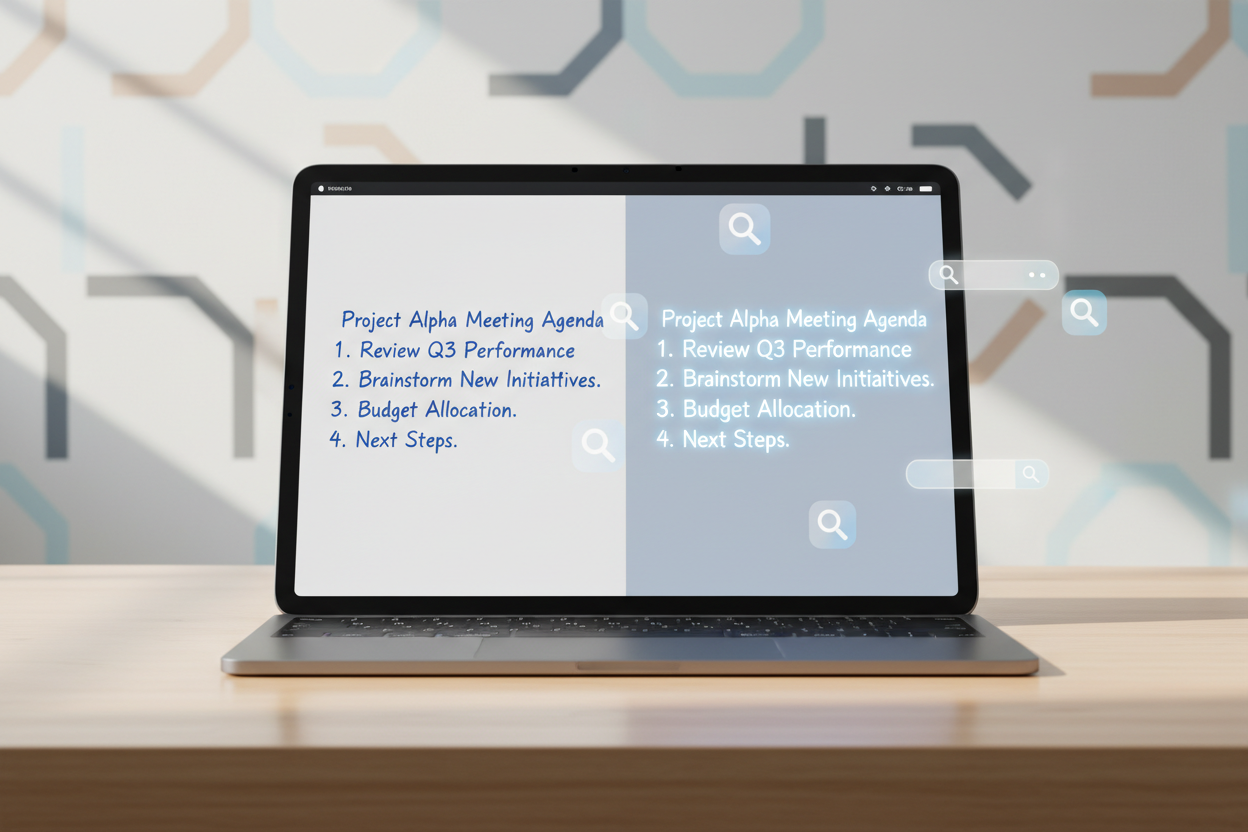
What makes iPad note-taking so compelling in 2025? First, there’s the environmental factor – going paperless isn’t just trendy; it’s necessary. Second, the search functionality means you’ll never lose important information again. Imagine being able to search through months of handwritten notes in seconds! Third, the integration capabilities with other apps and cloud services mean your notes are accessible anywhere, anytime.
But perhaps most importantly, the tactile experience has finally caught up to our expectations. The latest iPad models, combined with the Apple Pencil, provide a writing experience that’s remarkably close to traditional paper, with added benefits like infinite pages, multiple pen types, and the ability to easily correct mistakes.
Top iPad Note-Taking Apps for 2025: The Complete Breakdown
After extensive testing and real-world usage, I’ve identified the standout performers in the note-taking space. Each app brings something unique to the table, and understanding their strengths will help you make the best choice for your specific needs.
GoodNotes 6: The Handwriting Champion ✍️
GoodNotes 6 has established itself as the gold standard for handwritten notes on iPad. What sets it apart is its incredible handwriting recognition technology and intuitive organization system. When I first started using GoodNotes, I was amazed by how accurately it could convert my admittedly messy handwriting into searchable text.
The app’s strength lies in its paper-like feel and extensive customization options. You can choose from various paper templates, from lined notebook paper to graph paper, music sheets, and even custom templates you create yourself. The pen selection is impressive too, with different ink types that respond realistically to pressure and angle.
One feature that consistently impresses me is the shape recognition tool. Draw a rough circle, and GoodNotes will perfect it for you. The same goes for straight lines, arrows, and basic geometric shapes. It’s like having a digital ruler and compass built right into your writing experience.
For students and professionals who rely heavily on handwritten notes, GoodNotes 6 offers robust organization features including folders, tags, and favorites. The recent updates have also improved collaboration features, making it easier to share and work on notes with others.
Notability: The Audio-Visual Powerhouse 🎵
If you’re someone who learns better with audio accompaniment, Notability is hands down your best bet. This app revolutionized note-taking by seamlessly integrating audio recording with written notes. During lectures or meetings, you can record audio while taking notes, and later tap on any part of your notes to hear what was being said at that exact moment.
The multimedia integration in Notability goes beyond just audio. You can easily embed photos, web clips, and even videos directly into your notes. This makes it perfect for research projects, travel journals, or any scenario where you need to combine multiple types of media.
What I particularly love about Notability is its automatic backup system and cross-platform synchronization. Your notes are constantly saved to iCloud, Google Drive, or Dropbox, ensuring you never lose your work. The Mac version works seamlessly with the iPad version, creating a truly unified experience across all your Apple devices.
The drawing tools in Notability have also received significant updates in 2025, with improved pressure sensitivity and a more natural feel when using the Apple Pencil. The app now offers better palm rejection and more precise control over line weights and opacity.
Apple Notes: The Seamless Native Option 🍎
Don’t overlook Apple’s own Notes app – it has evolved into a surprisingly powerful note-taking solution. The beauty of Apple Notes lies in its simplicity and deep integration with the iOS ecosystem. If you’re already invested in the Apple ecosystem, the seamless synchronization across iPhone, iPad, and Mac is unmatched.
The 2025 version of Apple Notes has introduced enhanced handwriting features, improved search capabilities, and better organization tools. You can now create sophisticated notes that combine typed text, handwritten notes, sketches, photos, and even scanned documents all in one place.
One of the standout features is the ability to collaborate in real-time with others. Share a note with colleagues or classmates, and everyone can contribute simultaneously. The app also includes powerful search functionality that can even search through text in images and handwritten notes.
For users who want a straightforward, no-frills note-taking experience that just works, Apple Notes delivers. It may not have all the advanced features of specialized apps, but its reliability and integration make it a solid choice for many users.
Obsidian: The Knowledge Management Revolution 🧠
Obsidian represents a different approach to note-taking – one focused on building a interconnected knowledge base rather than traditional linear notes. If you’re a researcher, writer, or someone who deals with complex information that needs to be linked and cross-referenced, Obsidian might change how you think about notes entirely.
The app uses a system of linked notes that create a visual graph of your knowledge. You can see connections between different ideas, topics, and notes, making it easier to discover patterns and relationships you might have missed otherwise. It’s like having a personal Wikipedia that you build yourself.
What makes Obsidian particularly powerful in 2025 is its plugin ecosystem. The community has created hundreds of plugins that extend the app’s functionality in incredible ways. From advanced formatting options to integration with external services, you can customize Obsidian to work exactly how you want it to.
The learning curve is steeper than other apps on this list, but for power users who want to build a comprehensive knowledge management system, Obsidian is unparalleled. The iPad version has been significantly improved, offering better touch controls and Apple Pencil support.
Procreate Dreams: For Creative Note-Takers 🎨
While primarily known as a digital art platform, Procreate Dreams has evolved into an excellent option for visual note-takers and creative professionals. If your notes involve sketches, diagrams, mind maps, or any form of visual thinking, this app offers tools that go far beyond traditional note-taking applications.
The brush engine in Procreate Dreams is simply incredible. You have access to hundreds of realistic brushes that respond naturally to the Apple Pencil’s pressure and tilt. Whether you’re sketching architectural plans, creating scientific diagrams, or just doodling while thinking, the tools available are professional-grade.
The app also includes powerful layering capabilities, allowing you to separate different elements of your notes and work on them independently. This is particularly useful for complex diagrams or when you want to add annotations to existing images or documents.
Recent updates have added better text tools and organizational features, making it more viable as a primary note-taking app for creative professionals. The time-lapse recording feature is also fascinating – you can record your entire note-taking process and share it with others.
Choosing the Right App for Your Needs 🤔
Selecting the perfect note-taking app depends on several factors unique to your situation. Consider your primary use case: Are you a student taking lecture notes? A professional in meetings? A researcher building a knowledge base? Or a creative professional sketching ideas?
Think about your preferred input method too. If you love handwriting and want the closest thing to paper, GoodNotes 6 is your best bet. If you need to record audio alongside your notes, Notability is unmatched. For simple, reliable note-taking with excellent sync, Apple Notes is hard to beat.
Consider your workflow as well. Do you need to share notes with others regularly? Are you working across multiple devices? Do you prefer a minimalist interface or do you want access to advanced features? These questions will help guide your decision.
My recommendation? Try the free versions or trials of your top contenders. Most of these apps offer some form of trial period, and spending a week with each will give you a much better sense of which one feels right for your specific needs.
Essential Features to Look For in 2025 ⭐
When evaluating note-taking apps, certain features have become essential in 2025. First and foremost is handwriting recognition and search. Your notes should be searchable, even if they’re handwritten. This feature alone can save you hours of scrolling through old notes.
Cloud synchronization is no longer optional – it’s essential. Your notes should be accessible from any device, automatically backed up, and synced in real-time. Look for apps that support multiple cloud services for added redundancy.
Multimedia support is increasingly important. The ability to embed images, audio, video, and web content directly into your notes makes them far more useful and comprehensive. Some apps excel in this area, while others are more limited.
Organization features like folders, tags, and favorites help keep your notes manageable as your collection grows. Advanced search and filtering options become crucial when you have hundreds or thousands of notes.
Finally, consider export options. Your notes shouldn’t be trapped in one app forever. Look for apps that offer multiple export formats and the ability to move your data if you decide to switch platforms later.
Conclusion: Your Perfect iPad Note-Taking Setup Awaits 📱
The world of iPad note-taking in 2025 offers incredible options for every type of user. Whether you’re drawn to GoodNotes 6’s handwriting excellence, Notability’s multimedia integration, Apple Notes’ seamless simplicity, Obsidian’s knowledge management capabilities, or Procreate Dreams’ creative tools, there’s an app that will transform how you capture and organize information.
Remember, the best note-taking app is the one you’ll actually use consistently. Don’t get caught up in having every possible feature – focus on finding an app that matches your natural workflow and makes note-taking enjoyable rather than a chore.
Take advantage of trial periods, experiment with different approaches, and don’t be afraid to switch if your needs change. The investment you make in finding the right note-taking system will pay dividends in improved productivity, better organization, and the confidence that your important information is always at your fingertips.
Your perfect iPad note-taking setup is out there waiting for you. With the right app and a little practice, you’ll wonder how you ever managed with traditional paper notes. Welcome to the future of note-taking! 🌟
Frequently Asked Questions
Q: Do I need an Apple Pencil for iPad note-taking?
A: While you can take notes with your finger or a third-party stylus, the Apple Pencil provides the best experience with pressure sensitivity, palm rejection, and precise control. For serious note-taking, it’s highly recommended.
Q: Can I use multiple note-taking apps together?
A: Absolutely! Many users combine apps based on their strengths. For example, you might use GoodNotes for handwritten notes and Obsidian for research and knowledge management.
Q: Are these apps compatible with older iPad models?
A: Most apps support older iPads, but newer features and optimal performance are typically found on more recent models. Check each app’s requirements before purchasing.
Q: How much storage do note-taking apps typically use?
A: Storage usage varies greatly depending on how many multimedia elements you include. Text-only notes use minimal space, while notes with audio recordings, images, and videos can consume significant storage.
Q: Can I convert handwritten notes to typed text?
A: Yes, most modern note-taking apps include handwriting recognition that can convert your handwritten notes to searchable and editable typed text with varying degrees of accuracy.


