
Google Tasks Mobile App: Maximizing Productivity in 2025 📱
Table of Contents
• Introduction to Google Tasks in 2025
• Why Google Tasks Stands Out Among Productivity Apps
• Essential Features for Maximum Productivity
• Advanced Tips and Tricks for Power Users
• Integration Strategies with Other Google Services
• Best Practices for Team Collaboration
• Troubleshooting Common Issues
• Future-Proofing Your Task Management
• Frequently Asked Questions
• Conclusion
Introduction: Your Pocket-Sized Productivity Powerhouse 🚀
Remember when keeping track of your daily tasks meant scribbling notes on sticky papers that would inevitably get lost in the chaos of your desk? Those days are long gone. In 2025, the Google Tasks mobile app has evolved into something truly remarkable – a streamlined, intelligent task management system that fits right in your pocket.
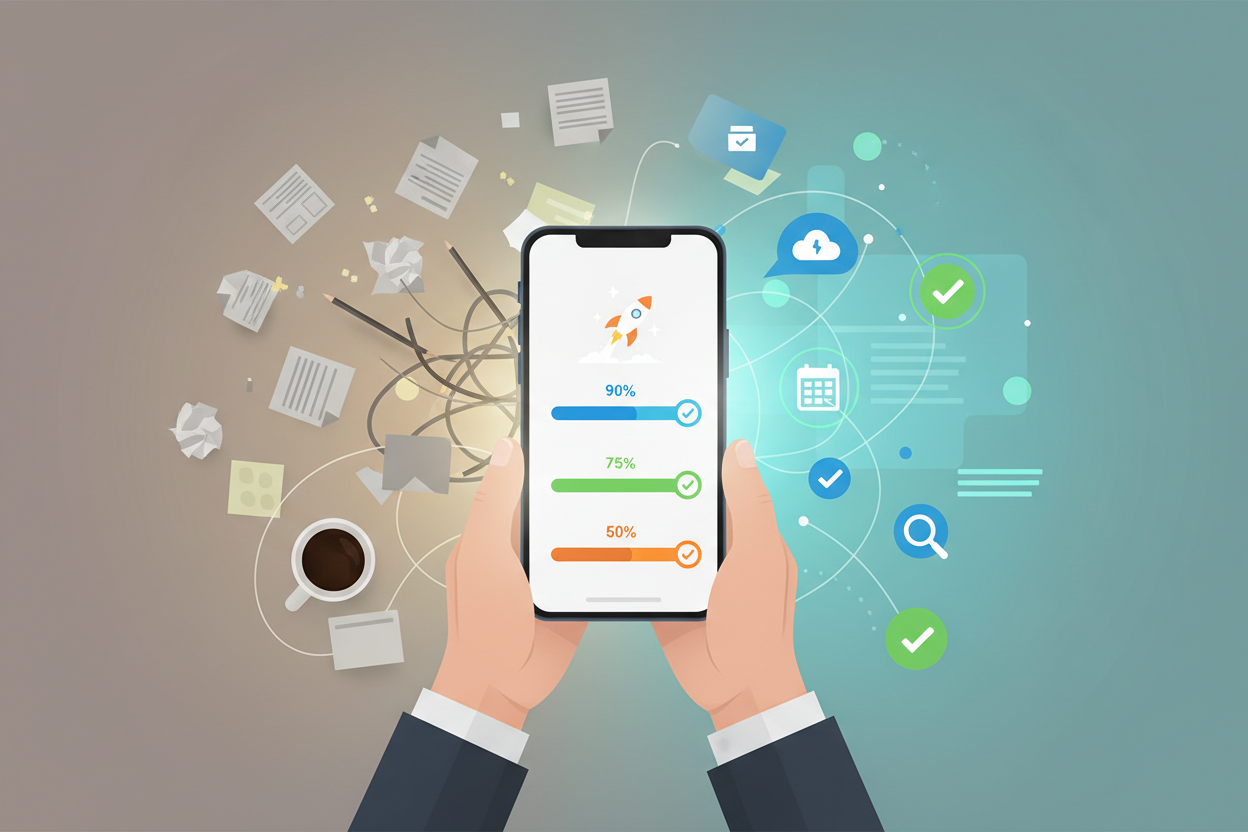
I’ve been using Google Tasks since its early days, and let me tell you, the transformation has been nothing short of impressive. What started as a simple to-do list has morphed into a sophisticated productivity companion that actually understands how modern professionals work. Whether you’re juggling multiple projects, managing a team, or simply trying to remember to pick up groceries, Google Tasks has become the silent partner that keeps everything running smoothly.
The beauty of Google Tasks lies in its simplicity. While other productivity apps overwhelm you with features you’ll never use, Google Tasks focuses on what matters most: helping you get things done efficiently and stress-free.
Why Google Tasks Dominates the Productivity App Landscape 🏆
In a world saturated with task management applications, Google Tasks has carved out a unique position. The app’s strength isn’t in flashy features or complex workflows – it’s in its seamless integration with your existing digital ecosystem and its intuitive approach to task management.
What sets Google Tasks apart is its deep integration with Gmail, Google Calendar, and Google Workspace. When you’re reading an email and realize you need to follow up, you can create a task instantly without switching apps. That follow-up task automatically includes a link back to the original email, creating a contextual thread that saves you precious minutes of searching later.
The mobile app’s offline functionality deserves special mention. Unlike many cloud-based productivity tools that leave you stranded without internet access, Google Tasks continues working seamlessly. You can add tasks, check items off your list, and make edits while commuting through subway tunnels or flying at 30,000 feet. Everything syncs automatically once you’re back online.
Essential Features That Boost Your Daily Productivity 💪
Smart Task Creation and Organization
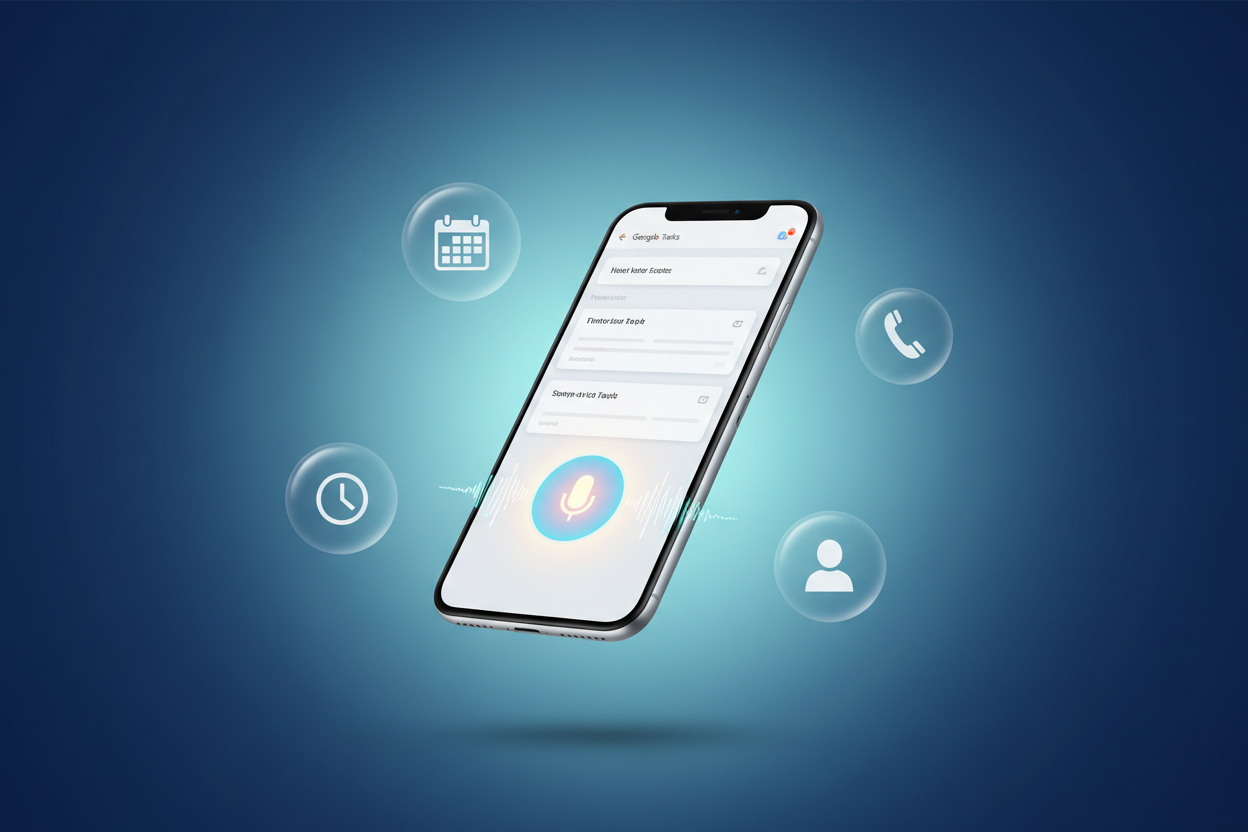
Creating tasks in Google Tasks has become surprisingly intuitive in 2025. The app now supports voice input with impressive accuracy, allowing you to add tasks while driving, walking, or multitasking. Simply tap the microphone icon and speak naturally – “Remind me to call Sarah about the quarterly report tomorrow at 2 PM” – and the app intelligently parses the due date and time.
The hierarchical task structure lets you break down complex projects into manageable subtasks. I particularly love how you can indent subtasks up to six levels deep, making it perfect for detailed project planning. The visual indentation makes it easy to see the relationship between different task components at a glance.
Location-Based Reminders That Actually Work
One of my favorite productivity features is the location-based reminder system. Set a task to remind you when you arrive at the grocery store, your office, or even when you leave home. The geofencing technology has become remarkably accurate, triggering notifications at just the right moment without draining your battery.
Time-Sensitive Notifications
The notification system strikes the perfect balance between helpful and non-intrusive. You can set multiple reminders for important tasks, and the app learns from your behavior patterns to suggest optimal reminder times. If you consistently complete morning tasks after your coffee, Google Tasks will start suggesting reminder times accordingly.
Advanced Strategies for Power Users 🎯
Keyboard Shortcuts and Quick Actions
Even on mobile, Google Tasks offers several shortcuts that can dramatically speed up your workflow. Double-tap on any task to quickly edit it, or swipe right to mark it complete. Long-pressing on a task reveals a context menu with options to add subtasks, set due dates, or move the task to a different list.
Template Creation for Recurring Projects
While Google Tasks doesn’t have built-in template functionality, savvy users have discovered workarounds that are incredibly effective. Create a master list for recurring projects – like “Monthly Report Checklist” or “Client Onboarding Process” – then duplicate and modify as needed. This approach ensures consistency while saving time on project setup.
Color Coding and Visual Organization
Although Google Tasks maintains a minimalist design, you can create visual hierarchies using emojis and strategic naming conventions. I use emojis to categorize tasks: 🔥 for urgent items, 📧 for email-related tasks, and 📞 for phone calls. This visual system makes scanning your task list much faster.
Seamless Integration with Google Workspace Ecosystem 🔗
The real magic of Google Tasks emerges when you leverage its integration capabilities. Tasks created from Gmail automatically include email context, while calendar integration ensures your scheduled tasks appear alongside meetings and appointments.
Google Assistant integration has reached new heights in 2025. You can ask Assistant to read your tasks for the day, add new items, or even reschedule deadlines using natural language commands. This hands-free functionality is particularly valuable when you’re driving or have your hands full.
The Chrome browser extension deserves special mention for its seamless workflow integration. Create tasks from any webpage, and the app automatically captures the URL for future reference. This feature is invaluable for research projects or when you need to follow up on online content.
Collaborative Task Management for Teams 👥
While Google Tasks isn’t primarily designed for team collaboration, creative users have found effective ways to coordinate group efforts. Shared Google Docs can serve as central task repositories, with team members using Google Tasks to manage their individual responsibilities.
For small teams, creating shared task lists through Google Workspace can facilitate basic collaboration. Team members can assign tasks to each other and track progress collectively, though more complex team projects might benefit from dedicated project management tools.
Troubleshooting Common Google Tasks Issues 🔧
Sync Problems and Solutions
Occasionally, you might notice tasks not syncing across devices. The quickest fix is usually refreshing the app by pulling down on your task list. If problems persist, check your internet connection and ensure you’re signed into the same Google account across all devices.
Notification Reliability
If notifications aren’t appearing consistently, verify that Google Tasks has permission to send notifications and isn’t being optimized away by aggressive battery management settings. On Android devices, adding Google Tasks to your battery optimization whitelist often resolves notification issues.
Future-Proofing Your Task Management System 🔮
As we move deeper into 2025, artificial intelligence continues reshaping how we interact with productivity tools. Google Tasks is gradually incorporating AI suggestions for task prioritization and deadline recommendations based on your historical completion patterns.
The app’s machine learning capabilities are becoming more sophisticated at understanding context and suggesting relevant actions. For instance, if you frequently create tasks related to specific email senders, Google Tasks might proactively suggest task templates when emails from those contacts arrive.
Voice interaction is becoming more conversational and context-aware. Instead of rigid command structures, you can speak naturally about your tasks and deadlines, with the app understanding implied context and relationships between different items.
Frequently Asked Questions 🤔
Can I use Google Tasks offline?
Yes! Google Tasks works completely offline. You can create, edit, and complete tasks without an internet connection. Everything syncs automatically when you’re back online.
How many tasks can I store in Google Tasks?
There’s no official limit on the number of tasks you can store. The app handles thousands of tasks without performance issues, though organizing them into multiple lists is recommended for better management.
Can I share task lists with other people?
Google Tasks doesn’t have native sharing features, but you can work around this by using shared Google Docs or Google Workspace collaboration tools for team task management.
Does Google Tasks integrate with third-party apps?
While direct third-party integrations are limited, you can use automation tools like IFTTT or Zapier to connect Google Tasks with other productivity applications and services.
Can I set recurring tasks in Google Tasks?
Google Tasks doesn’t have built-in recurring task functionality, but you can create recurring events in Google Calendar that automatically generate tasks, or manually duplicate tasks as needed.
Is there a desktop version of Google Tasks?
Yes, Google Tasks is available as a web application through Gmail and Google Calendar, plus there’s a Chrome browser extension for quick task creation from any webpage.
Conclusion: Your 2025 Productivity Journey Starts Here ✨
Google Tasks mobile app has matured into a remarkably effective productivity tool that respects your time and cognitive resources. Its strength lies not in overwhelming you with features, but in providing exactly what you need to stay organized and focused.
The app’s seamless integration with Google’s ecosystem creates a cohesive productivity environment where tasks, emails, and calendar events work together harmoniously. Whether you’re a busy professional juggling multiple projects, a student managing coursework and deadlines, or someone simply trying to bring more organization to daily life, Google Tasks provides a solid foundation for productivity success.
As we navigate the complexities of modern work and life, having a reliable task management system isn’t just helpful – it’s essential. Google Tasks offers that reliability while remaining simple enough to use consistently. The key to maximizing your productivity with any tool is consistent usage, and Google Tasks makes that consistency achievable through its intuitive design and reliable performance.
Start small, experiment with the features that resonate with your workflow, and gradually build a task management system that truly serves your needs. Your future self will thank you for the clarity and control that comes from having all your tasks organized in one accessible place. The path to enhanced productivity in 2025 is literally in your pocket – it’s time to unlock its potential! 🚀



