
Editing PDFs for Free: Discover the Best Apps in 2025 📄
Table of Contents
• Introduction: The PDF Editing Revolution
• Why Free PDF Editors Matter in 2025
• Top Free PDF Editing Apps You Need to Know
• Web-Based PDF Editors: Edit Anywhere, Anytime
• Mobile PDF Editing: Power in Your Pocket
• Desktop Champions: Full-Featured Free Solutions
• Security Considerations When Editing PDFs Online
• Tips for Choosing the Right PDF Editor
• Conclusion: Your PDF Editing Journey Starts Here
• Frequently Asked Questions
Introduction: The PDF Editing Revolution 🚀
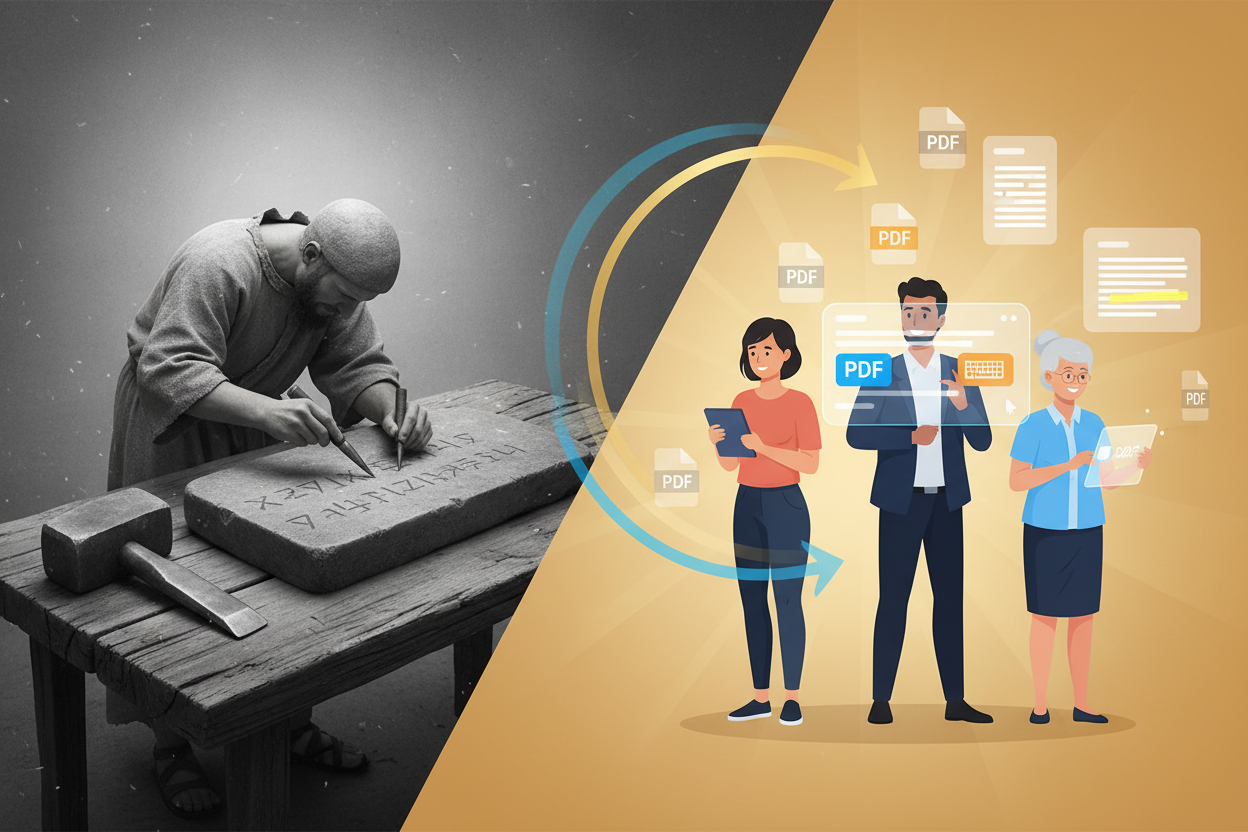
Remember when editing a PDF felt like trying to change a stone tablet? Those days are long gone! In 2025, we’re living in a golden age of PDF editing tools that won’t cost you a penny. Whether you’re a student cramming for finals, a small business owner managing contracts, or just someone who needs to fill out that pesky form your doctor sent, free PDF editors have become incredibly sophisticated.
I’ve spent countless hours testing dozens of PDF editing applications, and honestly, some of these free tools rival expensive software that costs hundreds of dollars. The landscape has changed dramatically, and today I’m excited to share the cream of the crop with you.
Why Free PDF Editors Matter in 2025 💡
Let’s be real – not everyone has the budget for Adobe Acrobat Pro, which can cost over $20 per month. But here’s the thing: you might not even need it! The free PDF editing ecosystem has exploded with innovation, driven by cloud computing advances and increased competition.
These tools have become essential for remote work, digital document management, and paperless workflows. Plus, with artificial intelligence integration becoming more common, even free editors now offer smart features like automatic form field detection and text recognition that would have seemed magical just a few years ago.
Top Free PDF Editing Apps You Need to Know ⭐
Web-Based PDF Editors: Edit Anywhere, Anytime 🌐
PDFgear Online has become my go-to recommendation for quick edits. This browser-based editor loads faster than my morning coffee brews, and it handles most common tasks beautifully. You can add text, insert images, highlight passages, and even merge multiple PDFs without downloading anything. The interface feels intuitive – even my tech-phobic uncle could figure it out in minutes.
SmallPDF deserves serious recognition for its clean, user-friendly design. While they limit free users to two tasks per day, the quality is exceptional. Their compression tool alone has saved me countless megabytes when sharing large documents via email. The drag-and-drop functionality works flawlessly, and I love how it automatically suggests optimizations.
ILovePDF brings a comprehensive toolkit to your browser. What sets it apart is the sheer variety of tools available – from splitting and merging to adding watermarks and digital signatures. The processing speed impressed me, especially when working with larger files that usually make other online tools crawl.
Mobile PDF Editing: Power in Your Pocket 📱
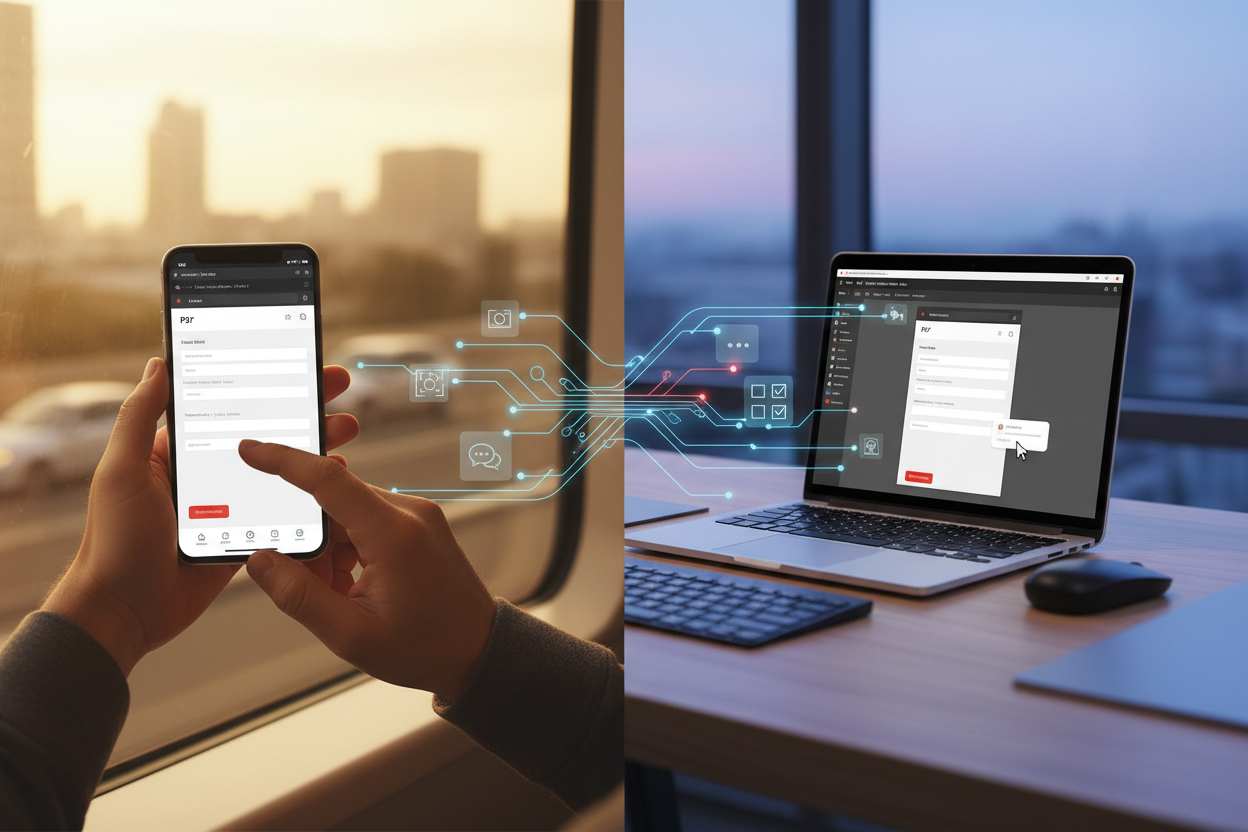
Adobe Acrobat Reader might seem like an obvious choice, but hear me out. The free mobile version packs more punch than many people realize. You can fill forms, add comments, and even scan documents using your phone’s camera. The synchronization across devices works seamlessly – I often start editing on my phone during my commute and finish on my laptop at home.
Xodo PDF Reader & Editor has quietly become a mobile powerhouse. The annotation tools are surprisingly robust, and the collaborative features shine when you’re working on documents with teammates. I particularly appreciate how it handles large PDFs without the lag that plagues other mobile apps.
Foxit PDF Reader Mobile offers a desktop-like experience on your smartphone. The text editing capabilities are more advanced than most mobile alternatives, and the cloud integration means your documents follow you everywhere. The free version includes features that other apps charge for, making it an excellent value proposition.
Desktop Champions: Full-Featured Free Solutions 💻
LibreOffice Draw might not be the prettiest option, but it’s incredibly powerful. As part of the LibreOffice suite, it can handle complex PDF editing tasks that stump other free alternatives. I’ve used it to completely restructure multi-page documents, and while there’s a learning curve, the capabilities are impressive once you get comfortable.
PDFsam Basic excels at document management tasks. If you frequently need to split, merge, or rotate PDFs, this tool will become your best friend. The interface is straightforward, and it handles batch operations efficiently. I once processed 50 invoices in under five minutes – try doing that manually!
PDF-XChange Editor offers a generous free version that includes many premium features. The annotation tools are professional-grade, and the OCR capabilities work surprisingly well. While some advanced features require a license, the free version covers 90% of what most users need.
Security Considerations When Editing PDFs Online 🔒
Here’s something that keeps me up at night – and should concern you too. When you upload sensitive documents to online PDF editors, you’re essentially trusting a third party with your information. Most reputable services claim to delete files after processing, but how can you be sure?
For confidential documents, I always recommend desktop solutions or services that explicitly guarantee local processing. Read the privacy policies carefully, and when in doubt, stick to offline tools. Some online editors now offer client-side processing, where editing happens in your browser without uploading files to their servers – this is the sweet spot between convenience and security.
Always check if the service uses HTTPS encryption and look for certifications or compliance badges. If you’re handling business documents, consider whether the service meets your industry’s regulatory requirements.
Tips for Choosing the Right PDF Editor ✨
The “best” PDF editor depends entirely on your specific needs. Are you primarily filling out forms? Look for tools with excellent form field detection. Need to collaborate with others? Prioritize apps with robust commenting and sharing features.
Consider your workflow too. If you’re always on the go, mobile-first solutions make sense. If you process many documents daily, desktop applications with batch processing capabilities will save you hours of tedious work.
Don’t forget about file size limitations and processing speed. Some online tools struggle with large files or complex layouts. Test a few options with your typical document types before settling on one.
Integration capabilities matter more than you might think. Tools that play nicely with cloud storage services like Google Drive or Dropbox can streamline your workflow significantly.
Conclusion: Your PDF Editing Journey Starts Here 🎯
The world of free PDF editing has never been more exciting or accessible. From simple form filling to complex document restructuring, there’s a free tool that can handle your needs. The key is matching the right tool to your specific requirements and comfort level.
Start with one of the web-based options I’ve mentioned – they’re perfect for getting your feet wet without any commitment. As your needs evolve, you can always explore more specialized desktop applications or mobile solutions.
Remember, the best PDF editor is the one you’ll actually use consistently. Don’t get overwhelmed by features you don’t need. Sometimes the simplest solution is the most effective one.
Frequently Asked Questions ❓
Can free PDF editors handle password-protected files?
Most free PDF editors can open password-protected files if you provide the correct password, but editing capabilities may be limited depending on the document’s security settings. Some files may have restrictions that prevent editing even with the password.
Are there file size limits with free PDF editing tools?
Yes, most online free PDF editors impose file size limits, typically ranging from 10MB to 100MB. Desktop applications usually don’t have these restrictions, making them better for large documents.
Can I edit scanned PDFs with free tools?
Some free PDF editors include OCR (Optical Character Recognition) capabilities that can convert scanned text into editable content. However, the accuracy varies, and complex layouts may not convert perfectly.
Is it safe to upload sensitive documents to online PDF editors?
While reputable services use encryption and claim to delete files after processing, there’s always some risk with online tools. For highly sensitive documents, consider using offline desktop applications instead.
Can free PDF editors add digital signatures?
Many free PDF editors now support basic digital signatures, though the features may be limited compared to paid solutions. Some allow you to draw signatures, while others support certificate-based signing.
Do free PDF editors work on all operating systems?
Web-based editors work on any device with a modern browser. Desktop applications vary – some are cross-platform while others are specific to Windows, Mac, or Linux. Always check compatibility before downloading.


