Cloud Storage vs NAS: Cost-Effectiveness Analysis for Home Users in 2025 📊
Picture this: you’re scrolling through your phone, trying to find that perfect family photo from last summer, only to discover you’ve run out of storage space. Again. Sound familiar? If you’re like most people in 2025, you’re drowning in digital files – photos, videos, documents, music – and desperately need a storage solution that won’t break the bank.
The eternal debate between cloud storage and Network Attached Storage (NAS) has never been more relevant. With cloud services becoming increasingly sophisticated and NAS devices more user-friendly, choosing the right storage solution for your home can feel overwhelming. But here’s the thing: the “right” choice isn’t universal – it depends entirely on your specific needs, budget, and technical comfort level.
In this comprehensive analysis, we’ll dive deep into the real costs of both options, helping you make an informed decision that’ll serve you well throughout 2025 and beyond. Whether you’re a casual user with basic storage needs or a digital hoarder with terabytes of data, we’ve got you covered! 💾

Table of Contents
• Understanding Your Storage Needs in 2025
• Cloud Storage: The Complete Cost Breakdown
• NAS Systems: Initial Investment and Ongoing Expenses
• Year-by-Year Cost Comparison Analysis
• Hidden Costs You Need to Consider
• Performance and Convenience Factors
• Security and Privacy Considerations
• Making the Right Choice for Your Situation
• Frequently Asked Questions
Understanding Your Storage Needs in 2025 📱
Before we crunch any numbers, let’s talk about what we’re actually storing these days. The average household in 2025 generates significantly more data than ever before. We’re talking about 4K videos from family gatherings, RAW photos from that photography hobby you picked up during the pandemic, work documents, streaming downloads for offline viewing, and let’s not forget the kids’ school projects that somehow always need to be backed up at the last minute.
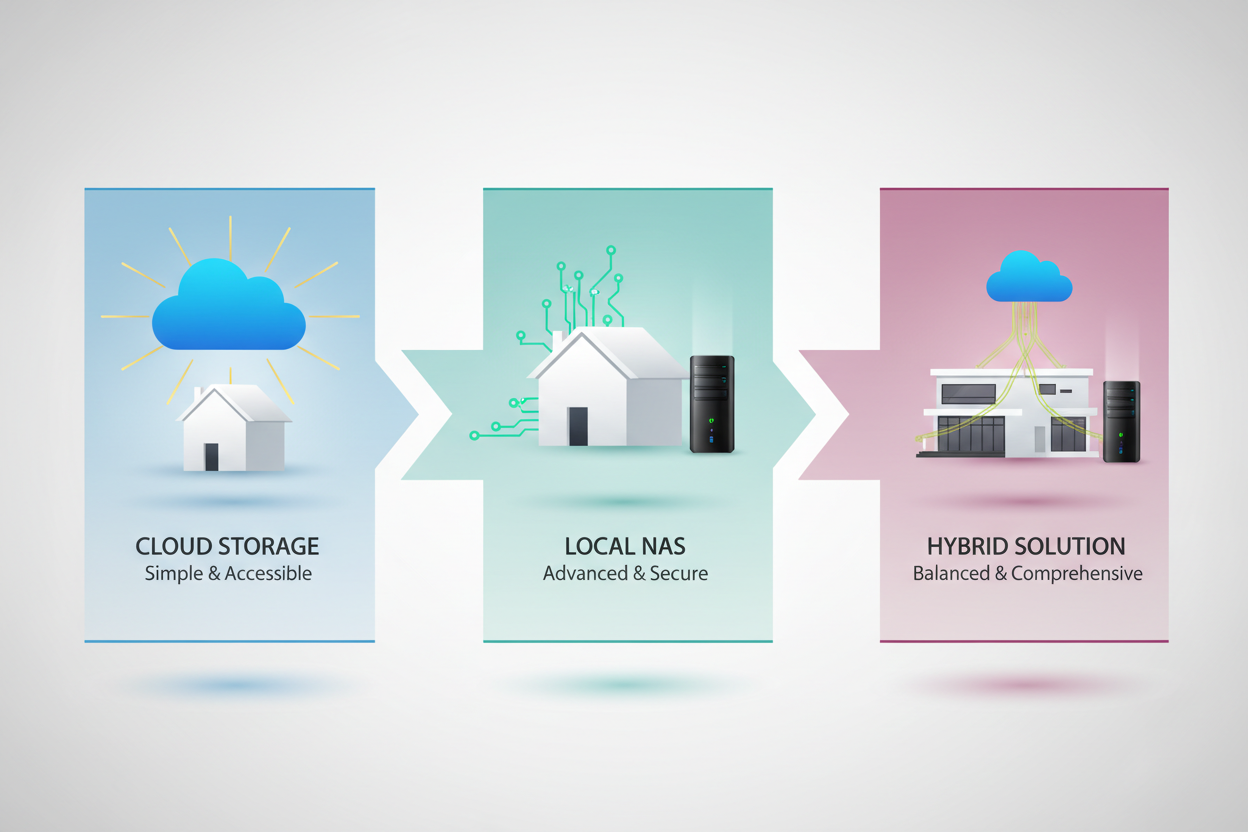
Most home users fall into one of three categories: light users (under 500GB), moderate users (500GB-2TB), and heavy users (2TB+). Understanding which category you fall into is crucial because it dramatically affects the cost-effectiveness equation. A light user might find cloud storage incredibly convenient and affordable, while a heavy user could save thousands by investing in a NAS system.
The beauty of 2025’s storage landscape is that you’re not locked into one solution forever. Many savvy users are adopting hybrid approaches, using cloud storage for frequently accessed files and NAS for long-term archival. But more on that later! 🔄
Cloud Storage: The Complete Cost Breakdown ☁️
Let’s start with cloud storage because, let’s face it, it’s what most of us are already using. The major players in 2025 – Google Drive, iCloud, OneDrive, Dropbox, and Amazon Drive – have refined their pricing models to be more competitive than ever.
For basic plans, you’re looking at roughly $2-3 per month for 100GB, $5-7 for 1TB, and $10-15 for 2TB. These prices have actually decreased slightly from previous years due to increased competition. Premium plans offering 5TB or more typically range from $25-50 monthly.
But here’s where it gets interesting: the real cost of cloud storage isn’t just the subscription fee. You need to factor in your internet costs too. If you’re constantly uploading and downloading large files, you might find yourself needing a higher-tier internet plan. That additional $20-30 per month for faster upload speeds? That’s part of your cloud storage cost.
There’s also the convenience factor to consider. Cloud storage works seamlessly across all your devices, offers automatic backups, and provides access from anywhere with an internet connection. For many users, this convenience is worth the premium price. However, over a five-year period, even a modest 1TB cloud storage plan will cost you $300-420, not including any price increases (which, let’s be honest, are inevitable).
NAS Systems: Initial Investment and Ongoing Expenses 🏠
Network Attached Storage might sound intimidating, but modern NAS devices are surprisingly user-friendly. Think of them as your personal cloud server sitting in your home office or entertainment center. The upfront costs vary dramatically based on your needs and chosen brand.
Entry-level 2-bay NAS units from reputable manufacturers like Synology, QNAP, or Asustor start around $150-200. Mid-range 4-bay systems typically cost $300-500, while high-end units can exceed $1000. But remember, these prices don’t include the hard drives – arguably the most important component.
Hard drive costs have become more reasonable in 2025. Quality 4TB drives suitable for NAS use cost approximately $80-120 each, while 8TB drives run $150-200. For most home users, starting with two 4TB drives in a RAID 1 configuration (mirroring for redundancy) provides 4TB of usable space with built-in backup protection.
So, a typical starter NAS setup might cost $150 (NAS unit) + $200 (two 4TB drives) = $350 for 4TB of storage. Compare that to cloud storage: 4TB would cost roughly $20-25 monthly, meaning you’d break even on your NAS investment in about 14-18 months. After that, it’s essentially free storage (minus electricity costs, which are minimal – usually under $20 annually).
Year-by-Year Cost Comparison Analysis 📈
Let’s break down the real numbers with a practical example. Imagine you need 2TB of storage space and want to compare costs over five years.
Cloud Storage (2TB plan at $12/month): Year 1: $144, Year 2: $288, Year 3: $432, Year 4: $576, Year 5: $720. Total five-year cost: $720, assuming no price increases.
NAS System (2-bay unit with 2x3TB drives in RAID 1): Initial cost: $200 (NAS) + $160 (drives) = $360. Years 2-5: $80 total (electricity). Total five-year cost: $440.
The savings become even more dramatic with larger storage needs. For 8TB of storage, cloud costs could exceed $3000 over five years, while a NAS system might cost $600-800 total. The math is compelling, but it’s not just about the numbers.
There’s also the expansion factor to consider. With cloud storage, upgrading usually means jumping to the next tier and paying significantly more. With NAS, you can often add drives or replace existing ones with larger capacity drives as needed. This scalability makes NAS particularly attractive for users whose storage needs are growing.
Hidden Costs You Need to Consider 💰
Every storage solution has hidden costs that don’t appear in the marketing materials. For cloud storage, these include potential overage fees if you exceed your plan limits, costs associated with downloading your data if you decide to switch providers, and the productivity lost when internet outages prevent access to your files.
There’s also the “subscription creep” phenomenon. It’s easy to start with a basic plan and gradually upgrade as your needs grow, but those incremental increases add up quickly. Many users find themselves paying for multiple cloud services without realizing it – maybe Google Drive for photos, Dropbox for work, and iCloud for device backups.
NAS systems have their own hidden costs. Hard drives don’t last forever; you should budget for drive replacements every 3-5 years. There’s also the learning curve – while modern NAS devices are user-friendly, there’s still some technical knowledge required for optimal setup and maintenance. Some users might need to factor in the cost of professional setup or ongoing IT support.
Power consumption is often overlooked but worth considering. A typical 2-bay NAS consumes about 15-25 watts, costing roughly $15-25 annually in electricity. It’s not huge, but it’s a real ongoing expense that cloud storage doesn’t have.
Performance and Convenience Factors ⚡
Cost isn’t everything – performance and convenience play huge roles in determining the best value for your money. Cloud storage excels in accessibility and simplicity. Your files are available instantly on any device, automatic syncing keeps everything up to date, and you never have to worry about hardware failures or maintenance.
However, cloud storage performance is entirely dependent on your internet connection. Uploading a 4K video to the cloud might take hours, while copying it to a local NAS happens in minutes. For users who frequently work with large files – video editors, photographers, or gamers – this performance difference can be a dealbreaker.
NAS systems offer superior local performance but require more technical involvement. Setting up remote access, configuring mobile apps, and troubleshooting connectivity issues can be challenging for non-technical users. However, once properly configured, a good NAS provides the best of both worlds: local performance with remote access capabilities.
The convenience factor also extends to collaboration. Cloud storage makes sharing files and collaborating on documents incredibly easy. NAS systems can offer similar functionality, but setup is more complex and may not integrate as seamlessly with productivity apps and services your family or work team already uses.
Security and Privacy Considerations 🔒
In 2025, data privacy concerns are more relevant than ever. Cloud storage means trusting third-party companies with your personal data. While major providers implement strong security measures, you’re ultimately subject to their privacy policies, potential data breaches, and government data requests.
NAS systems offer complete control over your data. Everything stays on your property, encrypted with keys only you control. For users with sensitive personal or business data, this level of privacy control can be invaluable. However, this control comes with responsibility – you’re in charge of security updates, backup strategies, and physical device security.
It’s worth noting that many modern NAS devices offer robust security features, including built-in VPN servers, two-factor authentication, and automatic security updates. Some even provide hybrid approaches, allowing you to keep sensitive data local while backing up less critical files to cloud services.
The privacy advantage of NAS becomes even more significant when you consider family usage. With multiple family members storing personal data, photos, and documents, having complete control over who can access what becomes increasingly important.
Making the Right Choice for Your Situation 🎯
After analyzing all these factors, the “winner” really depends on your specific situation. Cloud storage makes sense if you have modest storage needs (under 1TB), value simplicity over cost savings, frequently access files from multiple locations, or aren’t comfortable managing hardware.
NAS systems are ideal for users with large storage requirements (2TB+), those who prioritize long-term cost savings, users who work with large files requiring fast local access, or anyone with strong privacy concerns. The technical learning curve is no longer the barrier it once was, thanks to improved user interfaces and extensive online communities providing support.
For many users in 2025, the optimal solution is actually a hybrid approach. Use cloud storage for frequently accessed files that need to be available everywhere, while using NAS for bulk storage, media libraries, and long-term archival. This approach maximizes convenience while minimizing costs.
Consider your five-year outlook too. If your storage needs are growing rapidly – maybe you’re getting into content creation or have young children generating tons of photos and videos – investing in NAS now could save significant money down the road.
Conclusion: The Verdict for 2025 🏆
The cloud storage vs NAS debate doesn’t have a universal winner because the best choice depends entirely on your individual circumstances. However, the cost analysis clearly shows that NAS systems offer superior long-term value for users with substantial storage needs, while cloud storage provides unmatched convenience for light to moderate users.
For home users in 2025, here’s my recommendation: if you need less than 1TB and value simplicity, stick with cloud storage. If you need 2TB or more and don’t mind a bit of technical involvement, NAS will save you money and provide better performance. For users in between, consider a hybrid approach that gives you the best of both worlds.
Remember, this decision isn’t permanent. Technology continues evolving, and your needs will change over time. The key is choosing a solution that serves you well today while remaining flexible enough to adapt as your requirements grow. Whether you choose the cloud, go local with NAS, or blend both approaches, make sure your choice aligns with your budget, technical comfort level, and long-term storage goals.
The storage landscape in 2025 offers more options and better value than ever before. Take advantage of this competition by carefully evaluating your needs and choosing the solution that provides the best combination of cost, performance, and convenience for your unique situation! 🚀
Frequently Asked Questions ❓
Q: How much storage do I really need for my family?
A: Most families need 1-4TB for photos, videos, documents, and media. Consider your current usage and multiply by 3-5 to account for growth over the next few years.
Q: Is NAS difficult to set up for non-technical users?
A: Modern NAS devices are much more user-friendly than older models. Brands like Synology offer wizard-based setup processes that guide you through configuration step-by-step.
Q: Can I access my NAS files when I’m away from home?
A: Yes! Most NAS systems offer mobile apps and web interfaces for remote access. Setup requires some networking knowledge, but many manufacturers provide detailed guides.
Q: What happens if my NAS hard drives fail?
A: If you configure your NAS with RAID 1 (mirroring), one drive can fail without data loss. Always maintain separate backups for critical data regardless of your storage solution.
Q: Are there any hybrid solutions that combine cloud and NAS benefits?
A: Absolutely! Many NAS devices can automatically backup to cloud services, and some cloud providers offer local caching devices that provide faster access to frequently used files.
Q: How often do NAS hard drives need replacement?
A: Quality NAS drives typically last 3-5 years under normal home use. Most NAS systems monitor drive health and will alert you when replacement is recommended.