Understanding ClickUp: The All-In-One Project Management Solution of 2025
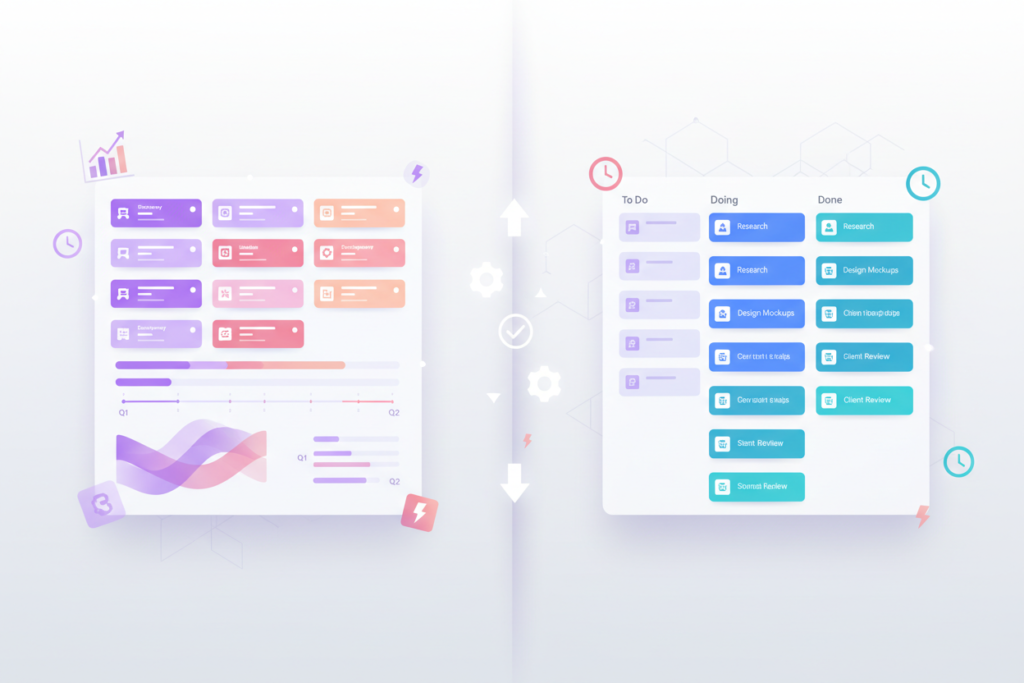
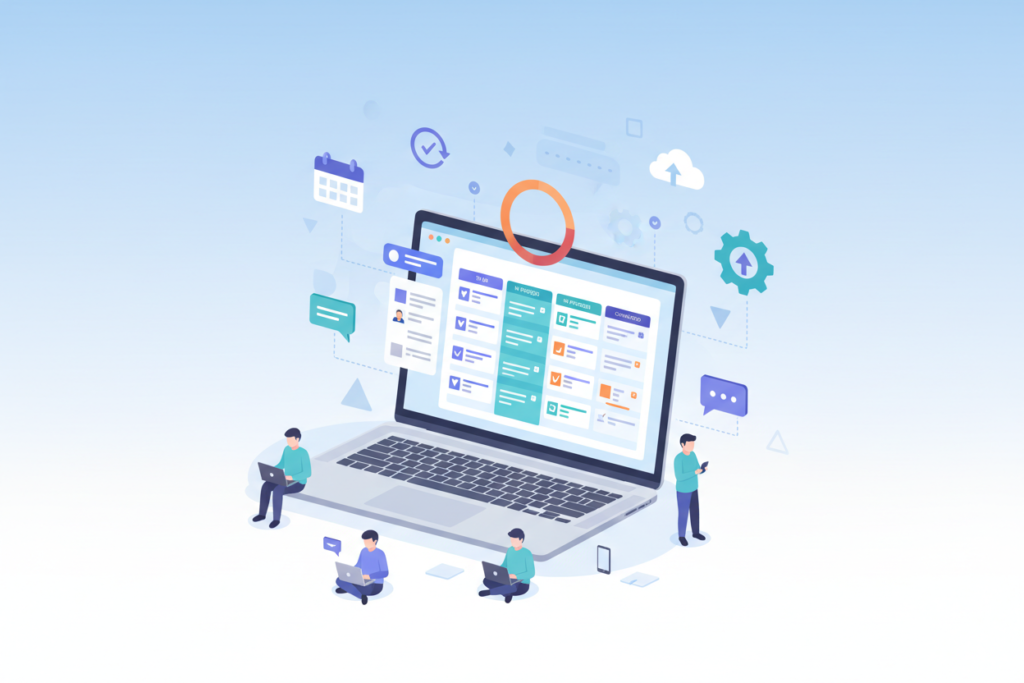
Understanding ClickUp: The All-In-One Project Management Solution of 2025 🚀 In today’s fast-paced business environment, juggling multiple projects while keeping teams aligned feels like herding cats. I’ve been there – switching between countless apps, losing track of deadlines, and watching productivity plummet. That’s where ClickUp swoops in like a superhero for overwhelmed project managers and teams everywhere. As we dive into 2025, project management has evolved far beyond simple to-do lists and basic task tracking. Teams need robust, flexible solutions that can adapt to their unique workflows while maintaining simplicity. ClickUp has positioned itself as the Swiss Army knife of project management tools, promising to replace multiple apps with one comprehensive platform. Whether you’re a solopreneur managing client projects or leading a distributed team across continents, understanding what makes ClickUp tick could be the game-changer your productivity has been waiting for. Let’s explore why this platform has captured the attention of millions of users worldwide and whether it deserves a spot in your digital toolkit. What Makes ClickUp Stand Out in 2025? 🌟 ClickUp isn’t just another project management tool throwing its hat in the ring. What sets it apart is its ambitious mission to become the “one app to replace them all.” While that might sound like marketing fluff, there’s substance behind the claim. The platform combines task management, document creation, time tracking, goal setting, and team communication in one seamless interface. Think of it as having Trello’s visual boards, Google Docs’ collaborative editing, Slack’s communication features, and Toggl’s time tracking all living under one roof. The beauty lies in how these features interconnect rather than feeling like separate modules bolted together. What really impressed me during my extensive testing is ClickUp’s flexibility. Unlike rigid project management tools that force you into their way of thinking, ClickUp molds itself around your existing workflows. You can view the same project data through multiple lenses – Kanban boards, Gantt charts, calendars, or simple lists – depending on what works best for your team at any given moment. Core Features That Power Modern Teams 💪 Task Management Reimagined At its heart, ClickUp excels at task management, but it goes several steps beyond basic to-do lists. Tasks can be broken down into subtasks, which can have their own subtasks, creating a hierarchical structure that mirrors real-world project complexity. Each task becomes a mini-workspace where team members can collaborate through comments, share files, set custom fields, and track time. The custom fields feature deserves special mention. You can add dropdowns, checkboxes, numbers, dates, or even formulas to tasks, essentially turning your project into a lightweight database. This flexibility means ClickUp can adapt to industries ranging from software development to event planning without missing a beat. Multiple Project Views for Every Work Style One person’s perfect Kanban board is another’s organizational nightmare. ClickUp acknowledges this by offering over 15 different ways to visualize your work. The List view provides a clean, hierarchical overview perfect for detail-oriented managers. Board view transforms your tasks into draggable cards ideal for agile workflows. The Calendar view helps with deadline management, while the Gantt chart view satisfies traditional project managers who need to see dependencies and critical paths. The Timeline view has become my personal favorite for client work, offering a bird’s-eye view of project progression without the complexity of full Gantt charts. Each view updates in real-time, so switching between perspectives never means losing data or context. Collaboration Without the Chaos ClickUp’s approach to team collaboration feels refreshingly organized compared to the usual email chains and scattered Slack messages. The comment system on tasks keeps discussions contextual and searchable. The Proofing feature allows team members to leave feedback directly on images and documents, streamlining the review process for creative projects. Real-time collaborative editing in ClickUp Docs rivals Google Docs while maintaining tight integration with your project data. You can embed live task lists, charts, and even create dynamic templates that pull information from your workspace automatically. Advanced Capabilities for Growing Teams 📈 Automation That Actually Works ClickUp’s automation engine has matured significantly, offering pre-built templates for common scenarios while allowing custom automation for complex workflows. You can automatically assign tasks based on project type, move items through status changes, or send notifications when deadlines approach. The automation feels intuitive rather than requiring a computer science degree to implement. What I find particularly useful is the ability to create recurring tasks with dynamic due dates. For instance, you can set up monthly reports that automatically adjust their due dates based on business days, accounting for holidays and weekends. Goal Tracking and OKRs The Goals feature transforms ClickUp from a task manager into a strategic planning tool. You can set company-wide objectives, break them down into key results, and watch as completed tasks automatically contribute to goal progress. This top-down visibility helps teams understand how their daily work connects to bigger picture outcomes. The visual progress tracking creates accountability without feeling micromanaged. Team members can see their contributions in real-time, fostering a sense of ownership and accomplishment that’s often missing in traditional project management setups. Time Tracking and Resource Management Built-in time tracking eliminates the need for separate apps while providing detailed insights into where time actually goes. The time tracking integrates seamlessly with tasks, allowing for accurate project costing and resource allocation. You can track time manually, use the built-in timer, or even import data from external time tracking tools. The workload view helps managers balance team capacity by visualizing who’s overloaded and who has bandwidth for additional tasks. This feature alone has saved me from countless “Why is this taking so long?” conversations with clients. Who Should Consider ClickUp in 2025? 🎯 ClickUp shines brightest for teams that have outgrown simple task lists but aren’t ready for enterprise-level complexity. It’s particularly well-suited for remote and hybrid teams that need centralized communication and project visibility. Creative agencies love ClickUp’s proofing features and client portal capabilities. Software development teams appreciate the sprint planning tools and GitHub integration. Marketing teams find