Exploring the Top Free Task Management Tools for 2025
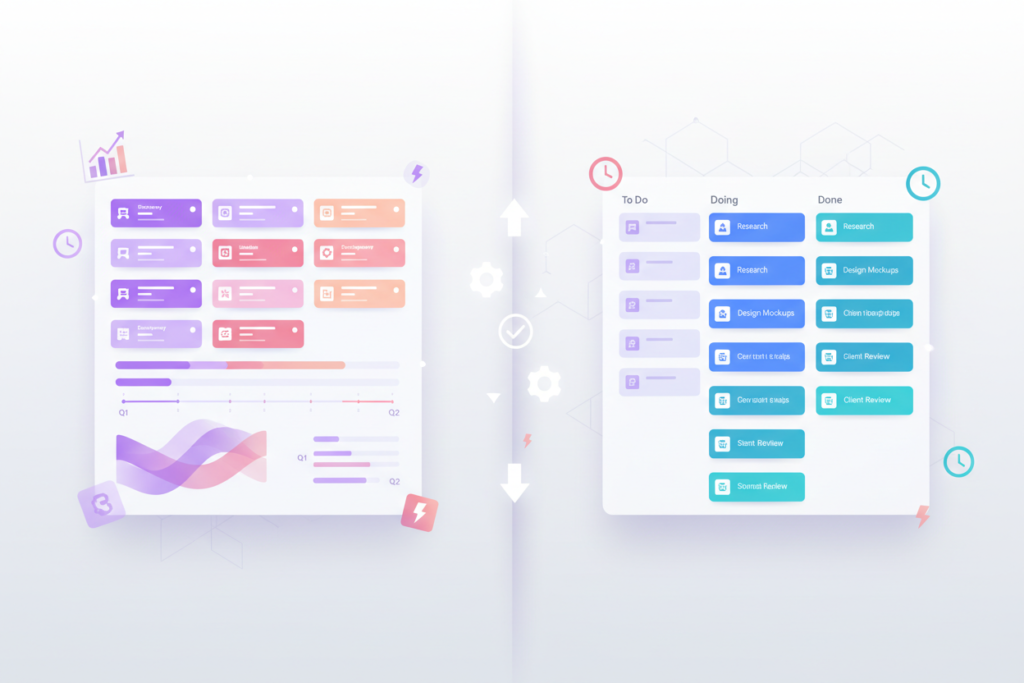
Exploring the Top Free Task Management Tools for 2025 📋 Let’s be honest – we’ve all been there. You start your Monday morning with the best intentions, armed with a mental list of everything you need to accomplish. But by Wednesday, you’re drowning in sticky notes, forgotten deadlines, and that nagging feeling that you’re missing something important. Sound familiar? 😅 In our increasingly digital world, effective task management has become less of a luxury and more of a necessity. Whether you’re a solopreneur juggling multiple projects, a student trying to balance coursework and part-time work, or simply someone who wants to bring more order to their daily chaos, the right task management tool can be a game-changer. The good news? You don’t need to break the bank to get organized. In 2025, there’s an abundance of powerful, feature-rich task management tools that won’t cost you a penny. I’ve spent countless hours testing and comparing these platforms, and I’m excited to share my findings with you. From simple to-do lists to comprehensive project management suites, there’s something here for everyone. Table of Contents • Why Free Task Management Tools Matter in 2025 • Essential Features to Look For • Top Free Task Management Tools for 2025 • Choosing the Right Tool for Your Needs • Getting Started: Tips for Success • Common Pitfalls to Avoid • The Future of Task Management • Frequently Asked Questions Why Free Task Management Tools Matter in 2025 🎯 Before we dive into the tools themselves, let’s talk about why this matters more than ever. The landscape of work has fundamentally changed. Remote work, hybrid schedules, and the gig economy have created new challenges for staying organized and productive. Free task management tools have evolved dramatically over the past few years. What used to be basic to-do list apps have transformed into sophisticated platforms that rival their premium counterparts. Many of these tools offer generous free tiers that include features like team collaboration, file attachments, deadline tracking, and even basic automation. For individuals and small teams, these free options often provide everything needed to stay organized and productive. Why pay for premium features you might never use when a free tool can handle your core requirements perfectly? Essential Features to Look For in Task Management Tools ⚡ Not all task management tools are created equal. Before we explore specific platforms, it’s crucial to understand what features actually matter for effective task management in 2025. First and foremost, look for intuitive task creation and organization. The best tools make it effortless to capture thoughts and turn them into actionable items. You should be able to add tasks quickly, set due dates, and organize them in a way that makes sense to you. Cross-platform synchronization is non-negotiable in today’s multi-device world. Your task management tool should work seamlessly across your phone, tablet, and computer, keeping everything in sync automatically. There’s nothing more frustrating than updating a task on your phone only to find it hasn’t synced to your desktop when you need it most. Collaboration features have become increasingly important, even for individual users. You might need to share a project with a colleague, assign tasks to family members, or simply get input from others. Look for tools that make collaboration feel natural rather than forced. Flexibility in organization methods is another key consideration. Some people think in lists, others prefer boards, and many benefit from calendar views. The best tools offer multiple ways to visualize and organize your tasks, adapting to your thinking style rather than forcing you to adapt to theirs. Top Free Task Management Tools for 2025 🏆 Todoist: The Perfect Balance of Power and Simplicity Todoist has consistently impressed me with its ability to feel both simple and powerful. The free tier is genuinely generous, offering up to 5 personal projects, 5 people per project, and basic filters and labels. What sets Todoist apart is its natural language processing – you can type “Call mom tomorrow at 2pm” and it automatically sets the due date and time. The interface is clean and intuitive, making it easy to capture tasks quickly without getting bogged down in complex features. The karma system adds a gamification element that many users find motivating, and the variety of project templates helps you get started quickly with different types of workflows. Where Todoist really shines is in its smart scheduling features. The tool learns from your habits and suggests optimal times for tasks based on your patterns. It’s like having a personal assistant who knows your schedule better than you do. Microsoft To Do: Seamless Integration for Windows Users If you’re already invested in the Microsoft ecosystem, Microsoft To Do is a natural choice. It integrates beautifully with Outlook, Teams, and other Microsoft services, making it feel like a native part of your workflow rather than another app to manage. The “My Day” feature is particularly well-designed, encouraging you to start each day by selecting which tasks deserve your focus. This approach helps combat the overwhelm that comes with looking at an endless list of everything you need to do. Shared lists work seamlessly, making it easy to coordinate with family members or small teams. The ability to add notes, files, and subtasks to any item provides flexibility without cluttering the interface. Plus, the integration with Cortana means you can add tasks using voice commands. TickTick: Feature-Rich Without the Complexity TickTick might not be as well-known as some competitors, but it punches well above its weight class. The free version includes calendar integration, basic collaboration features, and even a Pomodoro timer built right into the app. What I love about TickTick is its attention to detail. The app includes features like location-based reminders, habit tracking, and even a simple note-taking function. It feels like the developers actually use their own product and understand the small frustrations that can make or break a productivity tool. The calendar view is particularly well-implemented, showing your tasks alongside your appointments to give you