
An Instructional Guide to Using Any.do for Effective Task Management in 2025 📋
Table of Contents
1. Introduction to Any.do and Modern Task Management
2. Getting Started with Any.do: Setting Up Your Digital Workspace
3. Core Features That Make Any.do Stand Out in 2025
4. Advanced Task Organization Strategies
5. Collaboration and Team Management Features
6. Integration and Automation Capabilities
7. Tips for Maximizing Productivity with Any.do
8. Common Mistakes to Avoid
9. Frequently Asked Questions
10. Conclusion
Introduction: Why Any.do Remains a Top Choice for Task Management in 2025 🚀
In our increasingly digital world, staying organized has become more challenging than ever. With remote work becoming the norm and our daily responsibilities multiplying, finding the right task management tool isn’t just helpful—it’s essential. Enter Any.do, a platform that has evolved significantly since its inception and continues to be a powerhouse for productivity enthusiasts in 2025.
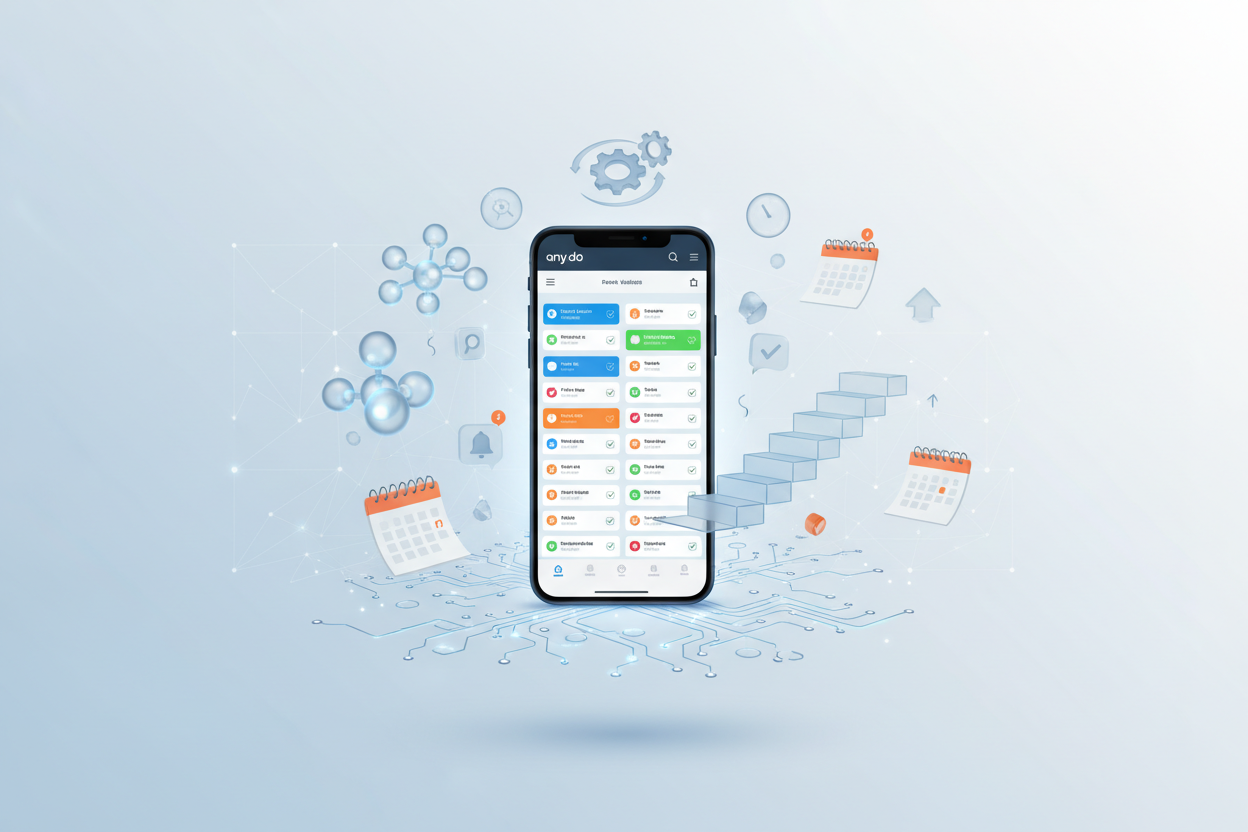
I’ve been using various task management apps for over a decade, and I can honestly say that Any.do has struck the perfect balance between simplicity and functionality. Whether you’re a busy professional juggling multiple projects, a student managing coursework, or someone simply trying to bring order to your personal life, this guide will walk you through everything you need to know about leveraging Any.do effectively.
What makes Any.do particularly compelling in 2025 is its seamless integration with modern workflows, enhanced AI capabilities, and intuitive design that doesn’t overwhelm users with unnecessary complexity. Let’s dive into how you can harness its full potential.
Getting Started with Any.do: Setting Up Your Digital Workspace ⚡
Starting with Any.do is refreshingly straightforward, but there are some key steps that will set you up for long-term success. When you first open the app, resist the urge to immediately start adding tasks. Instead, take a few minutes to configure your workspace properly.
First, customize your categories. Any.do comes with default lists like “Personal” and “Work,” but I recommend creating categories that reflect your actual life structure. For instance, I use “Client Projects,” “Health & Wellness,” “Home Management,” and “Learning Goals.” This initial setup might seem trivial, but it’s the foundation of your entire organizational system.
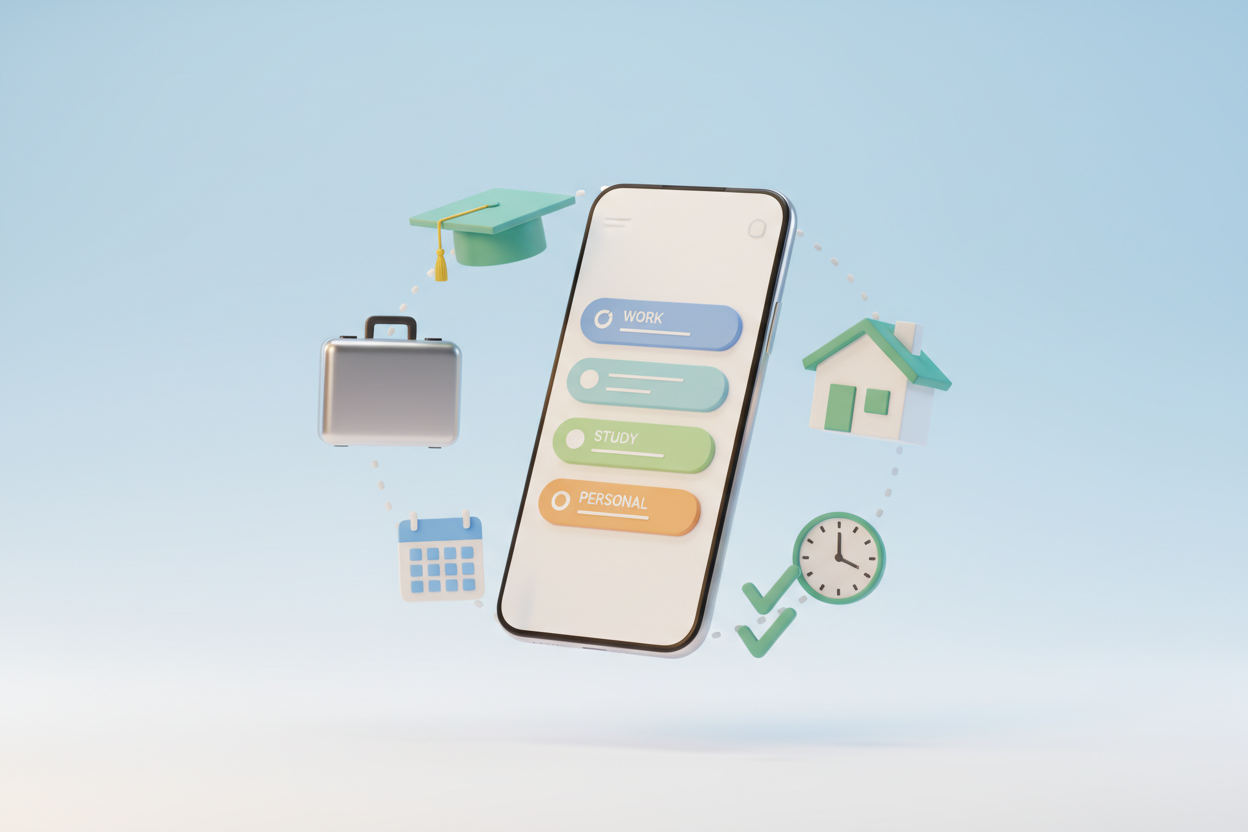
Next, configure your notification preferences carefully. The beauty of Any.do lies in its gentle nudging system, but you don’t want to be overwhelmed. I suggest starting with minimal notifications and gradually adding more as you develop your routine. The app’s smart reminder system learns from your behavior patterns, becoming more helpful over time.
Don’t forget to sync your calendar during setup. Any.do’s calendar integration is one of its strongest features, allowing you to see tasks and appointments in one unified view. This integration becomes particularly powerful when you start using the app’s time-blocking features.
Core Features That Make Any.do Stand Out in 2025 🌟
Any.do has continuously evolved, and its 2025 iteration includes several features that distinguish it from competitors. The AI-powered task suggestions have become remarkably sophisticated, learning from your habits to suggest optimal timing for different types of activities.
The voice input feature has also seen significant improvements. You can now speak naturally, saying something like “Remind me to call Mom tomorrow after lunch,” and Any.do will automatically parse this into a properly scheduled task with the correct time and context. This natural language processing makes task entry almost effortless.
One feature I particularly appreciate is the Focus Mode. When activated, it temporarily hides all but your most critical tasks, helping you maintain concentration during deep work sessions. The app analyzes your productivity patterns and can even suggest optimal times for enabling Focus Mode.
The location-based reminders have also become more intelligent. Instead of simple GPS triggers, Any.do now considers factors like traffic patterns and your typical schedule to provide more contextually appropriate notifications.
Advanced Task Organization Strategies 📊
Effective task management goes beyond simply creating lists. Any.do offers several advanced organizational features that can transform how you approach your daily responsibilities.
The priority system in Any.do uses a four-level approach: High, Medium, Low, and None. However, the key to using this effectively isn’t to mark everything as high priority. Instead, I recommend using the “High” designation sparingly—only for tasks that truly cannot be delayed. This restraint makes your priority system meaningful and actionable.
Tags are another powerful organizational tool that many users underutilize. You can create tags for contexts (@phone, @computer, @errands), energy levels (@high-energy, @low-energy), or time requirements (@quick, @deep-work). This tagging system allows you to filter tasks based on your current situation and energy level.
The subtask feature is perfect for breaking down complex projects. When you create a large task like “Plan vacation,” you can add subtasks for “Research destinations,” “Book flights,” “Reserve accommodation,” and so on. This breakdown makes overwhelming projects feel manageable and provides a clear roadmap for completion.
Collaboration and Team Management Features 👥
Any.do’s collaboration features have matured significantly, making it an excellent choice for team projects and family organization. The shared lists functionality allows multiple people to contribute to and monitor the same set of tasks.
When sharing a list, you can assign different permission levels to team members. Some can only view tasks, while others can add, edit, or delete items. This granular control is particularly useful in professional settings where you might want to share project progress with stakeholders without giving them editing access.
The comment system within tasks facilitates communication without cluttering your main task view. Team members can ask questions, provide updates, or share relevant files directly within the task context. This keeps all project-related communication organized and easily accessible.
For families, the shared grocery list feature has become incredibly popular. Multiple family members can add items throughout the week, and whoever goes shopping has access to the complete, real-time list. It’s a simple feature that eliminates a common source of household friction.
Integration and Automation Capabilities 🔗
The true power of Any.do in 2025 lies in its extensive integration ecosystem. The app connects seamlessly with popular tools like Google Calendar, Outlook, Slack, and Zoom, creating a unified productivity environment.
The Zapier integration opens up countless automation possibilities. You can set up workflows where new emails from specific senders automatically create tasks, or where completed tasks trigger notifications in other apps. I have a automation that creates a task in Any.do whenever I star an email in Gmail, ensuring important messages don’t get lost in my inbox.
The Google Assistant and Alexa integrations have also improved dramatically. You can now have quite sophisticated conversations with these assistants about your tasks. For example, you can ask, “What do I need to do this afternoon?” and receive a contextually appropriate response based on your schedule and task priorities.
The Apple ecosystem integration deserves special mention. Any.do works beautifully with Siri Shortcuts, allowing you to create custom voice commands for common actions. I have a shortcut called “End of day” that reviews my completed tasks and sets up tomorrow’s priorities.
Tips for Maximizing Productivity with Any.do 💡
After years of using Any.do, I’ve developed several strategies that significantly enhance productivity. The most important principle is consistency—it’s better to use a simple system every day than a complex one sporadically.
Implement a daily review ritual. I spend five minutes each morning reviewing my tasks and adjusting priorities based on new developments. This brief investment prevents the chaos that can accumulate when tasks are added but never reassessed.
Use the “Plan my day” feature religiously. This AI-powered tool analyzes your tasks, calendar, and historical productivity patterns to suggest an optimal daily schedule. While you don’t have to follow its suggestions exactly, they provide an excellent starting point for daily planning.
Take advantage of the recurring task feature for habits and regular responsibilities. Instead of manually creating the same tasks repeatedly, set up recurring items for things like “Weekly grocery shopping” or “Monthly budget review.” This automation ensures important regular tasks don’t fall through the cracks.
The “Someday” list is perfect for capturing ideas and non-urgent tasks that you don’t want to forget but don’t need to act on immediately. This prevents your active task lists from becoming cluttered with items that aren’t actionable in the near term.
Common Mistakes to Avoid ⚠️
Even with the best intentions, there are several pitfalls that can undermine your task management efforts. The most common mistake I see is over-complicating the system. Any.do’s flexibility can be tempting, but resist the urge to create elaborate category structures or complex tagging systems unless you’re certain you’ll maintain them.
Another frequent error is treating Any.do as a dumping ground for every thought or idea. While it’s important to capture tasks quickly, not everything needs to become a formal task. Use the notes feature for reference information and reserve tasks for items that require specific action.
Don’t neglect the archive feature. Completed tasks can clutter your view and slow down the app. Regularly archive old completed tasks to maintain optimal performance and visual clarity.
Avoid the perfectionist trap of trying to plan every minute of your day. Any.do works best when you focus on identifying and completing your most important tasks, not when you try to schedule every small activity.
Frequently Asked Questions 🤔
Is Any.do suitable for large team projects?
While Any.do excels at personal task management and small team collaboration, very large projects might benefit from more specialized project management tools. However, for teams of up to 10-15 people, Any.do’s collaboration features are quite robust.
Can I use Any.do offline?
Yes, Any.do offers offline functionality. You can view and edit your tasks without an internet connection, and changes will sync automatically when you reconnect. However, some advanced features like AI suggestions require an internet connection.
How does Any.do compare to other task management apps in terms of pricing?
Any.do offers a generous free tier that includes most essential features. The premium subscription unlocks advanced features like unlimited subtasks, custom themes, and enhanced collaboration tools. Compared to similar apps, the pricing is competitive and offers good value for the feature set.
Can I migrate data from other task management apps?
Any.do supports importing from several popular apps including Todoist, Wunderlist, and basic CSV formats. The import process is generally smooth, though you may need to reorganize some data to fit Any.do’s structure.
Does Any.do work well on all devices?
Any.do offers native apps for iOS, Android, Windows, Mac, and web browsers. The experience is consistent across platforms, with real-time syncing ensuring your data is always up-to-date regardless of which device you’re using.
Conclusion: Embracing Organized Productivity in 2025 ✨
Any.do has proven itself as more than just another task management app—it’s a comprehensive productivity companion that adapts to your unique workflow and preferences. The key to success with Any.do, or any productivity system, lies not in using every available feature, but in finding the right combination of tools that support your specific needs and goals.
As we navigate the complexities of modern life, having a reliable system for managing our responsibilities isn’t just helpful—it’s essential for maintaining both productivity and peace of mind. Any.do’s evolution in 2025 has made it more intelligent, more integrated, and more intuitive than ever before.
Remember that the best task management system is the one you actually use consistently. Start simple with Any.do, gradually incorporating more advanced features as they become relevant to your workflow. With patience and consistency, you’ll find that Any.do can transform not just how you manage tasks, but how you approach productivity and organization in all areas of your life.
The journey to better organization is ongoing, and Any.do provides an excellent foundation for that journey. Whether you’re just starting to explore digital task management or looking to optimize an existing system, the strategies and insights in this guide will help you make the most of what Any.do has to offer in 2025 and beyond.



