Choosing the Best Free Cloud Storage for High-Resolution Photos in 2026 📸
As a photographer who’s been through countless storage nightmares – from crashed hard drives to overflowing memory cards – I can’t stress enough how crucial reliable cloud storage has become in our digital age. Whether you’re a professional photographer capturing stunning landscapes or a parent documenting precious family moments in crystal-clear detail, finding the right free cloud storage solution for your high-resolution photos can feel overwhelming.
The good news? 2026 has brought us some fantastic options that won’t cost you a penny while keeping your precious memories safe and accessible. Let me walk you through everything you need to know about selecting the perfect free cloud storage service for your photography needs.

Table of Contents
• Why High-Resolution Photos Need Special Storage Considerations
• Top Free Cloud Storage Services for Photographers in 2026
• Google Drive: The Reliable All-Rounder
• iCloud: Perfect for Apple Ecosystem Users
• OneDrive: Microsoft’s Generous Offering
• Dropbox: Simple Yet Effective
• Amazon Photos: Hidden Gem for Prime Members
• Key Features to Consider When Choosing
• Storage Optimization Tips for Photographers
• Security and Privacy Considerations
• Making the Final Decision
Why High-Resolution Photos Need Special Storage Considerations 🎯
Before diving into specific services, let’s address the elephant in the room: high-resolution photos are storage hungry beasts. A single RAW file from a modern DSLR or mirrorless camera can easily consume 50-100MB, while those gorgeous 8K video clips can devour gigabytes in minutes.
Traditional storage solutions often fall short because they either compress your images (destroying that beautiful detail you worked so hard to capture) or impose strict file size limits. Free cloud storage services have evolved significantly, but not all are created equal when it comes to handling large photo files efficiently.
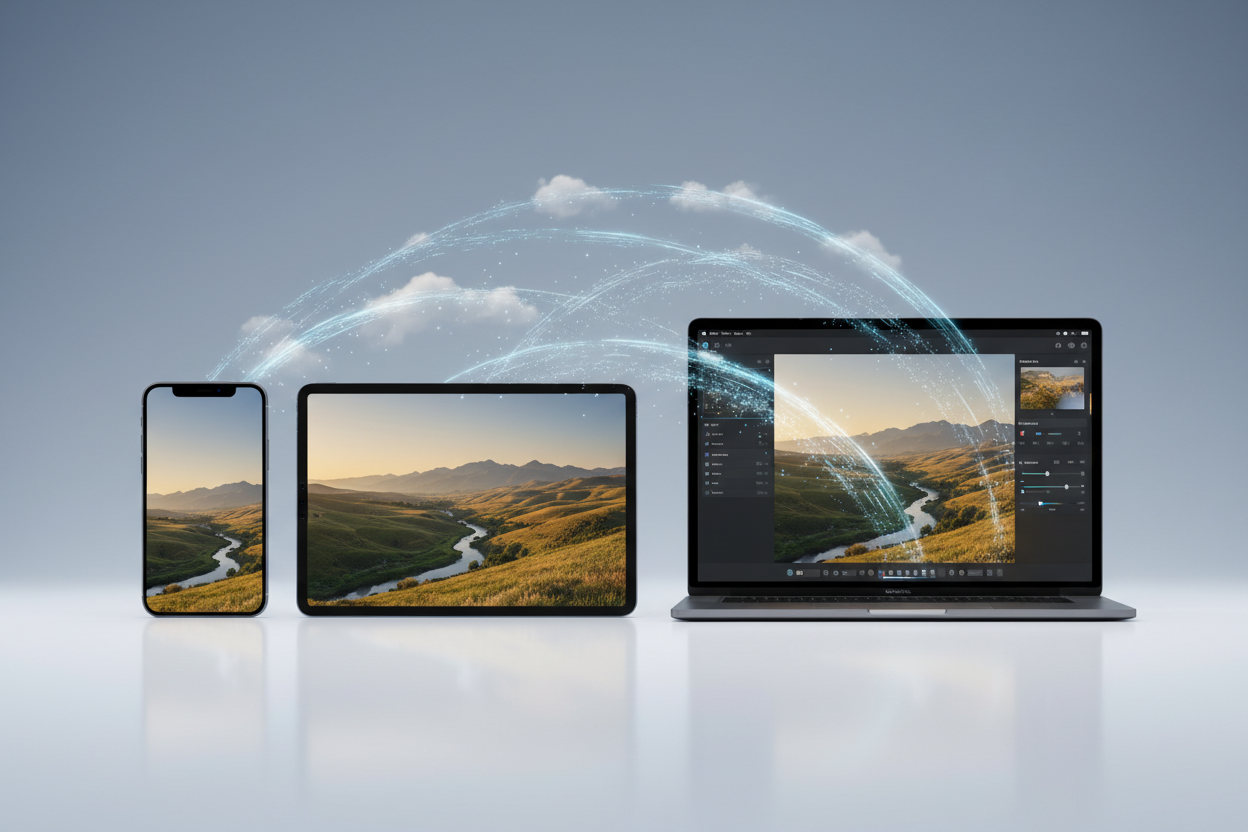
The challenge becomes even more complex when you consider backup speed, sync reliability, and the ability to share your work with clients or family members without quality loss. That’s why choosing the right service isn’t just about storage space – it’s about finding a platform that understands and respects your photographic workflow.
Top Free Cloud Storage Services for Photographers in 2026 📊
After testing dozens of services with everything from casual smartphone snapshots to professional wedding photography collections, I’ve narrowed down the field to the most reliable and photographer-friendly options available today.
Google Drive: The Reliable All-Rounder 🔧
Google Drive continues to dominate the free cloud storage landscape, and for good reason. With 15GB of free storage shared across Gmail, Google Photos, and Drive, it offers excellent integration with the broader Google ecosystem that most of us already use daily.
What sets Google Drive apart for photographers is its robust file handling capabilities. I’ve uploaded everything from massive panoramic shots to time-lapse sequences without encountering the file corruption issues that plague some competitors. The web interface is intuitive, and the mobile apps sync reliably across devices.
However, there’s a catch that photographers need to understand: Google Photos no longer offers unlimited free storage for high-quality photos as of 2021. This means your beautiful high-resolution images will count against that 15GB limit much faster than you might expect. Still, the seamless integration and reliable performance make it a solid choice for many photographers.
iCloud: Perfect for Apple Ecosystem Users 🍎
If you’re deeply embedded in the Apple ecosystem – shooting with an iPhone, editing on a MacBook, and sharing via iPad – iCloud’s 5GB free tier might seem limiting at first glance. But here’s where Apple’s optimization shines: the intelligent photo management system can store full-resolution photos in the cloud while keeping optimized versions on your devices.
The real magic happens with iCloud’s seamless photo sync across all your Apple devices. Take a photo on your iPhone, and it’s instantly available on your Mac for editing in Lightroom or Photoshop. The integration is so smooth that it feels like magic, especially when working on photography projects that span multiple devices.
The downside? That 5GB fills up incredibly quickly with high-resolution photos. Apple clearly wants you to upgrade to a paid plan, but for photographers who primarily use Apple devices and don’t mind managing their storage carefully, the user experience is unmatched.
OneDrive: Microsoft’s Generous Offering 💼
Microsoft OneDrive offers 5GB of free storage, but what makes it particularly appealing for photographers is its excellent integration with Windows and Office applications. If you’re creating photography portfolios, client presentations, or need to collaborate on projects, OneDrive’s seamless Office integration can be a game-changer.
I’ve been impressed by OneDrive’s upload speeds and reliability when dealing with large photo batches. The service handles RAW files without issues, and the version history feature has saved me more than once when I accidentally overwrote an edited photo.
The mobile apps are solid, though not quite as polished as Google’s offerings. Where OneDrive really shines is in its sharing capabilities – sending high-resolution photos to clients or collaborators is straightforward and maintains image quality.
Dropbox: Simple Yet Effective 📦
Dropbox might only offer 2GB of free storage, but don’t dismiss it immediately. What it lacks in capacity, it makes up for in reliability and simplicity. As someone who’s dealt with corrupted uploads and sync failures on other platforms, Dropbox’s rock-solid performance is refreshing.
The service excels at handling large files and maintains a clean, straightforward interface that doesn’t get in your way. For photographers who need a reliable backup solution for their most important work and don’t mind the storage limitations, Dropbox remains a solid choice.
Plus, Dropbox offers various ways to earn additional free storage through referrals and completing simple tasks, potentially expanding your capacity without spending money.
Amazon Photos: Hidden Gem for Prime Members 💎
Here’s where things get interesting: if you’re already an Amazon Prime member, you get unlimited photo storage for full-resolution images. Yes, you read that correctly – unlimited. This makes Amazon Photos potentially the best deal for photographers, assuming you’re already paying for Prime.
The service handles RAW files beautifully and offers decent organization tools. The mobile apps have improved significantly over the past year, and the integration with Alexa devices adds some interesting possibilities for displaying your work.
The catch? Video storage is limited to 5GB, and if you’re not a Prime member, you only get 5GB total. But for Prime members who primarily work with still photography, this could be the perfect solution.
Key Features to Consider When Choosing 🔑
Storage capacity is just the beginning. When evaluating cloud storage for photography, several other factors can make or break your experience.
Upload speed matters tremendously when you’re dealing with hundreds of high-resolution images from a shoot. I’ve tested services that crawl to a halt with large files, turning what should be a quick backup into an overnight ordeal.
File format support is another crucial consideration. While most services handle JPEGs without issues, RAW file support varies significantly. Some services process RAW files correctly, while others might compress or convert them, potentially compromising your image quality.
Sync reliability across devices can’t be overlooked either. There’s nothing more frustrating than expecting to find your latest photos on your laptop, only to discover the sync failed silently. Look for services with robust sync status indicators and error reporting.
Storage Optimization Tips for Photographers 💡
Even with the best free cloud storage service, you’ll likely need to be strategic about managing your space. Here are some practical tips I’ve learned through years of managing large photo collections.
Consider implementing a tiered storage strategy. Keep your current projects and recent work in premium cloud storage, while archiving older projects to external drives or less expensive storage solutions. This approach maximizes the value of your free storage while ensuring your active work remains easily accessible.
Smart file organization can also extend your storage life. Create clear folder structures and regularly review your uploads to remove duplicates or unnecessary files. Many photographers accumulate thousands of similar shots – being selective about what you store in the cloud can dramatically improve your storage efficiency.
Don’t forget about compression options that maintain quality. Some services offer intelligent compression that reduces file sizes without noticeable quality loss for sharing purposes, while maintaining original files for archival.
Security and Privacy Considerations 🔒
Your photos represent countless hours of work and irreplaceable memories, making security a paramount concern. When evaluating cloud storage services, pay attention to their encryption standards and privacy policies.
Most reputable services encrypt your data both in transit and at rest, but the devil is in the details. Some services retain the ability to access your files for various purposes, while others offer zero-knowledge encryption where even the service provider can’t view your content.
Consider enabling two-factor authentication on whichever service you choose. This simple step dramatically improves your account security and protects against unauthorized access to your photo collection.
Making the Final Decision 🎯
Choosing the best free cloud storage for your high-resolution photos ultimately depends on your specific needs and existing technology ecosystem. If you’re deeply integrated with Google services and need reliable, cross-platform access, Google Drive remains an excellent choice despite the storage limitations.
Apple users who prioritize seamless device integration should seriously consider iCloud, especially if they’re willing to be strategic about storage management. The user experience benefits often outweigh the capacity constraints for photographers who primarily work within Apple’s ecosystem.
For Amazon Prime members, Amazon Photos offers unbeatable value with unlimited photo storage. This could be the perfect solution for photographers who focus primarily on still images and don’t need extensive video storage.
Remember, you’re not limited to just one service. Many successful photographers use a combination of platforms – perhaps Google Drive for collaboration and sharing, iCloud for seamless device sync, and Amazon Photos for long-term archival storage.
Frequently Asked Questions ❓
Can I store RAW files in free cloud storage services?
Yes, most major cloud storage services support RAW file formats. However, some may compress or convert these files, so it’s important to test with your specific camera’s RAW format before committing to a service.
What happens if I exceed my free storage limit?
Most services will stop syncing new files and may restrict access to existing files until you either delete content or upgrade to a paid plan. Some services offer grace periods, but it’s best not to rely on these.
How can I maximize my free cloud storage for photography?
Use multiple services strategically, regularly clean up duplicates and unnecessary files, organize your photos efficiently, and consider using compression options that maintain acceptable quality for your needs.
Are my photos safe in free cloud storage?
Reputable services use strong encryption and security measures, but free accounts may have fewer backup guarantees than paid services. Always maintain local backups of your most important photos regardless of your cloud storage choice.
Can I share high-resolution photos directly from cloud storage?
Yes, all major services offer sharing capabilities, but the ease and quality of sharing varies. Some services compress shared images, while others maintain full resolution. Test the sharing features with your typical workflow before making a final decision.
The world of free cloud storage for photographers continues to evolve rapidly. What matters most is finding a service that fits your workflow, protects your precious memories, and grows with your photography journey. Take the time to test a few options with your actual photos – your future self will thank you for making an informed decision today! 📷✨