Integrating Google Chat with Slack: Best Practices for Seamless Communication🚀
Table of Contents
• Why Cross-Platform Communication Matters in 2026
• Understanding the Integration Challenge
• Best Practices for Google Chat-Slack Integration
• Technical Solutions and Workarounds
• Security and Compliance Considerations
• Managing Team Workflows Across Platforms
• Future-Proofing Your Communication Strategy
• Frequently Asked Questions
In today’s hybrid work environment, teams often find themselves scattered across different communication platforms. You might have your marketing team loving Slack’s vibrant channels while your IT department swears by Google Chat’s seamless integration with Workspace. Sound familiar? 🤔
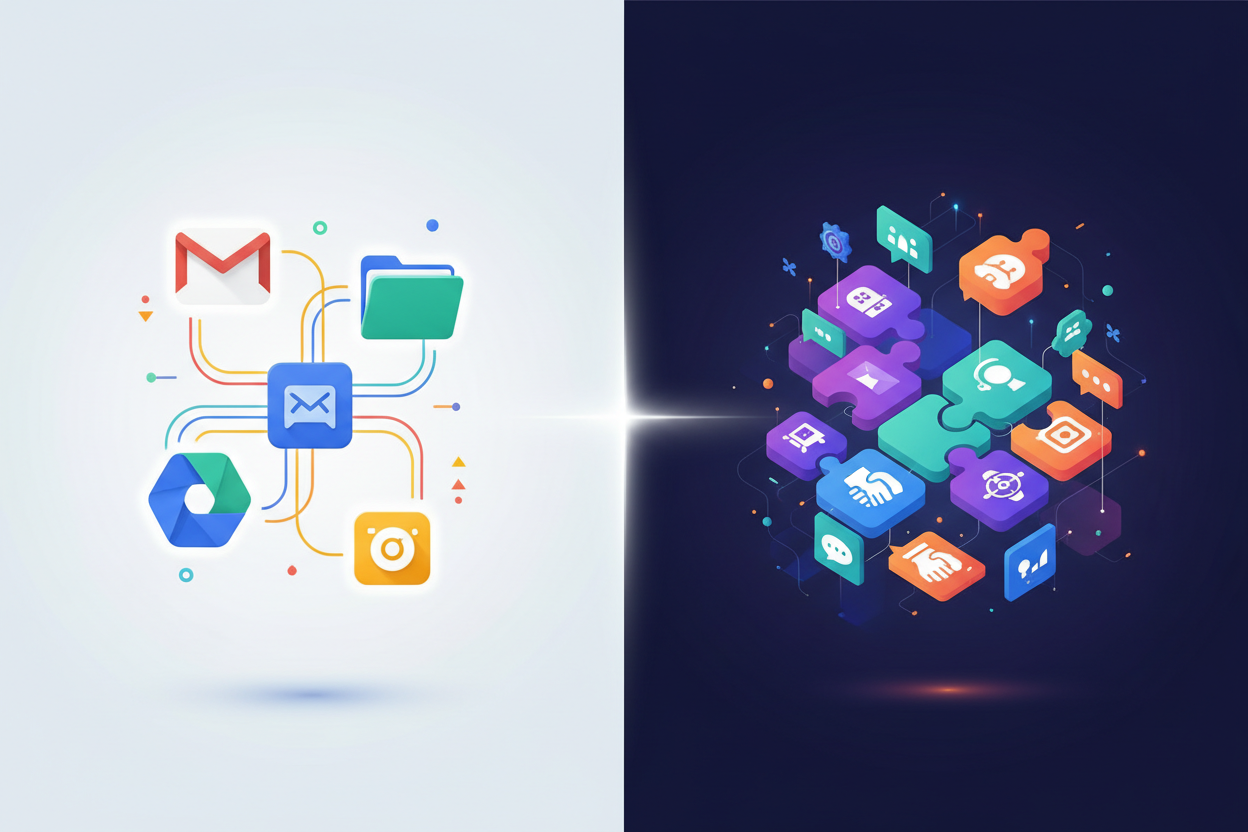
If you’re juggling multiple messaging platforms in 2026, you’re not alone. Many organizations are discovering that the “one-size-fits-all” approach to team communication simply doesn’t work anymore. Different departments have different needs, and sometimes the best solution is embracing both Google Chat and Slack while creating bridges between them.
This comprehensive guide will walk you through the most effective strategies for integrating Google Chat with Slack, ensuring your team stays connected regardless of their platform preference. Whether you’re a startup managing rapid growth or an enterprise dealing with complex departmental structures, these best practices will help you create a unified communication ecosystem that actually works.
Why Cross-Platform Communication Matters in 2026 💼
The communication landscape has evolved dramatically over the past few years. Remote work isn’t just a temporary solution anymore – it’s become the new normal for millions of professionals worldwide. With this shift comes the challenge of maintaining effective communication across diverse teams and platforms.
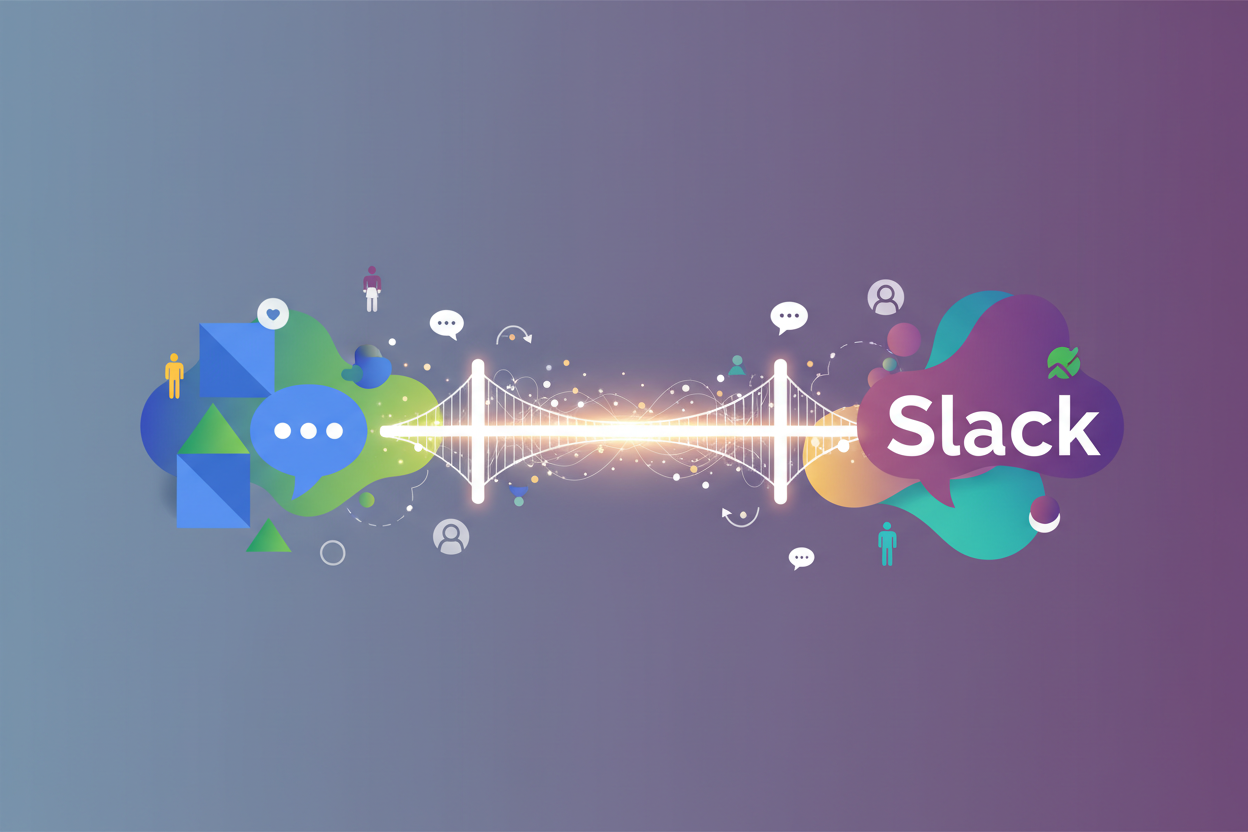
Google Chat excels in environments where Google Workspace integration is crucial. Its seamless connection with Gmail, Google Drive, and Google Meet makes it a natural choice for teams heavily invested in the Google ecosystem. On the other hand, Slack’s robust app marketplace, customizable workflows, and vibrant community features make it ideal for creative teams and companies prioritizing collaboration culture.
The reality is that many organizations don’t have the luxury of choosing just one platform. Mergers and acquisitions, client requirements, and departmental preferences often result in a multi-platform communication environment. Instead of fighting this reality, smart organizations are learning to work with it.
Understanding the Integration Challenge 🔧
Before diving into solutions, it’s important to understand why integrating Google Chat with Slack isn’t as straightforward as connecting two puzzle pieces. Both platforms are designed to be comprehensive communication hubs, which means they naturally want to keep users within their ecosystems.
Google Chat prioritizes integration with Google Workspace tools, making it incredibly efficient for teams that live and breathe Google products. Meanwhile, Slack focuses on creating a central hub for all work-related communication, with thousands of third-party integrations available through its app directory.
The challenge lies in creating bridges between these two distinct philosophies without compromising the strengths of either platform. You don’t want to dilute the Google Chat experience for your Workspace-heavy teams, nor do you want to limit Slack’s powerful automation capabilities.
Best Practices for Google Chat-Slack Integration 🎯
1. Establish Clear Communication Protocols
The first step in successful cross-platform integration is establishing clear protocols about when and how to use each platform. This isn’t about creating rigid rules that stifle communication, but rather providing guidelines that help team members choose the most effective channel for their specific needs.
Consider implementing a communication hierarchy where urgent, company-wide announcements are shared simultaneously on both platforms, while project-specific discussions remain within the platform most convenient for the core team members. This approach prevents important information from getting lost while respecting individual platform preferences.
2. Leverage Automation Tools and Bots
Automation is your best friend when managing cross-platform communication. Tools like Zapier, Microsoft Power Automate, or custom webhook integrations can help bridge the gap between Google Chat and Slack without requiring manual intervention.
For example, you can set up automated workflows that cross-post critical announcements from Slack channels to specific Google Chat spaces, or create bots that notify Slack users when they’re mentioned in Google Chat conversations. The key is finding the right balance between automation and human control.
3. Create Unified Project Spaces
One effective strategy is creating unified project spaces that exist on both platforms but serve different purposes. Your main project coordination might happen in Slack, while Google Chat handles quick check-ins and file sharing through Google Drive integration.
This approach works particularly well for cross-functional teams where some members are more comfortable with one platform than the other. It ensures everyone has access to project information while allowing them to participate through their preferred communication method.
Technical Solutions and Workarounds 💻
Third-Party Integration Platforms
Several third-party platforms specialize in connecting disparate communication tools. Zapier remains one of the most popular choices, offering pre-built integrations that can automatically sync messages, notifications, and file shares between Google Chat and Slack.
Microsoft Power Automate provides another robust option, particularly for organizations already using Microsoft 365 alongside Google Workspace and Slack. These platforms allow you to create sophisticated workflows that can handle complex communication scenarios without requiring extensive technical knowledge.
Custom API Solutions
For organizations with specific integration needs, custom API solutions offer the most flexibility. Both Google Chat and Slack provide comprehensive APIs that allow developers to create tailored integration solutions.
Custom solutions can handle unique business requirements such as compliance logging, advanced message filtering, or integration with proprietary business systems. While this approach requires more technical investment, it often provides the most seamless user experience.
Browser Extensions and Desktop Apps
Don’t overlook simpler solutions like browser extensions or desktop applications that can help users manage multiple communication platforms more efficiently. Extensions that provide unified notifications or allow quick switching between platforms can significantly improve the user experience without requiring complex backend integrations.
Security and Compliance Considerations 🔒
When integrating communication platforms, security should never be an afterthought. Both Google Chat and Slack offer enterprise-grade security features, but integrating them creates new potential vulnerabilities that need to be addressed.
Ensure that any third-party integration tools you use comply with your organization’s security standards. This includes verifying data encryption in transit and at rest, understanding data retention policies, and ensuring that integration platforms have appropriate access controls.
For regulated industries, consider how cross-platform integration affects compliance requirements. Some organizations need to maintain separate audit trails for different types of communication, which can complicate integration efforts but isn’t insurmountable with proper planning.
Managing Team Workflows Across Platforms 📋
Training and Change Management
Successfully integrating Google Chat with Slack isn’t just a technical challenge – it’s also a people challenge. Team members need to understand how to navigate the new communication landscape effectively.
Invest in comprehensive training that covers not just the technical aspects of using both platforms, but also the strategic thinking behind when to use each tool. Help team members understand how the integration enhances their workflow rather than complicating it.
Monitoring and Optimization
Cross-platform communication requires ongoing monitoring and optimization. Regularly assess which integrations are providing value and which might be creating confusion or redundancy.
Use analytics from both platforms to understand communication patterns and identify opportunities for improvement. Are certain types of messages getting lost in translation? Are team members avoiding one platform because the integration isn’t seamless enough? This data will help you refine your approach over time.
Future-Proofing Your Communication Strategy 🔮
As we move further into 2026, the communication platform landscape continues to evolve rapidly. Artificial intelligence is becoming increasingly integrated into these tools, and new platforms are emerging regularly.
When designing your Google Chat-Slack integration strategy, consider how it will adapt to future changes. Choose integration methods that are flexible and can accommodate new platforms or features as they emerge.
Stay informed about updates to both Google Chat and Slack that might affect your integration approach. Both platforms regularly introduce new features that could simplify or enhance your cross-platform communication strategy.
Conclusion: Building Bridges, Not Walls 🌉
Integrating Google Chat with Slack in 2026 isn’t about forcing two incompatible systems to work together – it’s about recognizing that different teams have different communication needs and building bridges that honor those differences while maintaining organizational unity.
The most successful integrations are those that enhance rather than complicate existing workflows. By focusing on clear protocols, smart automation, and ongoing optimization, you can create a communication ecosystem that leverages the strengths of both platforms while minimizing their individual limitations.
Remember that perfect integration isn’t always the goal – effective communication is. Sometimes the best solution is a hybrid approach that allows teams to work in their preferred environment while ensuring that critical information flows seamlessly across the organization.
As communication technology continues to evolve, the organizations that thrive will be those that remain flexible and focus on connecting people rather than perfecting platforms. Start with the strategies outlined in this guide, but don’t be afraid to adapt and evolve your approach as your team’s needs change.
Frequently Asked Questions ❓
Q: Can I directly integrate Google Chat with Slack without third-party tools?
A: Currently, there’s no native integration between Google Chat and Slack. You’ll need to use third-party automation tools, custom API solutions, or manual processes to bridge the platforms.
Q: Will integrating these platforms affect message security?
A: Integration can introduce new security considerations, but both platforms support enterprise-grade security. Ensure any third-party integration tools meet your security standards and maintain proper access controls.
Q: How much does it cost to integrate Google Chat with Slack?
A: Costs vary depending on your approach. Third-party automation tools like Zapier typically charge based on the number of tasks automated. Custom API solutions require development investment but may be more cost-effective for large organizations.
Q: Can I sync all messages between Google Chat and Slack?
A: While technically possible, syncing all messages isn’t recommended due to privacy concerns, compliance issues, and information overload. Focus on syncing specific channels or types of messages that benefit from cross-platform visibility.
Q: What happens if one platform goes down?
A: Having both platforms provides redundancy. Establish protocols for communicating platform outages and ensure your team knows how to quickly switch to the alternative platform when needed.
Q: How do I handle file sharing across both platforms?
A: Consider using a unified file storage solution like Google Drive or Dropbox that can be accessed from both platforms. This ensures files remain accessible regardless of which communication platform team members are using.