Choosing Between GIMP and Photoshop for Image Editing in 2026: A Complete Guide
Table of Contents
• Introduction: The Great Image Editor Debate
• Understanding GIMP: The Open-Source Champion
• Adobe Photoshop: The Industry Standard
• Feature Comparison: What Each Tool Offers
• Cost Analysis: Budget vs. Investment
• Performance and System Requirements
• User Experience and Learning Curve
• Professional Workflow Integration
• Community Support and Resources
• Making the Right Choice for Your Needs
• Frequently Asked Questions
Introduction: The Great Image Editor Debate 🎨
Picture this: you’re staring at your computer screen, ready to dive into your next creative project, but you’re stuck on a fundamental question that’s plagued digital artists and photographers for years. Should you go with GIMP, the beloved free alternative that’s been steadily improving, or invest in Adobe Photoshop, the industry heavyweight that’s dominated professional workflows for decades?
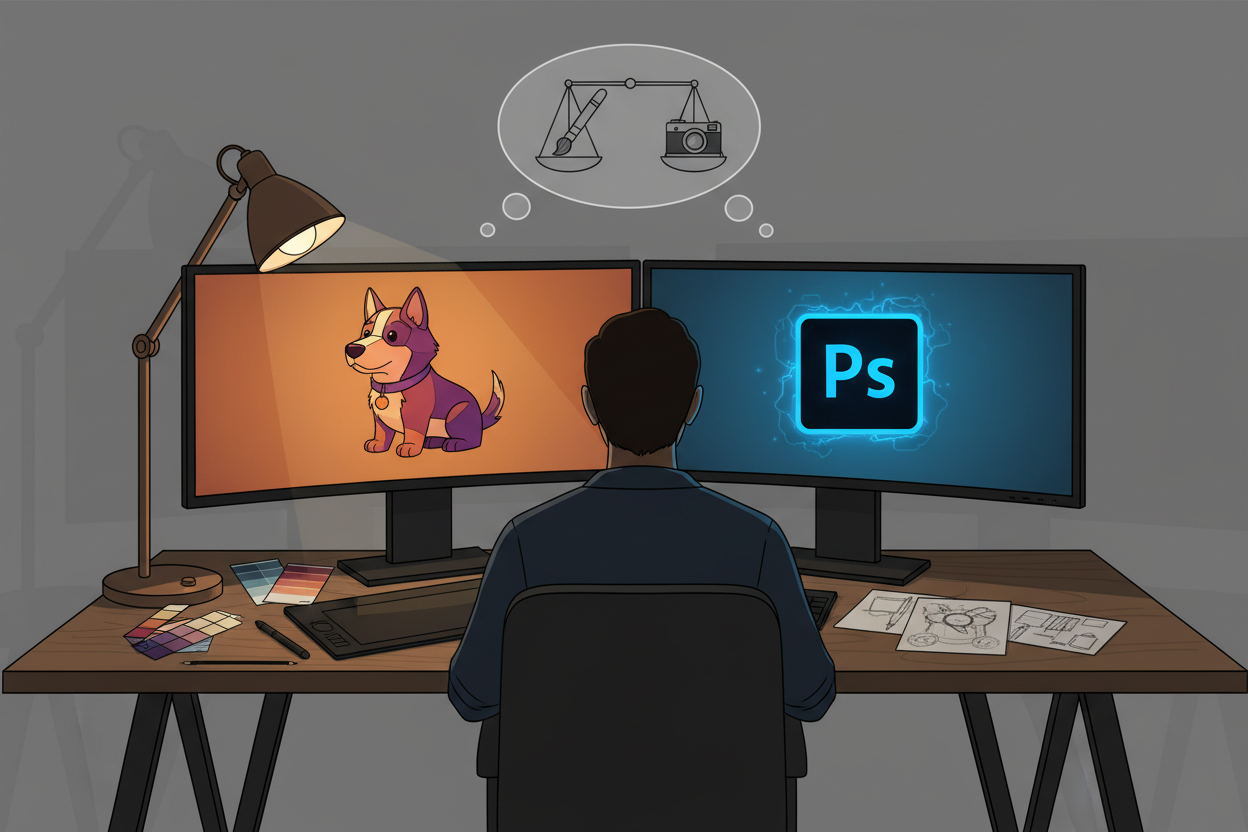
In 2026, this decision has become more nuanced than ever before. Both GIMP and Photoshop have evolved significantly, each carving out distinct advantages that cater to different user needs. Whether you’re a budget-conscious student, a freelance photographer, or a seasoned creative professional, understanding the strengths and limitations of each platform is crucial for making an informed choice.
Let’s dive deep into this comparison and help you determine which image editing powerhouse deserves a place in your creative toolkit.
Understanding GIMP: The Open-Source Champion 🚀
GIMP (GNU Image Manipulation Program) has come a long way since its humble beginnings in the 1990s. What started as a university project has transformed into a robust, feature-rich image editor that challenges many commercial alternatives. The beauty of GIMP lies not just in its zero price tag, but in its philosophy of democratizing professional-grade image editing tools.
The 2026 version of GIMP represents years of community-driven development, incorporating user feedback and modern design principles. The interface has become more intuitive, the performance more stable, and the feature set more comprehensive. It’s no longer just “the free alternative” – it’s become a legitimate contender in its own right.
One aspect that truly sets GIMP apart is its transparency. Being open-source means you can peek under the hood, modify the code if you’re technically inclined, or simply benefit from the collective wisdom of thousands of developers worldwide who contribute to its improvement.
Adobe Photoshop: The Industry Standard 👑
Adobe Photoshop needs little introduction. For over three decades, it has been synonymous with professional image editing, setting industry standards and defining workflows that millions of creatives rely on daily. The 2026 iteration continues this legacy while embracing cutting-edge technologies like AI-powered tools and cloud integration.
What makes Photoshop particularly compelling is its ecosystem integration. When you choose Photoshop, you’re not just getting an image editor – you’re gaining access to the entire Adobe Creative Suite, seamless file sharing through Creative Cloud, and compatibility with virtually every professional workflow imaginable.
Photoshop’s strength also lies in its consistency and reliability. When you’re working on a client project with tight deadlines, knowing that your tools will perform predictably can be invaluable. The software’s extensive documentation, professional support, and industry-wide adoption create a safety net that many professionals find indispensable.
Feature Comparison: What Each Tool Offers ⚡
When it comes to core functionality, both GIMP and Photoshop offer impressive arsenals of tools. GIMP provides all the essential features you’d expect: layers, masks, filters, color correction, and advanced selection tools. Its scripting capabilities through Script-Fu and Python plugins allow for powerful automation and customization.
Photoshop, however, edges ahead in specialized areas. Its Content-Aware Fill technology, advanced healing tools, and AI-powered features like Neural Filters provide capabilities that GIMP struggles to match. The integration of Adobe’s Sensei AI across various tools creates intelligent automation that can significantly speed up complex editing tasks.
Where GIMP shines is in its flexibility and customization options. The ability to modify the interface, create custom tools, and adapt the software to specific workflows gives power users unprecedented control. This flexibility comes at the cost of some polish, but for users who value customization over convenience, GIMP delivers.
Both applications support similar file formats, though Photoshop has broader support for proprietary formats and better integration with other professional tools. GIMP’s native XCF format is powerful but not widely supported outside the GIMP ecosystem.
Cost Analysis: Budget vs. Investment 💰
The cost difference between GIMP and Photoshop is stark and often the deciding factor for many users. GIMP is completely free – no subscriptions, no licensing fees, no hidden costs. You can download it today and use every feature without spending a penny.
Photoshop, on the other hand, requires a Creative Cloud subscription starting at around $20.99 per month for the Photography plan or $54.99 for the complete Creative Suite. While this might seem expensive, it’s important to consider the total value proposition.
For students and hobbyists, GIMP’s free price point is unbeatable. However, professionals often find that Photoshop’s subscription cost is easily justified by increased productivity, client compatibility, and the comprehensive ecosystem it provides. The time saved through efficient workflows and reliable performance can quickly offset the monthly subscription cost.
It’s also worth considering the hidden costs of each option. GIMP might be free, but investing time in learning its quirks or dealing with compatibility issues could have an opportunity cost. Conversely, Photoshop’s subscription includes regular updates, cloud storage, and professional support that add significant value.
Performance and System Requirements 🖥️
Performance has traditionally been an area where the comparison between GIMP and Photoshop revealed interesting trade-offs. GIMP, being lighter and more modular, often runs well on older hardware and systems with limited resources. This makes it an excellent choice for users working on budget computers or those who need to maintain compatibility across diverse hardware setups.
Photoshop, while more resource-intensive, leverages this additional overhead to deliver superior performance in complex operations. Its optimized rendering engine, GPU acceleration, and efficient memory management make it notably faster when working with large files or performing computationally intensive tasks.
In 2026, both applications have made significant strides in optimization. GIMP has improved its multi-threading capabilities and memory handling, while Photoshop has become more efficient and responsive, especially on modern hardware with dedicated graphics cards.
The choice often comes down to your specific hardware and workflow requirements. If you’re working with massive RAW files or complex compositions, Photoshop’s performance advantages become more apparent. For lighter editing tasks or when working on constrained hardware, GIMP’s efficiency might be preferable.
User Experience and Learning Curve 📚
The user experience represents one of the most significant differentiators between these two applications. Photoshop has invested heavily in user interface design and user experience research, resulting in an interface that, while complex, follows consistent design principles and offers intuitive tool placement.
GIMP’s interface has improved dramatically over the years, but it still reflects its open-source origins in some ways. The single-window mode introduced in recent versions has made it more approachable, but the tool organization and workflow patterns can feel unfamiliar to users coming from other image editors.
For beginners, Photoshop often provides a gentler learning curve, thanks to its extensive tutorials, guided edits, and contextual help systems. Adobe has invested significantly in educational resources, making it easier for newcomers to get started and progressively build their skills.
GIMP’s learning curve can be steeper initially, but many users find that its logical tool organization and customizable interface become advantages once they invest time in learning the system. The ability to completely customize the workspace means that experienced users can create highly efficient, personalized environments.
Professional Workflow Integration 🔄
When it comes to professional workflows, Photoshop maintains a significant advantage through its widespread industry adoption and ecosystem integration. Most professional printing services, design agencies, and collaborative workflows are built around Adobe’s file formats and color management systems.
Photoshop’s integration with other Adobe applications like Lightroom, Illustrator, and InDesign creates seamless workflows that many professionals rely on daily. The ability to move files between applications while maintaining layers, effects, and metadata is invaluable in complex projects.
GIMP faces challenges in professional environments primarily due to compatibility issues. While it can import and export Photoshop files, some layer effects, adjustment layers, and advanced features may not translate perfectly. This can create friction in collaborative workflows where file fidelity is crucial.
However, GIMP excels in environments where open standards and flexibility are prioritized. Its support for various file formats and ability to integrate with other open-source tools makes it attractive for workflows that prioritize vendor independence and customization.
Community Support and Resources 🤝
Both GIMP and Photoshop benefit from vibrant communities, but the nature of their support ecosystems differs significantly. GIMP’s community is driven by passionate volunteers who contribute tutorials, plugins, and support through forums and social media. This grassroots approach creates a collaborative, inclusive environment where users help each other solve problems and share techniques.
Photoshop’s community is more diverse, including professional trainers, Adobe-certified experts, and commercial training providers. This creates a rich ecosystem of high-quality educational content, though it often comes at a cost. Adobe’s official support channels provide professional-grade assistance, which can be crucial for business users.
The plugin ecosystems also reflect these different approaches. GIMP’s plugins are typically free and open-source, created by community members to address specific needs. Photoshop’s plugin market includes both free and commercial options, with some premium plugins offering advanced functionality that extends the application’s capabilities significantly.
Making the Right Choice for Your Needs 🎯
Choosing between GIMP and Photoshop in 2026 ultimately depends on your specific circumstances, goals, and constraints. Let me share some guidance based on different user scenarios that might help clarify your decision.
If you’re a student or hobbyist just starting your image editing journey, GIMP offers an excellent entry point. You can learn fundamental concepts without financial commitment, and the skills you develop will largely transfer to other image editors if you decide to switch later. The active community and wealth of free tutorials make it possible to achieve professional-quality results without spending money on software.
For freelance photographers and designers, the choice becomes more nuanced. If most of your clients use Adobe workflows or expect Photoshop-compatible files, investing in Photoshop might be necessary for business reasons. However, if you primarily work independently or with clients who prioritize results over specific tools, GIMP can be a cost-effective solution that delivers excellent results.
Professional designers and agencies working in collaborative environments will likely find Photoshop’s ecosystem integration and industry standardization too valuable to ignore. The seamless workflow integration, reliable performance, and widespread compatibility often justify the subscription cost in professional settings.
Creative enthusiasts who enjoy customization and tinkering might find GIMP more appealing. Its open-source nature and extensive customization options allow for highly personalized workflows that can be more efficient than traditional approaches once properly configured.
Frequently Asked Questions
Can GIMP completely replace Photoshop for professional work?
While GIMP has most of the core functionality needed for professional image editing, complete replacement depends on your specific workflow requirements. GIMP can handle the majority of professional tasks, but you might encounter compatibility issues in collaborative environments or when working with specialized file formats.
Is it difficult to switch from Photoshop to GIMP or vice versa?
The transition requires some adjustment period, as both applications have different interface paradigms and tool organizations. However, the fundamental concepts of image editing remain the same, so experienced users can typically adapt within a few weeks of regular use.
Which application is better for beginners?
Both applications can work for beginners, but they offer different advantages. Photoshop provides more guided tutorials and a more polished learning experience, while GIMP offers the freedom to learn without financial pressure. The choice often depends on whether you prefer structured learning (Photoshop) or exploratory learning (GIMP).
Can I use both GIMP and Photoshop together?
Absolutely! Many users maintain both applications for different purposes. You might use GIMP for personal projects and Photoshop for professional work, or leverage each application’s strengths for specific types of editing tasks.
How important are the AI features in modern image editing?
AI features can significantly speed up certain tasks, particularly content removal, background replacement, and automatic adjustments. While not essential for all workflows, they can provide substantial time savings for users who frequently perform these types of edits.
The choice between GIMP and Photoshop in 2026 isn’t about finding the objectively “better” application – it’s about finding the right tool for your specific needs, budget, and workflow requirements. Both applications have evolved into powerful, capable platforms that can produce professional-quality results in the right hands. Consider your long-term goals, evaluate your budget constraints, and don’t be afraid to try both options to see which one feels more natural for your creative process. Remember, the best image editor is the one you’ll actually use consistently and enjoy working with. 🎨✨