Todoist: A Comprehensive Review of the Productivity App for 2026 📝
In today’s fast-paced world, staying organized and productive isn’t just a luxury—it’s a necessity. With countless tasks competing for our attention, finding the right productivity app can make or break your daily workflow. Enter Todoist, a task management platform that’s been quietly revolutionizing how millions of people organize their lives since 2007. But with so many productivity apps flooding the market in 2026, does Todoist still deserve a spot on your smartphone? Let’s dive deep into this comprehensive review.
Whether you’re a busy professional juggling multiple projects, a student trying to balance coursework and social life, or someone simply looking to bring more order to your daily routine, this review will help you determine if Todoist is the productivity partner you’ve been searching for. We’ll explore everything from its core features and pricing to real-world performance and how it stacks up against the competition.
Table of Contents
• What Is Todoist and Why It Matters
• Key Features That Set Todoist Apart
• Pricing Plans: Finding Value in 2026
• User Experience and Interface Design
• Integration Capabilities and Ecosystem
• Performance Across Different Platforms
• Pros and Cons: The Complete Picture
• How Todoist Compares to Competitors
• Who Should (and Shouldn’t) Use Todoist
• Final Verdict and Recommendations
What Is Todoist and Why It Matters in 2026 🎯
Todoist isn’t just another to-do list app—it’s a comprehensive task management ecosystem designed to help you capture, organize, and complete everything on your plate. Founded by Amir Salihefendić, this productivity powerhouse has evolved from a simple task tracker into a sophisticated platform that serves over 30 million users worldwide.
What makes Todoist particularly relevant in 2026 is its ability to adapt to our increasingly complex digital lives. As remote work continues to dominate, hybrid schedules become the norm, and the line between personal and professional tasks blurs, having a unified system that can handle it all becomes crucial. Todoist positions itself as that central command center for your productivity.
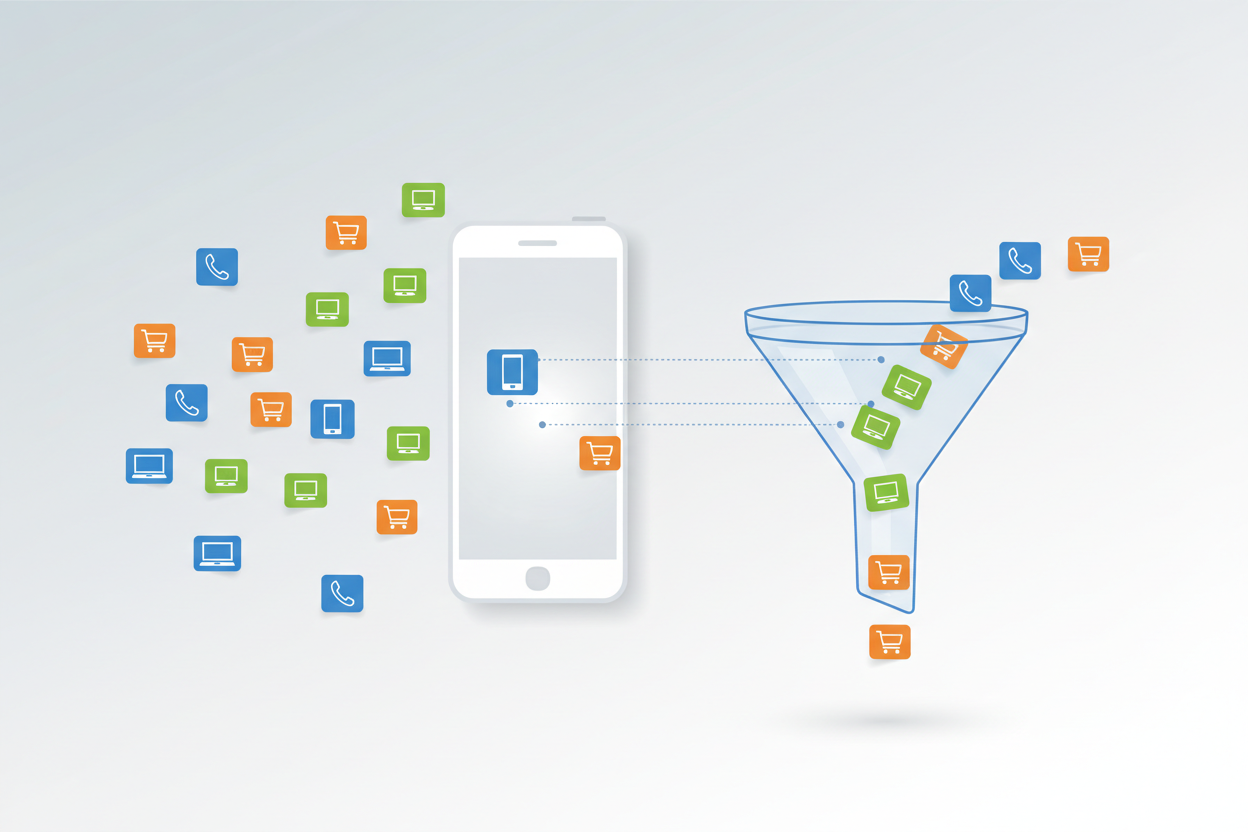
The app’s philosophy centers around the Getting Things Done (GTD) methodology, emphasizing the importance of capturing all your tasks in a trusted system so your mind can focus on execution rather than remembering. This approach resonates strongly with users who feel overwhelmed by the constant stream of responsibilities in modern life.
Key Features That Set Todoist Apart ⭐
Todoist’s feature set has matured significantly over the years, and in 2026, it offers a robust collection of tools that cater to both simple and complex productivity needs. Let’s explore the standout features that make this app worth considering.
Natural Language Processing: One of Todoist’s most beloved features is its ability to understand natural language when creating tasks. Type “Call mom tomorrow at 3pm” and the app automatically sets the due date and time. This seemingly simple feature saves countless taps and makes task entry feel effortless.
Project Organization and Hierarchy: The app excels at organizing tasks into projects and sub-projects, creating a clear hierarchy that mirrors how we naturally think about our work. Whether you’re planning a wedding, managing a product launch, or organizing your home renovation, the nested structure keeps everything logical and accessible.
Labels and Filters: Todoist’s labeling system allows for sophisticated task categorization. You can create custom labels like @phone, @computer, or @errands, then use filters to view tasks based on context, priority, or any combination of criteria. This flexibility is particularly valuable for users who work across multiple contexts throughout their day.
Karma System: The gamification element through Todoist’s Karma system provides motivation for consistent task completion. While some might find it gimmicky, many users report that seeing their productivity trends and earning karma points helps maintain momentum during challenging periods.
Templates and Recurring Tasks: For repetitive workflows, Todoist offers both project templates and sophisticated recurring task options. The recurring task feature handles complex schedules like “every second Tuesday” or “every 3 months starting next week,” which many competing apps struggle with.
Pricing Plans: Finding Value in 2026 💰
Todoist operates on a freemium model with three distinct tiers, each designed to serve different user needs and budgets. Understanding these options is crucial for making an informed decision about whether the app provides good value for your specific situation.
Free Plan: The free tier includes up to 5 personal projects, basic task management, and mobile apps. While limited, it’s genuinely useful for individuals with simple needs or those wanting to test the waters before committing.
Pro Plan ($4/month): The Pro plan unlocks 300 projects, labels, filters, reminders, and file uploads. For most serious users, this represents the sweet spot between functionality and cost. The ability to add files to tasks and set location-based reminders alone justifies the upgrade for many users.
Business Plan ($6/month per user): Designed for teams, this tier adds admin features, team billing, and enhanced collaboration tools. While pricier, it’s competitive with other business-focused productivity platforms.
Compared to competitors like Asana, Notion, or Microsoft To Do, Todoist’s pricing sits in the middle range. The value proposition becomes clearer when you consider the app’s reliability, cross-platform consistency, and the depth of features available even in the Pro tier.
User Experience and Interface Design 🎨
First impressions matter, and Todoist makes a strong one with its clean, intuitive interface. The design philosophy clearly prioritizes clarity over flashiness, resulting in an app that feels professional without being sterile.
The main interface centers around the “Today” view, which presents your scheduled tasks in a clean, scannable format. The color coding system (red for overdue, orange for today, green for upcoming) provides immediate visual feedback about your workload status. Navigation feels natural, with logical groupings and consistent iconography throughout.
One area where Todoist particularly shines is in its quick add functionality. The plus button is always accessible, and the natural language processing means you can capture thoughts rapidly without breaking your flow. This friction-free task entry is crucial for maintaining the habit of actually using the app.
The recent interface updates in 2026 have addressed some long-standing user complaints about information density and customization options. Users can now adjust the view density and choose between different theme options, making the app feel more personalized while maintaining its signature clean aesthetic.
Integration Capabilities and Ecosystem 🔗
In our interconnected digital world, an app’s ability to play well with others often determines its long-term usefulness. Todoist excels in this area, offering integrations with over 60 popular apps and services.
The email integration deserves special mention—you can forward emails directly to your Todoist inbox, turning messages into actionable tasks. This feature alone has saved countless users from the dreaded “email as task management” trap that plagues many professionals.
Calendar integration works seamlessly with Google Calendar, Outlook, and Apple Calendar, allowing you to see your tasks alongside your meetings. This unified view of commitments and tasks provides crucial context for daily planning.
For power users, the IFTTT and Zapier integrations open up almost limitless automation possibilities. You can create workflows that automatically add tasks based on triggers from other apps, turning Todoist into a central hub for your digital productivity ecosystem.
The browser extensions for Chrome, Firefox, and Safari make it easy to capture web content as tasks, while the mobile share extensions ensure you can quickly add tasks from any app on your phone.
Performance Across Different Platforms 📱
Todoist’s commitment to cross-platform consistency is impressive. Whether you’re using the web app, desktop applications for Windows and Mac, or mobile apps for iOS and Android, the experience remains remarkably uniform.
The mobile apps feel native to their respective platforms while maintaining feature parity. The iOS app takes advantage of platform-specific features like Siri integration and Apple Watch support, while the Android version leverages widgets and notification customization options.
Sync performance is generally excellent, with changes appearing across devices within seconds. However, some users report occasional sync delays when working offline, particularly with file attachments. These issues are rare but worth noting for users who frequently work without internet connectivity.
The desktop apps provide the full feature set without feeling like wrapped web apps. Keyboard shortcuts are comprehensive and customizable, making power users feel at home. The offline functionality works well, though some advanced features like natural language processing require an internet connection.
Pros and Cons: The Complete Picture ⚖️
What Todoist Does Well:
The app’s greatest strength lies in its balance of simplicity and power. New users can start productively within minutes, while advanced users can leverage sophisticated features like filters, labels, and project templates to create complex workflows.
The natural language processing continues to impress, making task entry feel conversational rather than mechanical. The reliability factor cannot be overstated—Todoist consistently works as expected, which builds trust over time.
Customer support deserves recognition for being responsive and helpful. The extensive documentation and active community forums provide excellent resources for users seeking to maximize their productivity.
Areas for Improvement:
Despite its strengths, Todoist isn’t perfect. The note-taking capabilities feel limited compared to apps like Notion or Obsidian. If you need rich text formatting, embedded media, or extensive documentation features, you’ll likely need a supplementary app.
The collaboration features, while functional, lack the sophistication of dedicated team management platforms. Real-time collaboration and advanced project management features feel basic compared to tools like Asana or Monday.com.
Some users find the Karma system and achievement badges juvenile, though these can be disabled. The free plan limitations, while understandable from a business perspective, can feel restrictive for users with even moderately complex needs.
How Todoist Compares to Competitors 🥊
In the crowded productivity app space, Todoist faces stiff competition from established players and innovative newcomers. Here’s how it stacks up against key competitors in 2026.
vs. Notion: Notion offers more flexibility and powerful database features, but Todoist wins on simplicity and task management focus. If you need an all-in-one workspace, choose Notion. For dedicated task management, Todoist is more streamlined.
vs. Asana: Asana provides superior team collaboration and project visualization features, making it better for complex team projects. However, Todoist offers better individual task management and a more intuitive personal productivity experience.
vs. Microsoft To Do: Microsoft’s offering integrates beautifully with the Office ecosystem and costs less, but lacks Todoist’s advanced features like natural language processing and sophisticated filtering options.
vs. Things 3: Things 3 provides a more polished user experience and better design, but it’s Apple-only and more expensive. Todoist’s cross-platform availability and collaborative features give it broader appeal.
Who Should (and Shouldn’t) Use Todoist 👥
Todoist works best for individuals and small teams who want a reliable, feature-rich task management system without overwhelming complexity. It’s particularly well-suited for:
Knowledge workers who juggle multiple projects and need sophisticated organization tools. The project hierarchy and filtering capabilities shine in these scenarios. Students and academics appreciate the balance of structure and flexibility for managing coursework, research, and personal tasks.
Remote workers and freelancers benefit from the cross-platform consistency and integration capabilities, allowing them to maintain productivity regardless of which device or location they’re working from.
However, Todoist might not be the best choice for everyone. Large teams with complex project management needs would be better served by dedicated project management platforms. Users who primarily need note-taking and documentation features should consider apps like Notion or Obsidian instead.
If you prefer visual project management with kanban boards or Gantt charts as primary views, tools like Trello or Asana might feel more natural.
Final Verdict and Recommendations 🏆
After extensive testing and daily use throughout 2026, Todoist remains one of the most reliable and well-rounded task management apps available. Its combination of ease-of-use, powerful features, and cross-platform consistency creates a compelling package for most productivity-focused users.
The app excels at what it sets out to do: help you capture, organize, and complete your tasks efficiently. While it may not be the flashiest option or offer the most advanced project management features, its reliability and thoughtful design make it a trustworthy foundation for your productivity system.
For most users, the Pro plan at $4/month represents excellent value, providing access to all the features needed for sophisticated personal and small team productivity. The free plan offers enough functionality for simple needs, making it risk-free to try.
If you’re looking for a task management app that will grow with your needs, work reliably across all your devices, and provide a solid foundation for long-term productivity habits, Todoist deserves serious consideration. It may not be perfect, but it’s consistently good at helping you get things done—and sometimes, that’s exactly what you need. ✅
Frequently Asked Questions
Is Todoist worth paying for in 2026?
Yes, for most serious users. The Pro plan at $4/month unlocks essential features like labels, filters, and file uploads that significantly enhance the app’s usefulness. The free plan is good for testing, but the Pro features justify the cost for regular users.
Can Todoist replace other productivity apps?
Todoist excels as a task manager but isn’t designed to replace note-taking apps, calendars, or comprehensive project management tools. It works best as part of a productivity ecosystem rather than as a single solution.
How does Todoist handle team collaboration?
Todoist offers basic collaboration features like shared projects, task assignment, and comments. While functional for small teams, larger organizations might need more sophisticated tools like Asana or Monday.com for complex project management.
Is my data safe with Todoist?
Yes, Todoist uses industry-standard encryption and has a strong privacy policy. The company is transparent about data handling and offers features like two-factor authentication for additional security.
Can I migrate from other task management apps?
Todoist provides import tools for several popular apps and supports CSV imports for custom migrations. While some manual cleanup may be required, the process is generally straightforward.